LaTeX Document Skill


The capybara sat down at the typewriter. When it stood up, there was a thesis.
Turn handwritten notes, scanned textbooks, and raw data into publication-ready LaTeX -- without knowing a single LaTeX command.
27 templates · 27 automation scripts · 26 reference guides · 4 OCR profiles · 217 tests · 0 LaTeX commands required
The 10-Second Pitch
You describe a document in plain English. This skill produces a compiled PDF.
- An 80-page handwritten math PDF becomes color-coded lecture notes with proper equations and TikZ diagrams.
- A 162-page textbook becomes a 2-page cheat sheet.
- A CSV becomes nine chart types.
- A one-line prompt becomes a thesis, a resume, a conference poster, or a 37-page book with drop caps.
No LaTeX knowledge required. The capybara handles the semicolons.
What Can It Actually Do?
(Spoiler: more than most humans with a PhD in LaTeX.)
| You say... | What happens under the hood |
|---|---|
| "Create my resume" | Selects from 5 ATS-optimized templates, compiles with pdflatex, generates PDF + PNG preview |
| "Convert my 80-page handwritten math notes into beautiful LaTeX" | pdf_to_images.sh renders at 200 DPI -> batch-7 parallel OCR agents -> math-notes.md profile generates colored tcolorbox theorems (blue), definitions (green), examples (orange) -> compile_latex.sh runs multi-pass pdflatex -> polished PDF with proper equations, proofs, and TikZ diagrams |
| "Turn this 162-page scan into a 2-page cheat sheet" | pdf_to_images.sh splits PDF -> vision OCR per page -> extracts key content -> symbol substitution -> telegram-style compression -> fits into cheatsheet.tex with 3-column landscape 7pt layout |
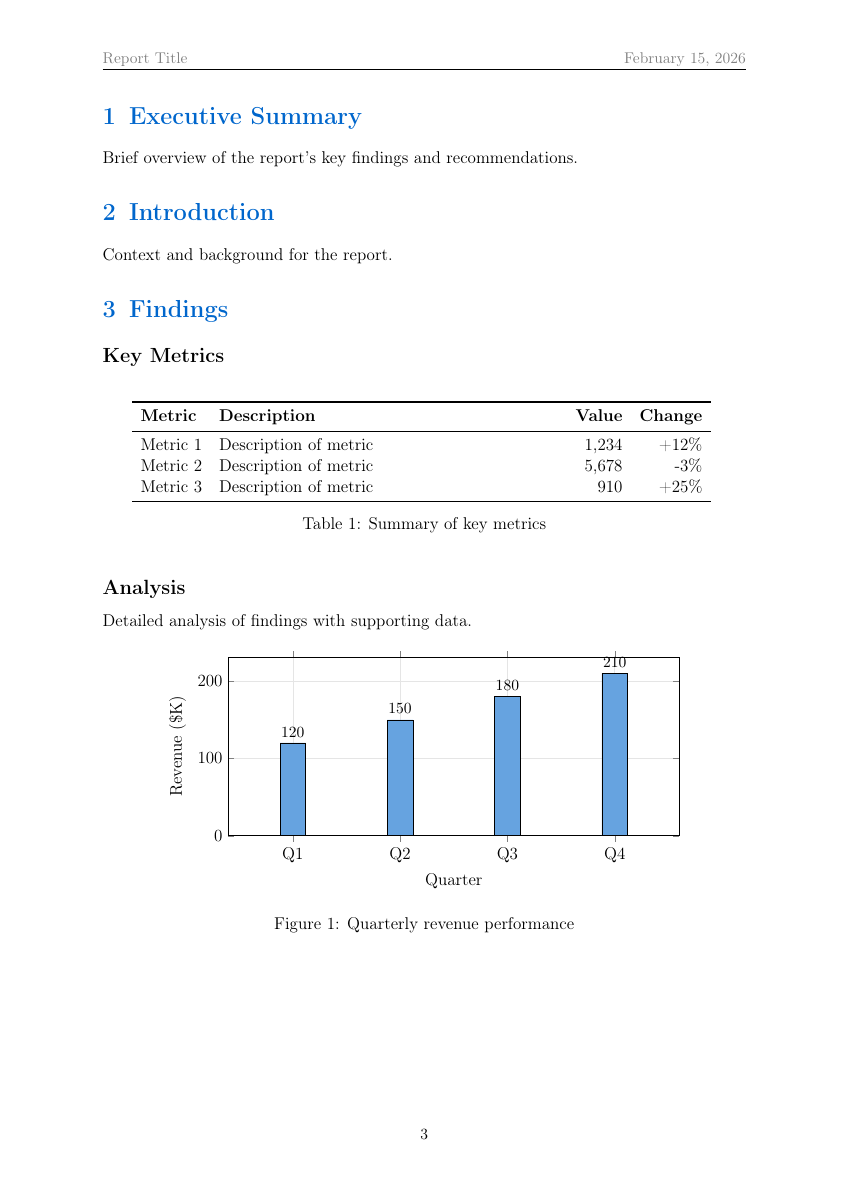
| "Build a quarterly report with charts" | generate_chart.py creates bar/line/pie charts from JSON/CSV -> csv_to_latex.py converts data into booktabs tables -> Mermaid/TikZ flowcharts compiled inline -> all embedded in report.tex with TOC |
| "Generate 9 charts from my sales CSV" | generate_chart.py reads CSV -> outputs bar, line, scatter, pie, heatmap, box, histogram, area, radar charts -> multi-series, legends, colorblind-safe Tol palette |
| "Convert my old PDF to LaTeX" | Pages split at 200 DPI -> parallel OCR agents -> clean .tex with profile-tuned formatting -> 0 errors per 7-page batch (validated on 115-page PDF) |
| "Send personalized letters to 500 candidates" | mail_merge.py loads template + CSV -> Jinja2 rendering -> 4 parallel pdflatex workers -> qpdf --pages merge into single PDF |
| "What changed between v1 and v2 of my thesis?" | latex_diff.sh runs latexdiff -> highlighted change-tracked PDF with additions in blue, deletions in red |
| "Make a NeurIPS poster" | Interactive: asks orientation -> layout -> color scheme -> generates A0 tikzposter with correct dimensions and QR codes |
| "Create a calculus final exam with answer key" | exam class with \printanswers toggle, grading table, 6 question types (MCQ, T/F, fill-blank, matching, short, essay) |
| "Fetch BibTeX for these DOIs" | fetch_bibtex.sh hits doi.org with Accept: application/x-bibtex header -> appends to .bib -> cross-refs every \cite{} key |
| "Password-protect this report" | pdf_encrypt.sh applies AES-256 with print/modify restrictions |
| "Fill this PDF form with my data" | Detects fillable fields -> validates -> fills text, checkbox, radio, choice fields -> completed PDF |
| "Fill this non-fillable PDF application" | Renders pages -> visual analysis to identify fields -> bounding box validation -> FreeText annotations at precise positions |
| "Check if my paper is ready to submit" | Verifies packages -> cross-refs citations -> counts figures/tables/equations -> runs chktex for style issues |
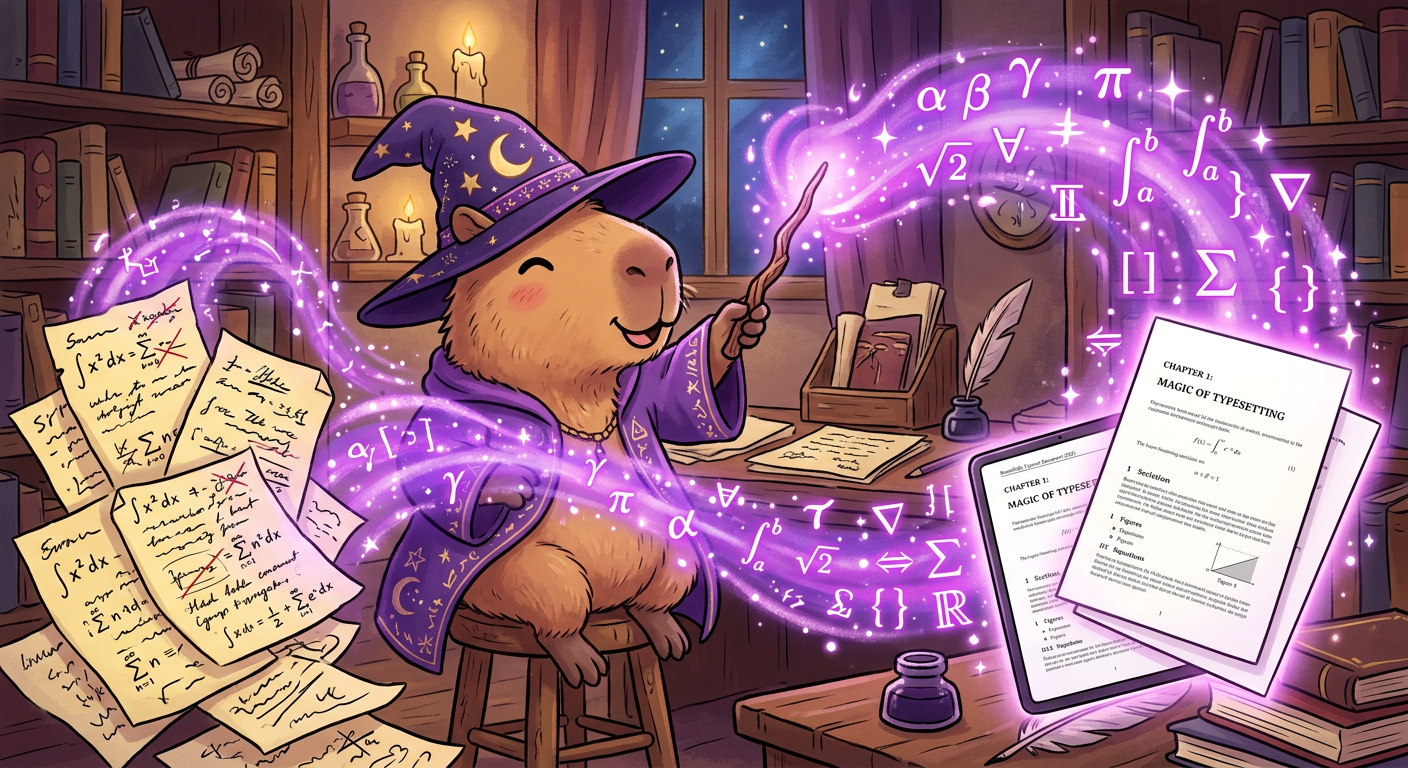
Handwritten chaos in, publication-ready PDF out. It's not magic. It's 27 shell scripts.
Template Gallery -- 27 Templates
Every template has been compiled, tested, and verified to produce zero errors. The capybara is a perfectionist.
Resumes -- 5 ATS-Optimized + 1 Legacy
All 5 modern templates designed to pass Applicant Tracking Systems (no columns, no tables for layout, no graphics in header, machine-readable text):
| Template | Target Role | Key Design Choices |
|---|---|---|
resume-classic-ats.tex | Finance, law, government | Single-column, minimal styling, maximum parsability |
resume-modern-professional.tex | Tech, corporate | Clean sections, subtle color accents |
resume-executive.tex | VP / Director / C-suite | Multi-page, executive summary section |
resume-technical.tex | Software, data, engineering | Skills matrix, project highlights |
resume-entry-level.tex | New graduates | Education-first, coursework, activities |
resume.tex (legacy) | Regions requiring photos | Photo area -- not ATS-compatible |
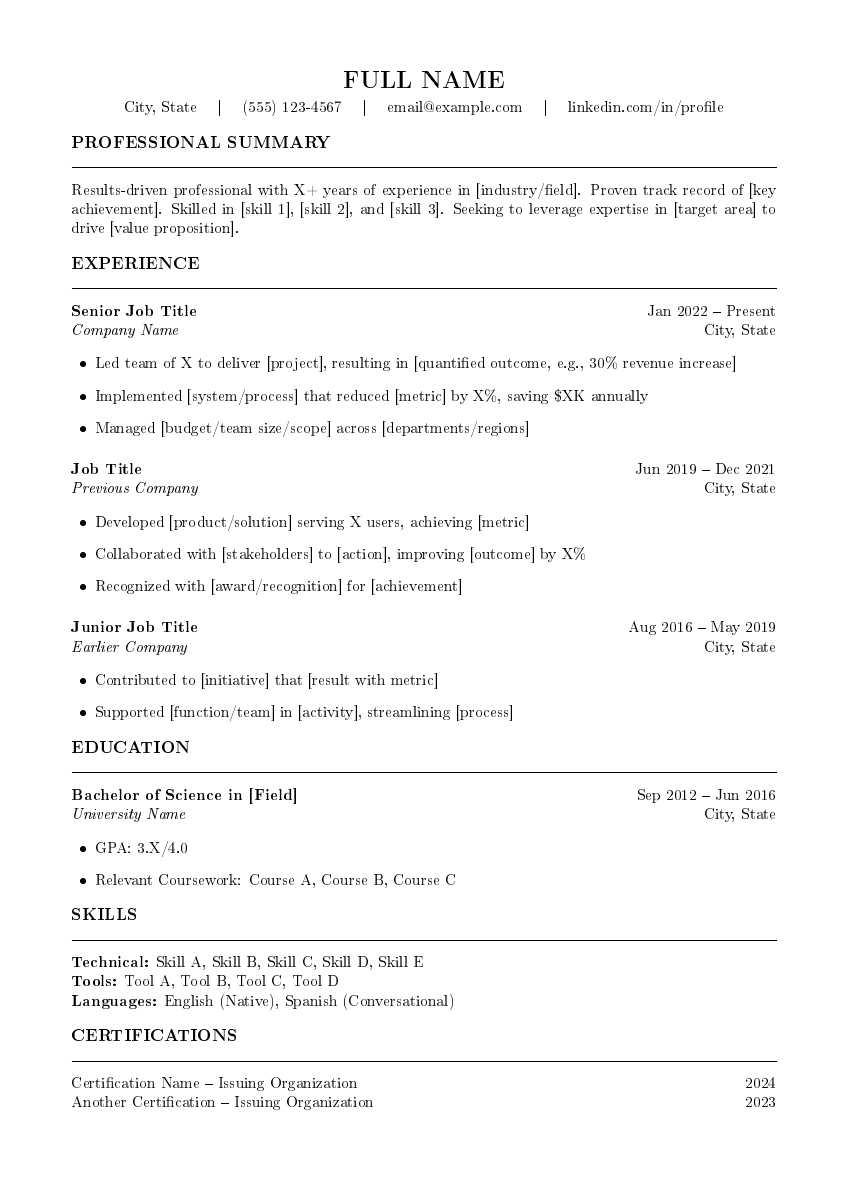 | 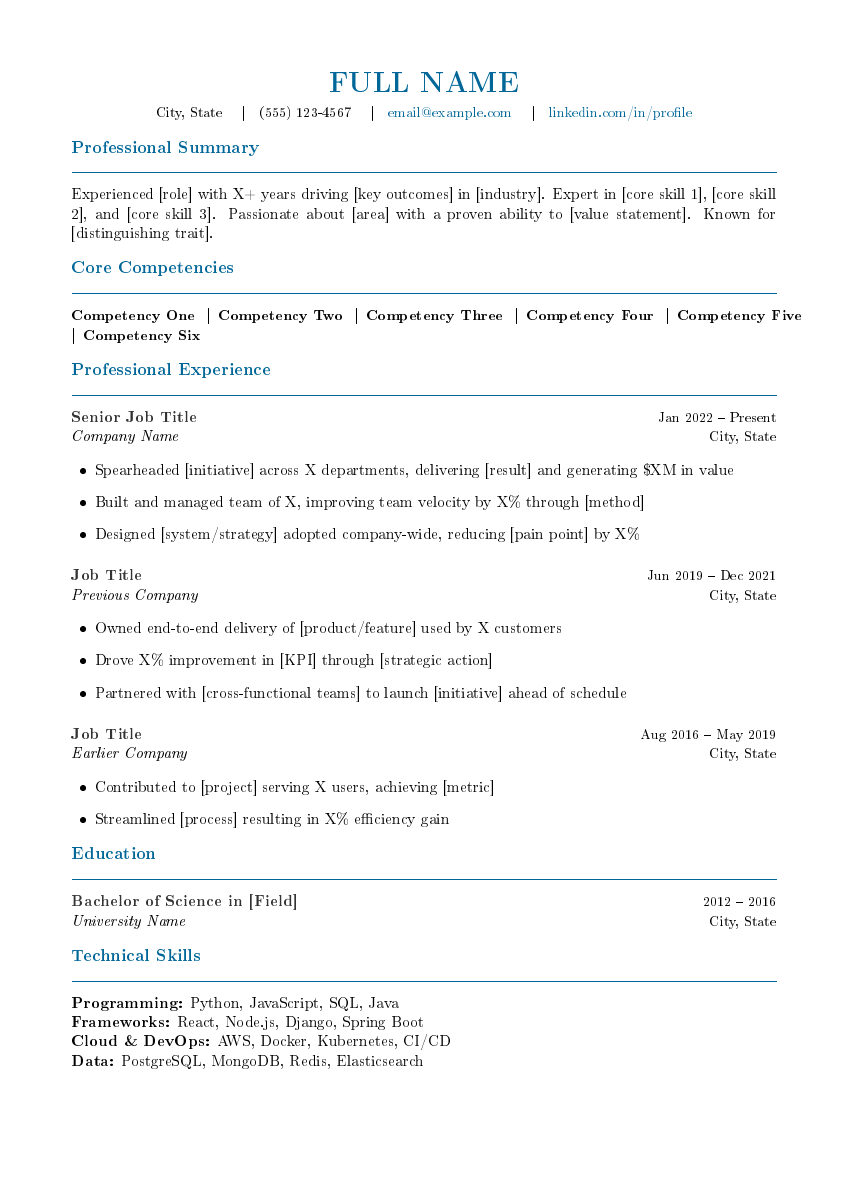 | 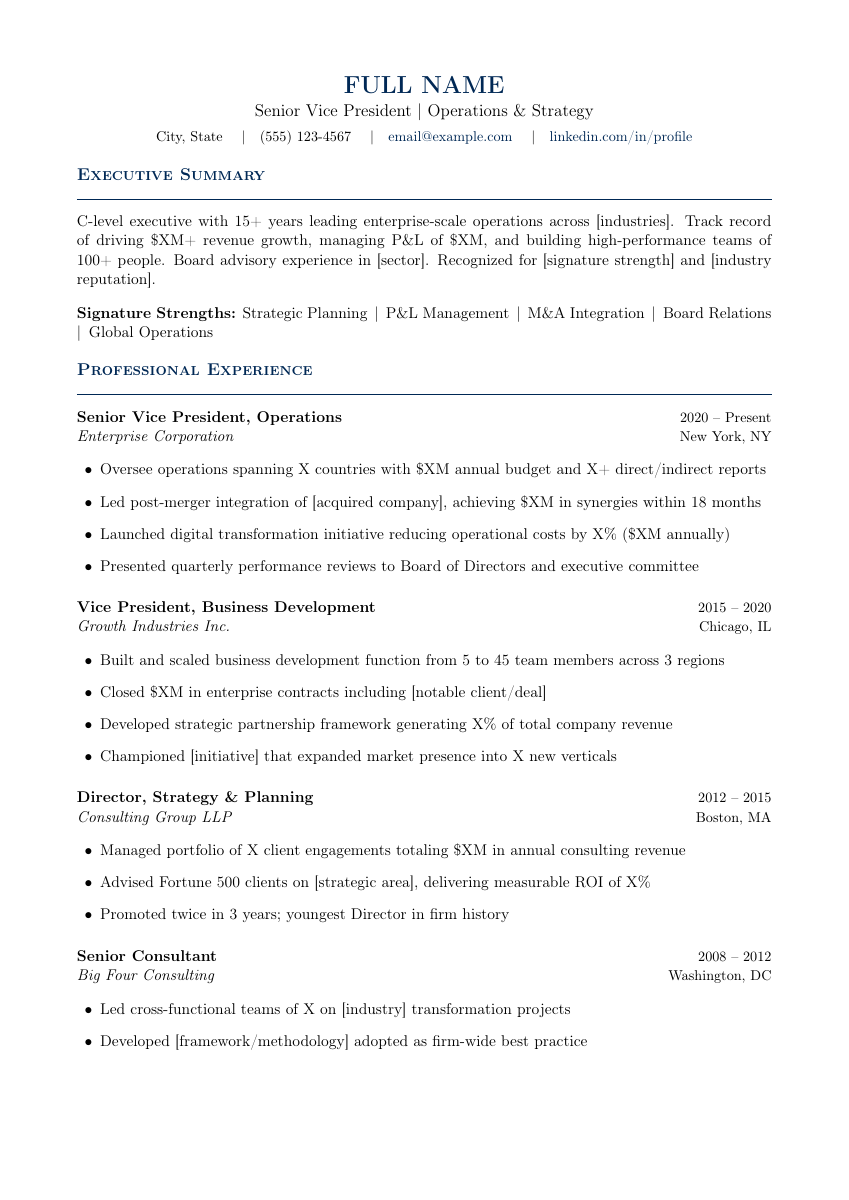 | 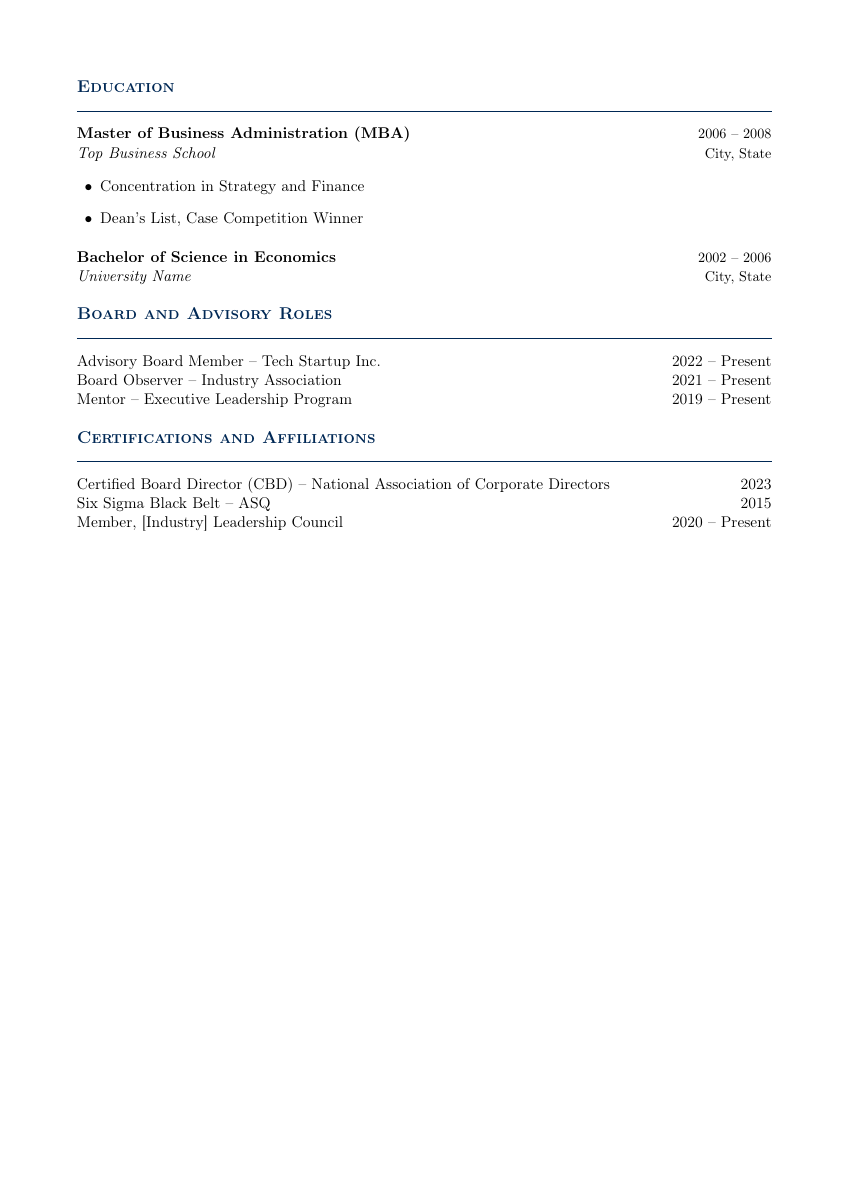 |
| Classic ATS | Modern Professional | Executive (p1) | Executive (p2) |
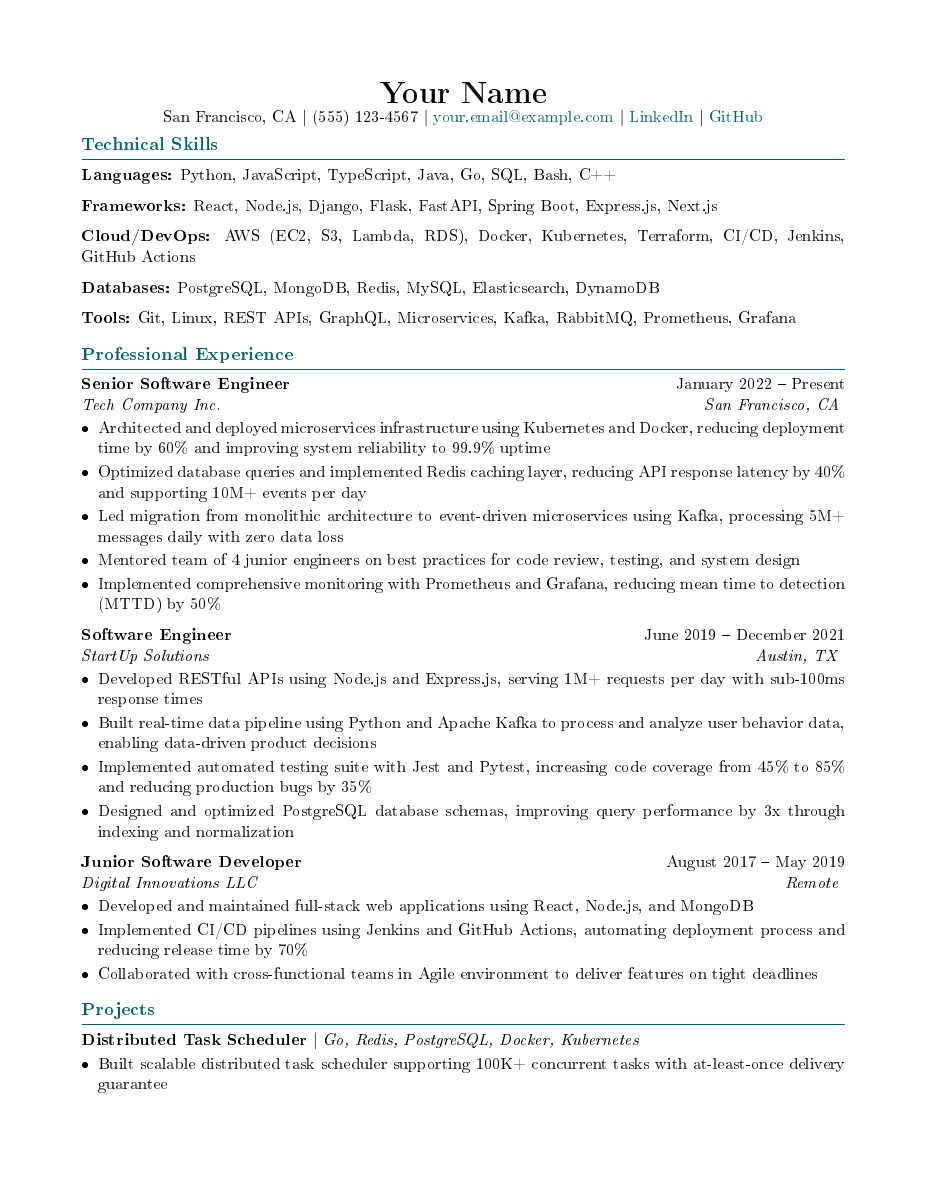 | 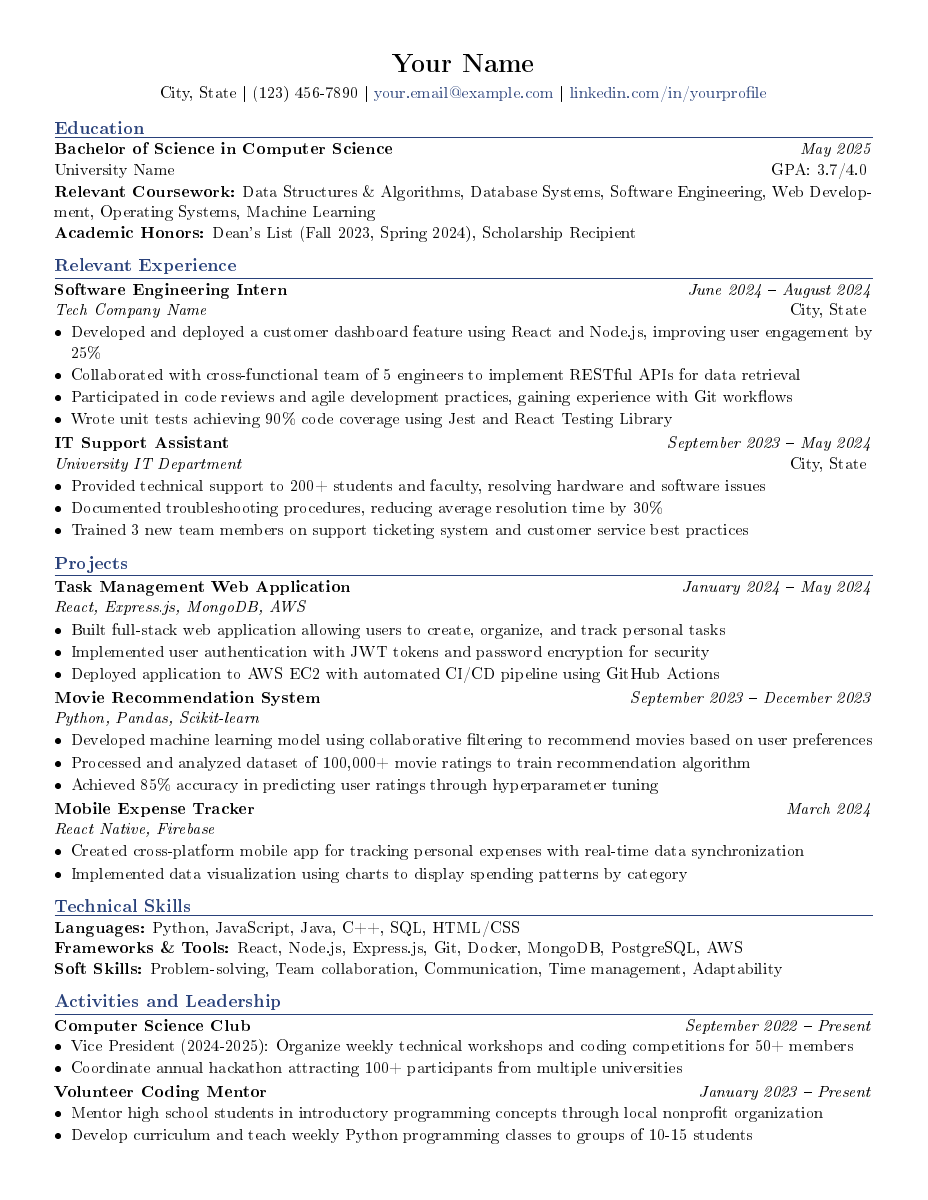 | ||
| Technical | Entry-Level |
Academic Documents
Thesis / Dissertation -- Full book-class, 38+ pages
Palatino fonts, microtype, mathtools, cleveref. Front matter (title, declaration, abstract, acknowledgments, TOC), multiple chapters, appendices, bibliography with biblatex/biber. \geometry{bindingoffset=1.5cm} for professional printing.
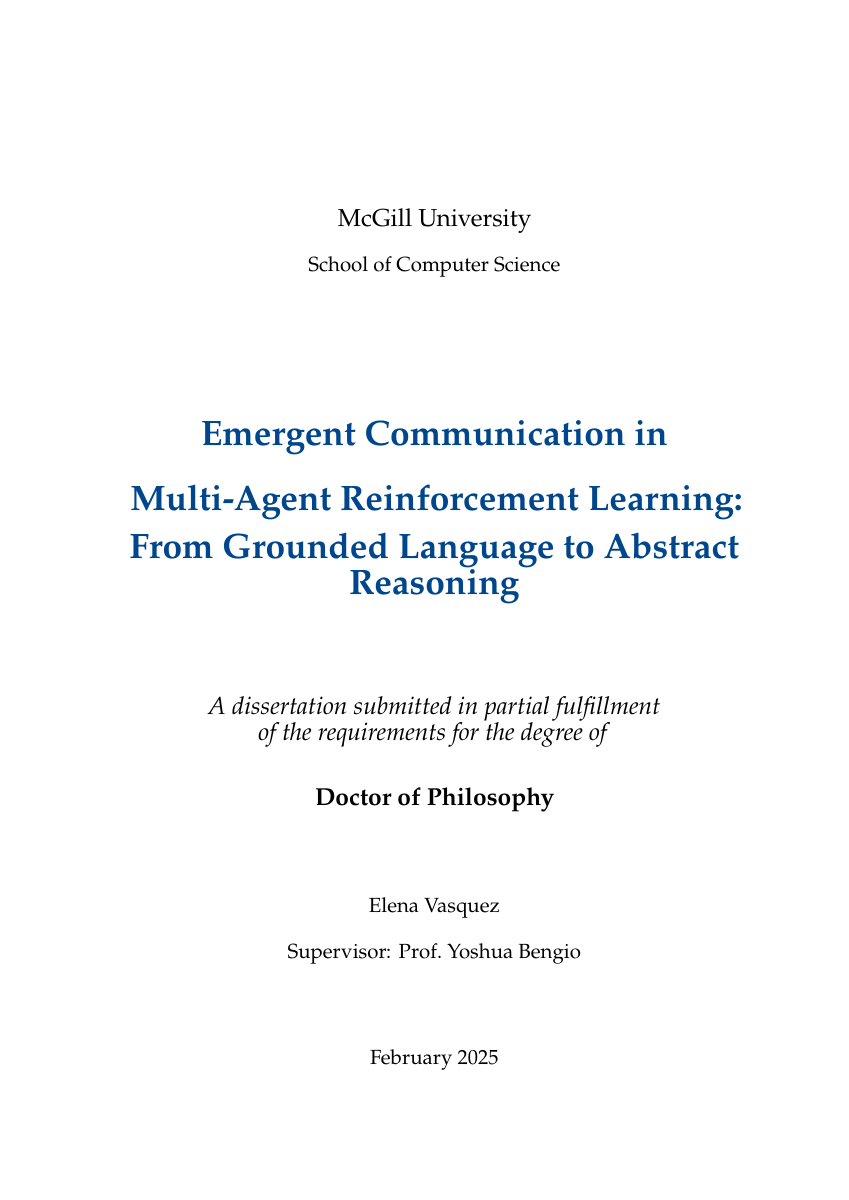 | 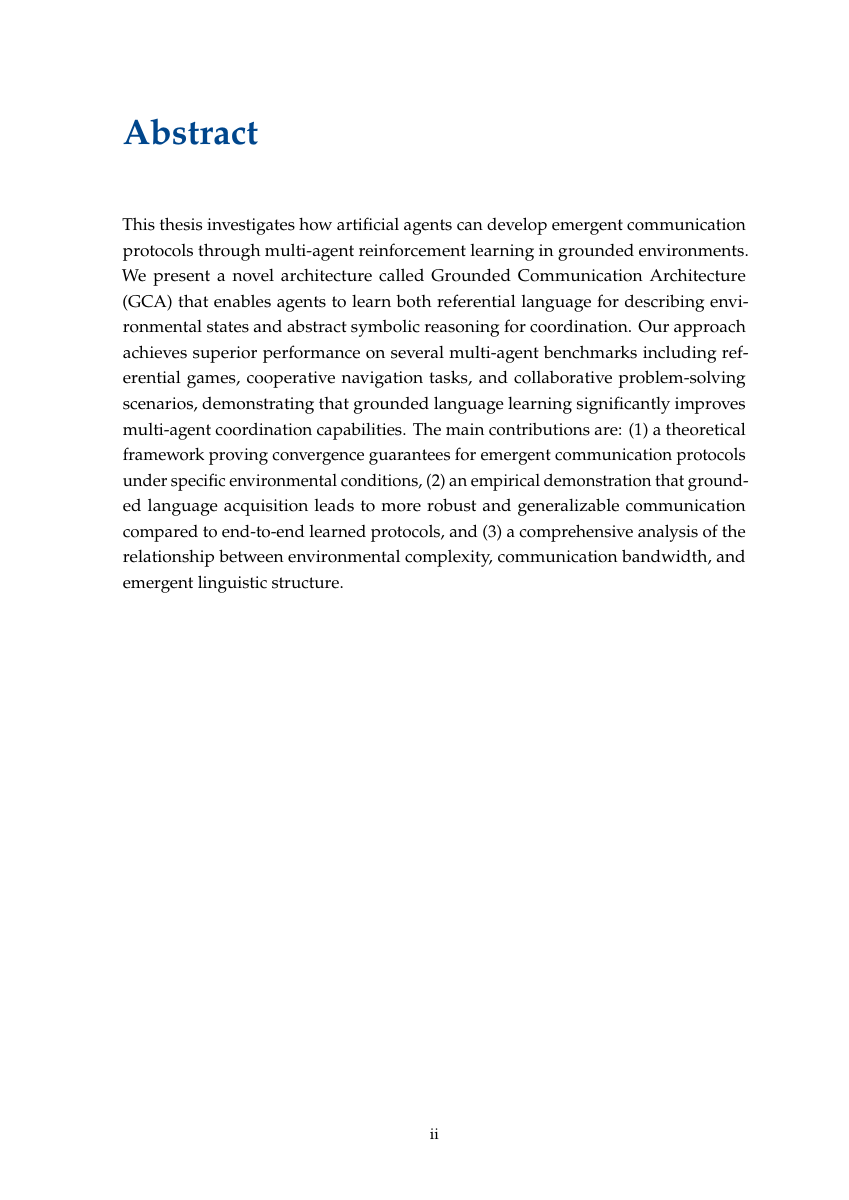 | 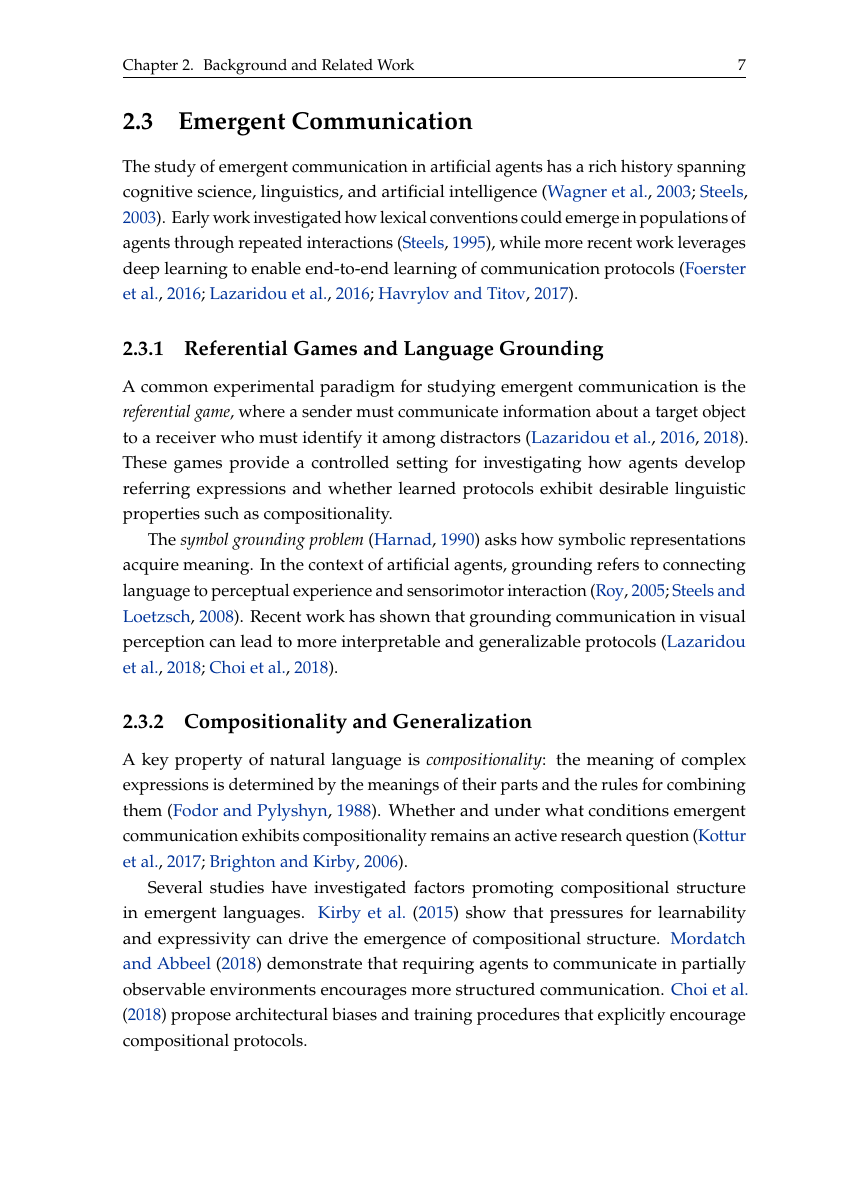 | 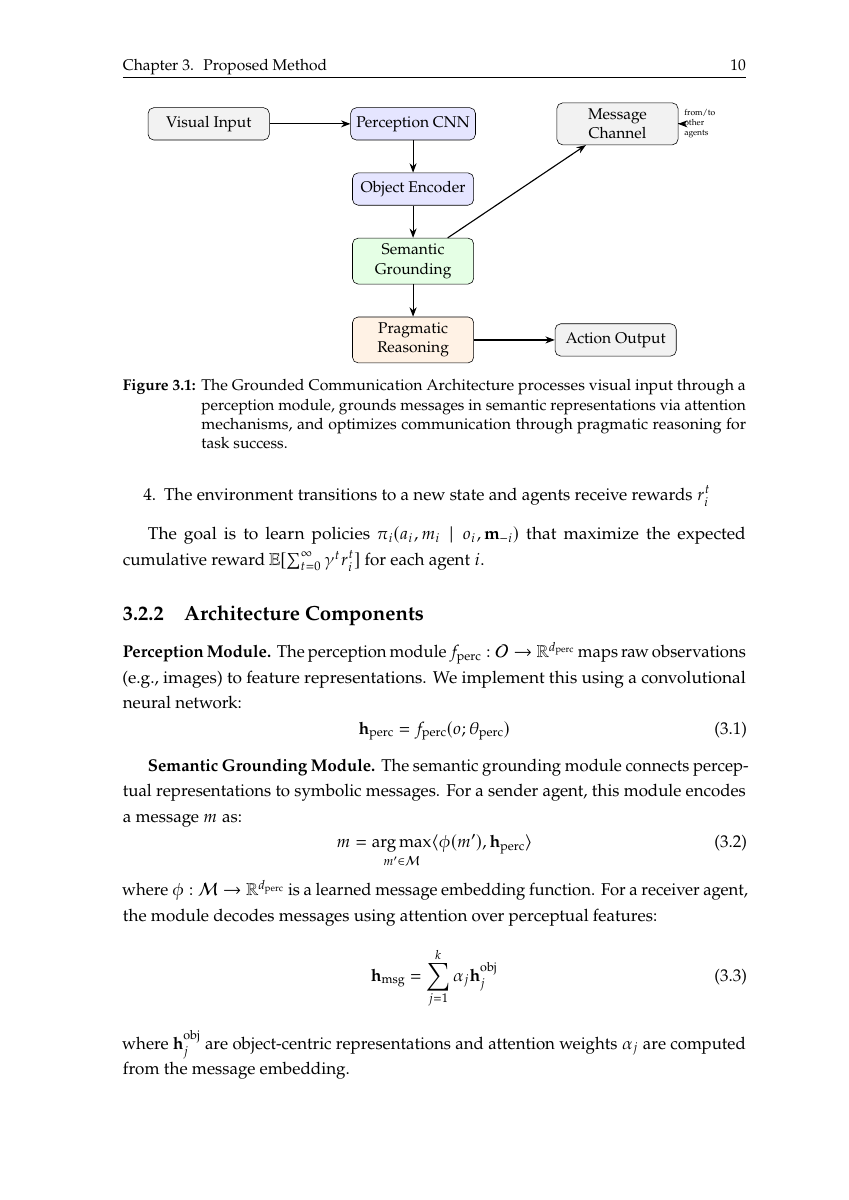 |
| Title Page | Table of Contents | Literature Review | TikZ Diagram |
 |  |  |  |
| Results | Charts | Chapter Content | Bibliography |
Academic Paper -- 11 pages, arXiv-compatible
Times fonts, colorblind-safe Tol palette, multi-author affiliations via authblk, siunitx for consistent units, algorithm environments, theorem/proof. \pdfoutput=1 for arXiv submission.
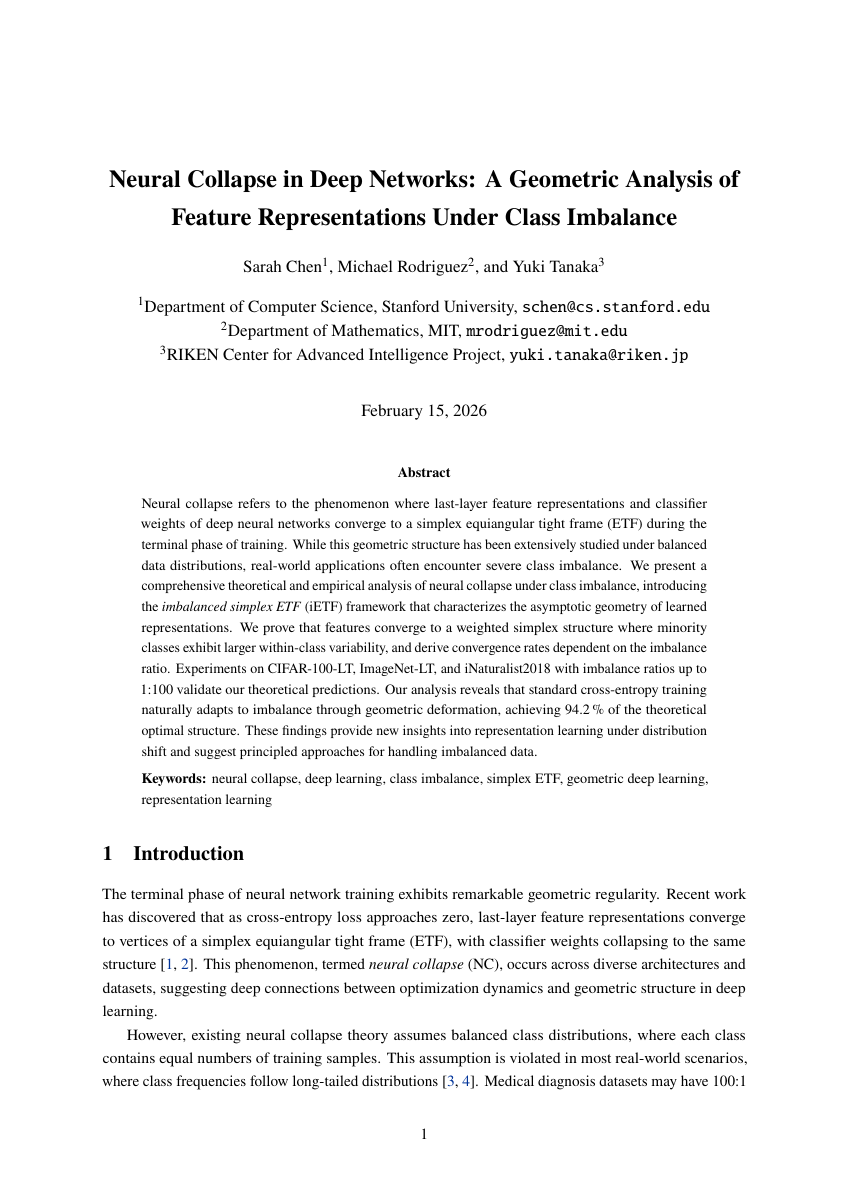 | 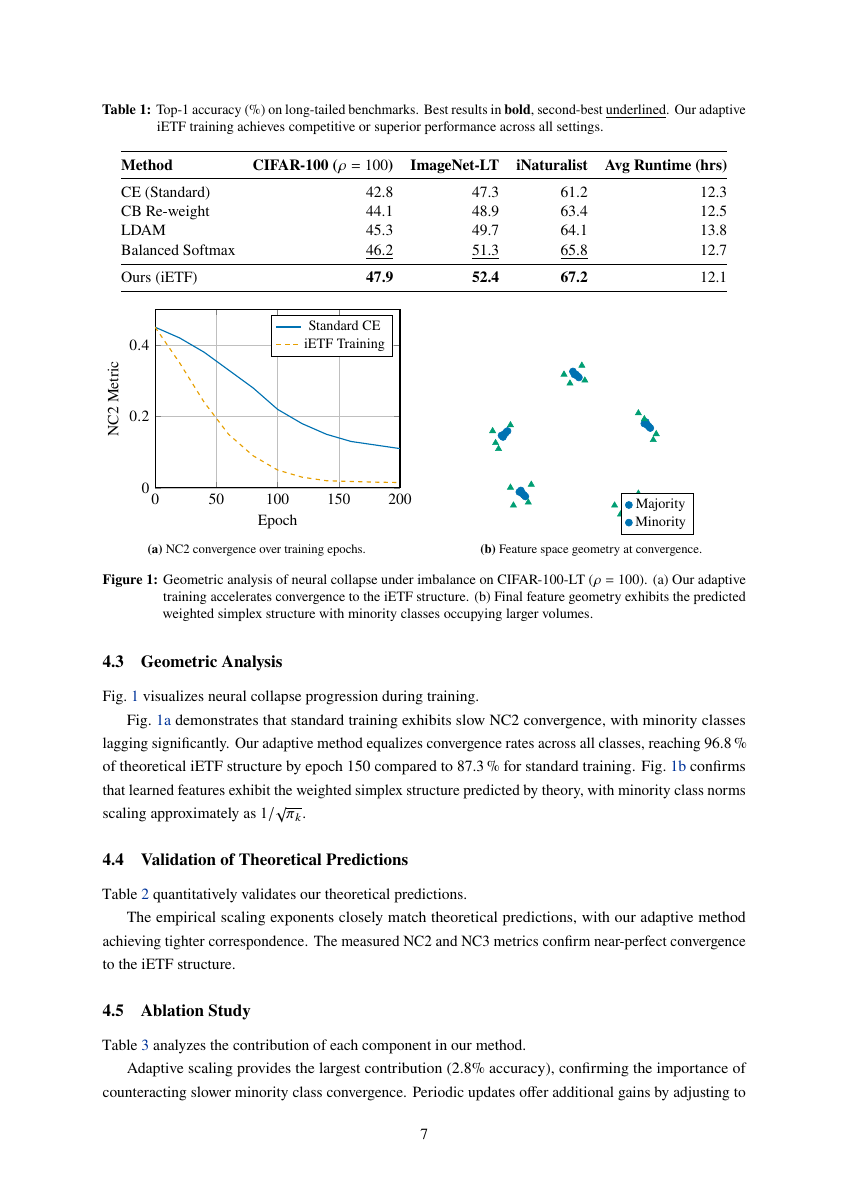 | 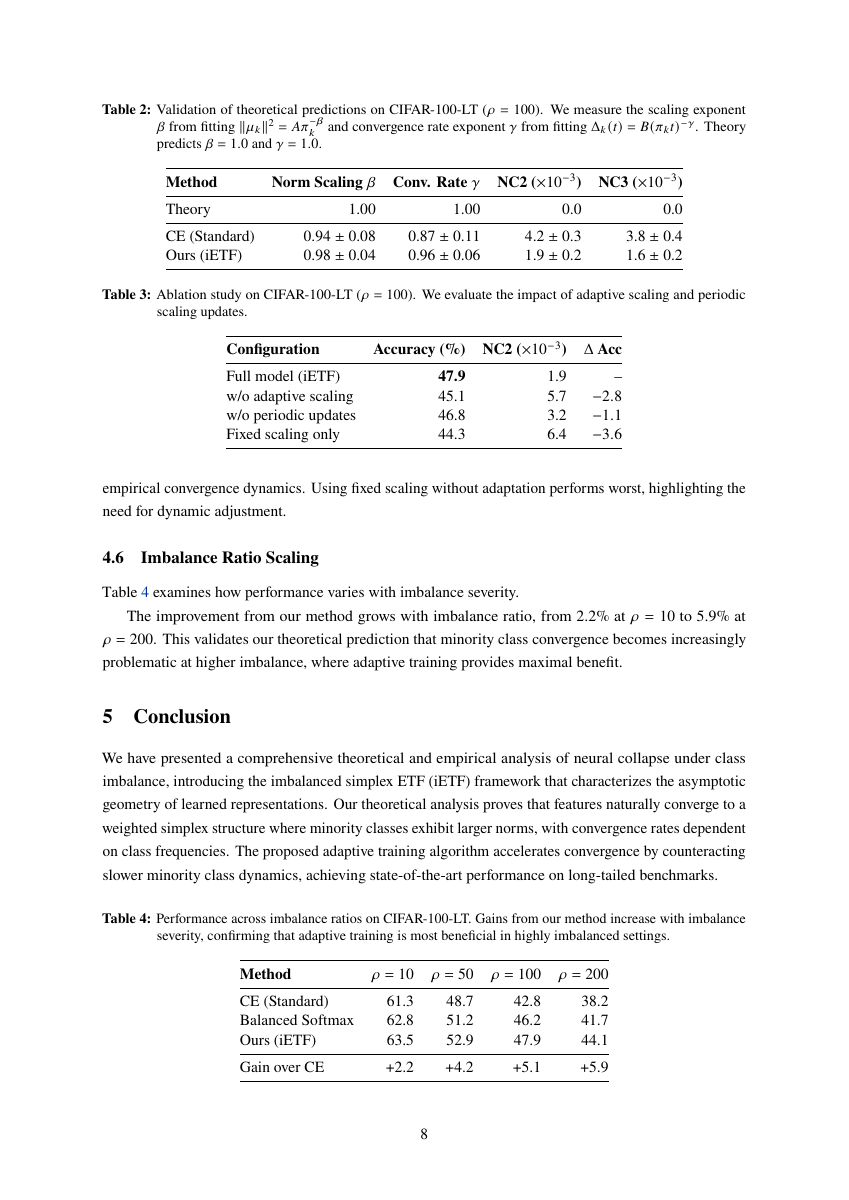 | 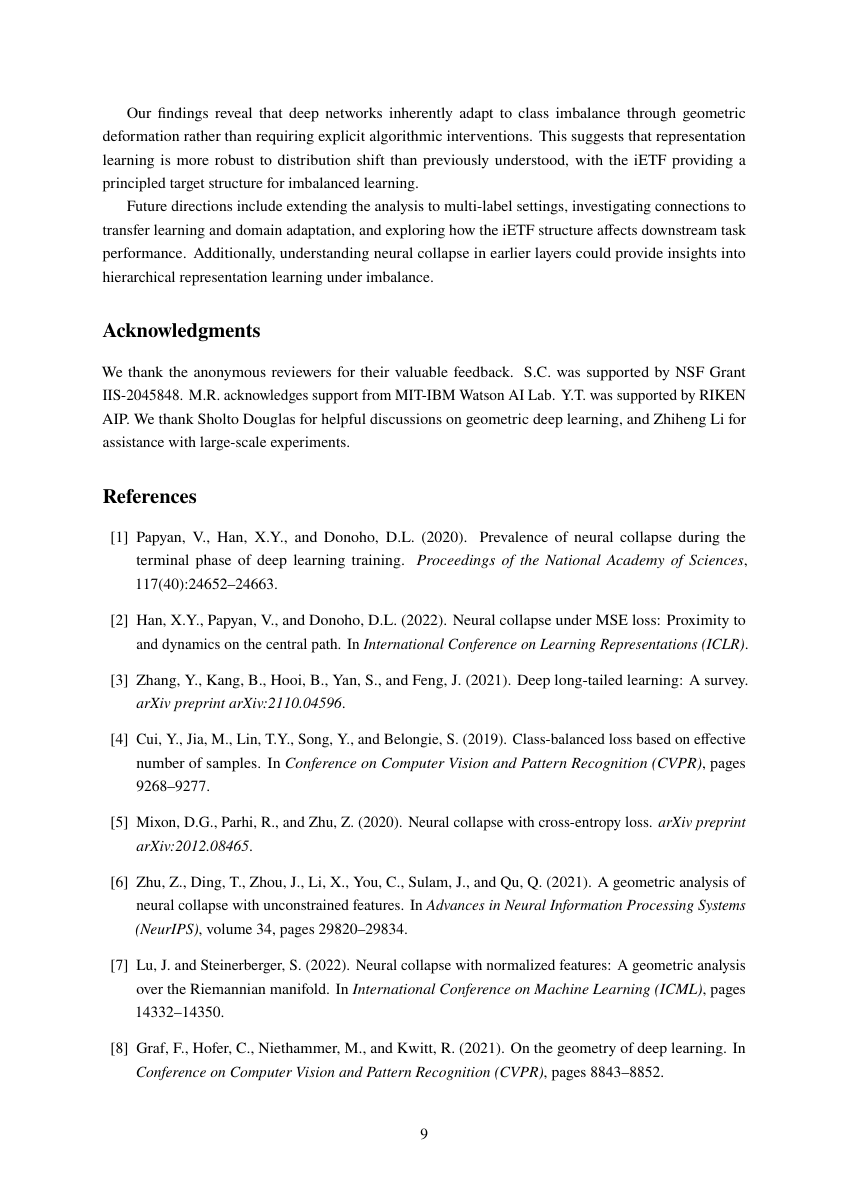 |
| Title & Abstract | Tables + Charts | Ablation Study | References |
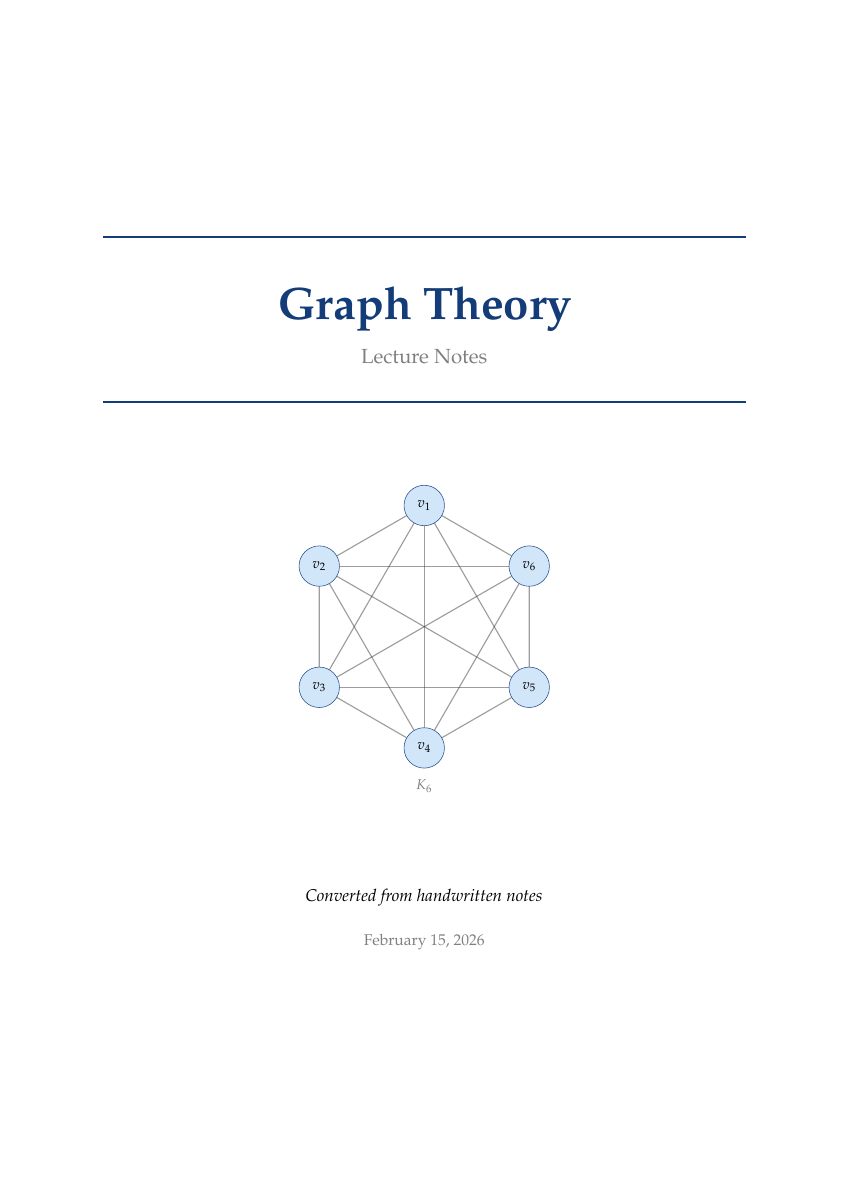
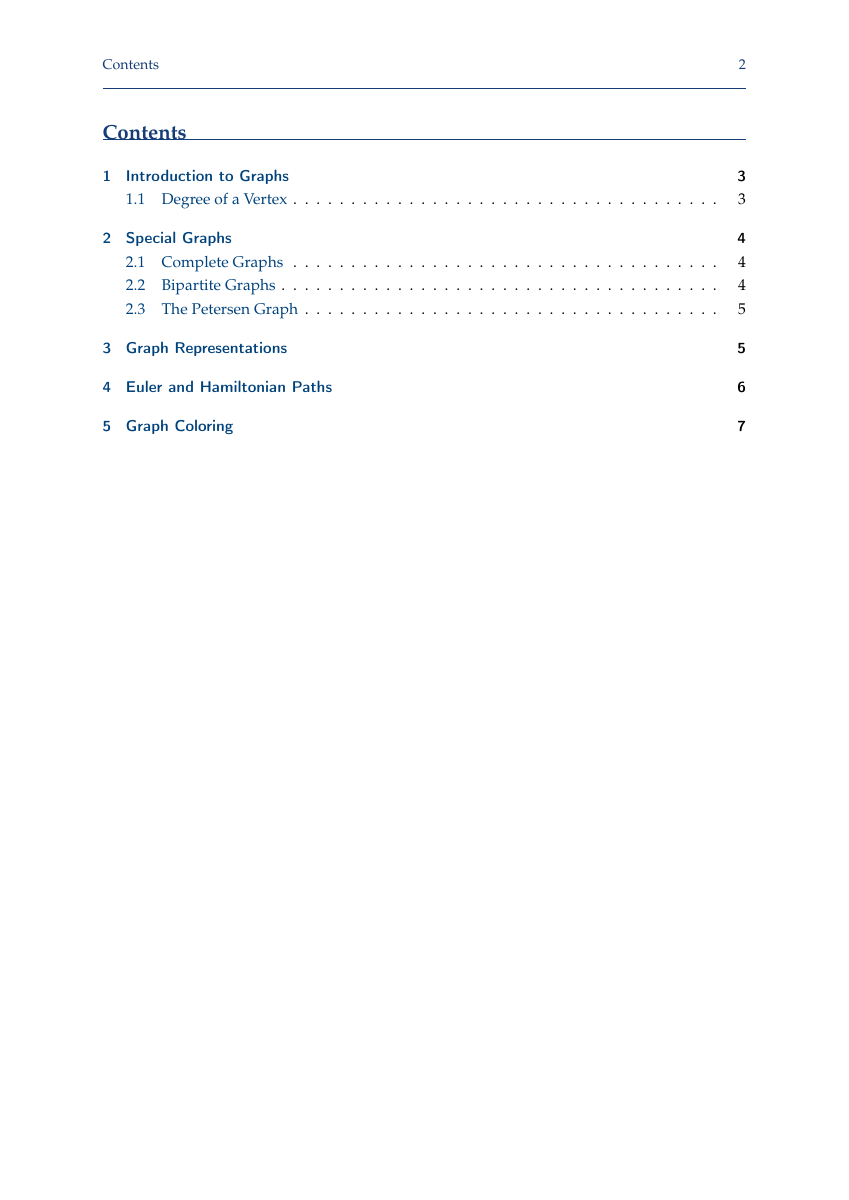
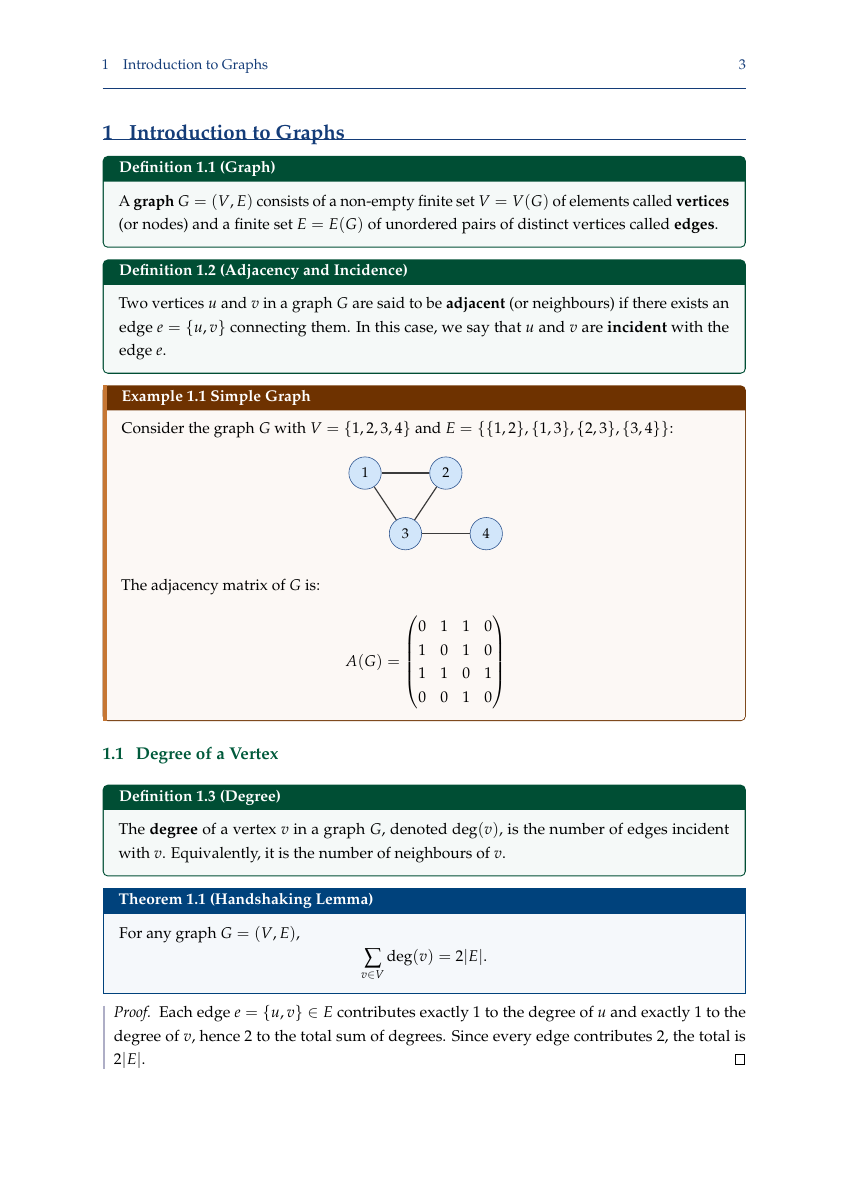
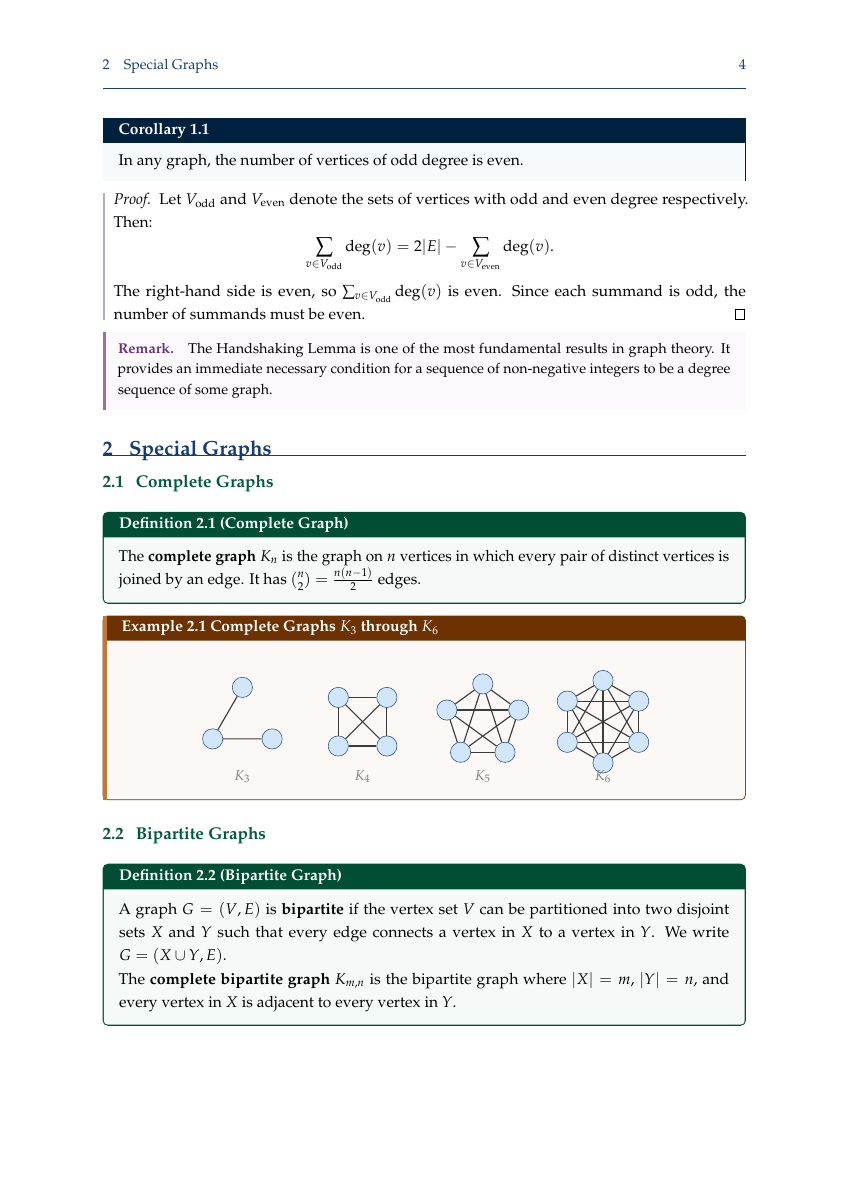
Lecture Notes (Beautiful Mode) -- Color-coded theorem environments
lecture-notes.tex: Palatino fonts, tcolorbox with semantic colors -- blue theorems, green definitions, orange examples, purple remarks. TikZ graph theory macros, custom math operators (\E, \Var, \Cov).
 |  |  |  |
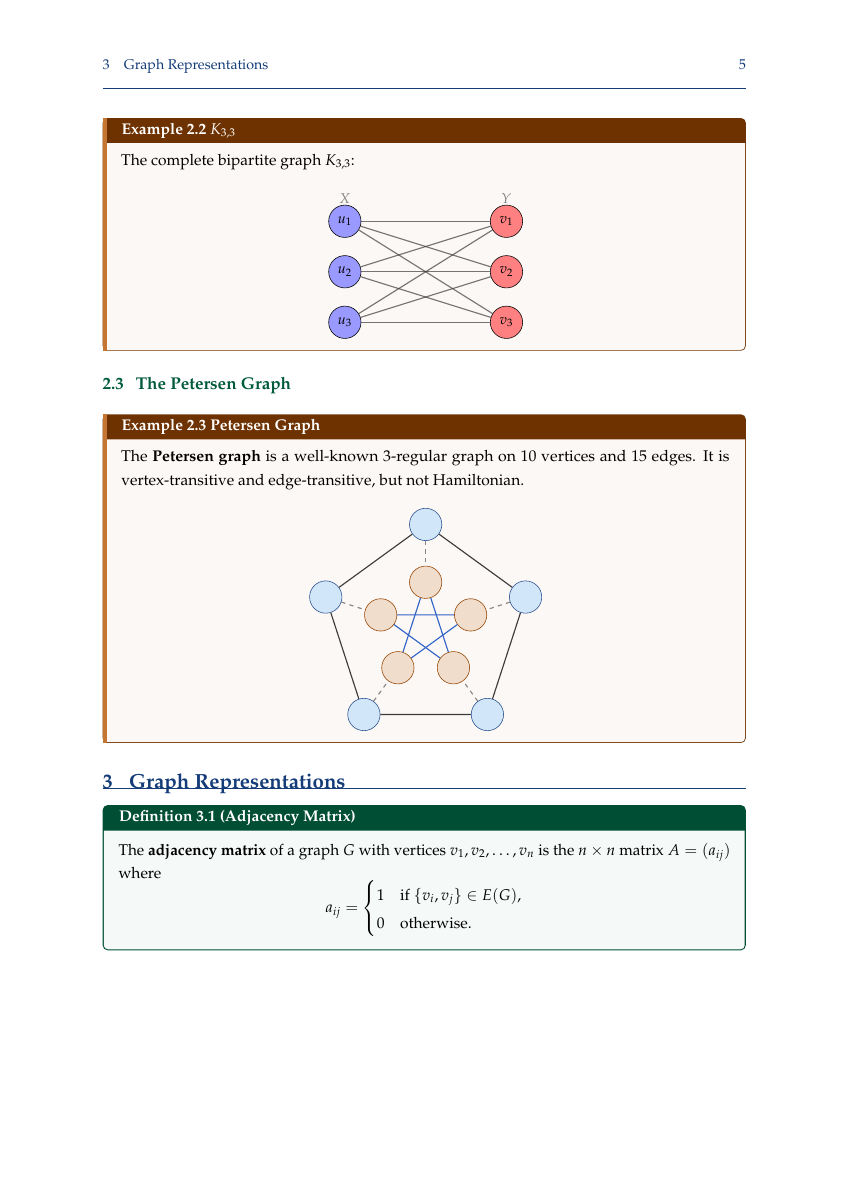 | 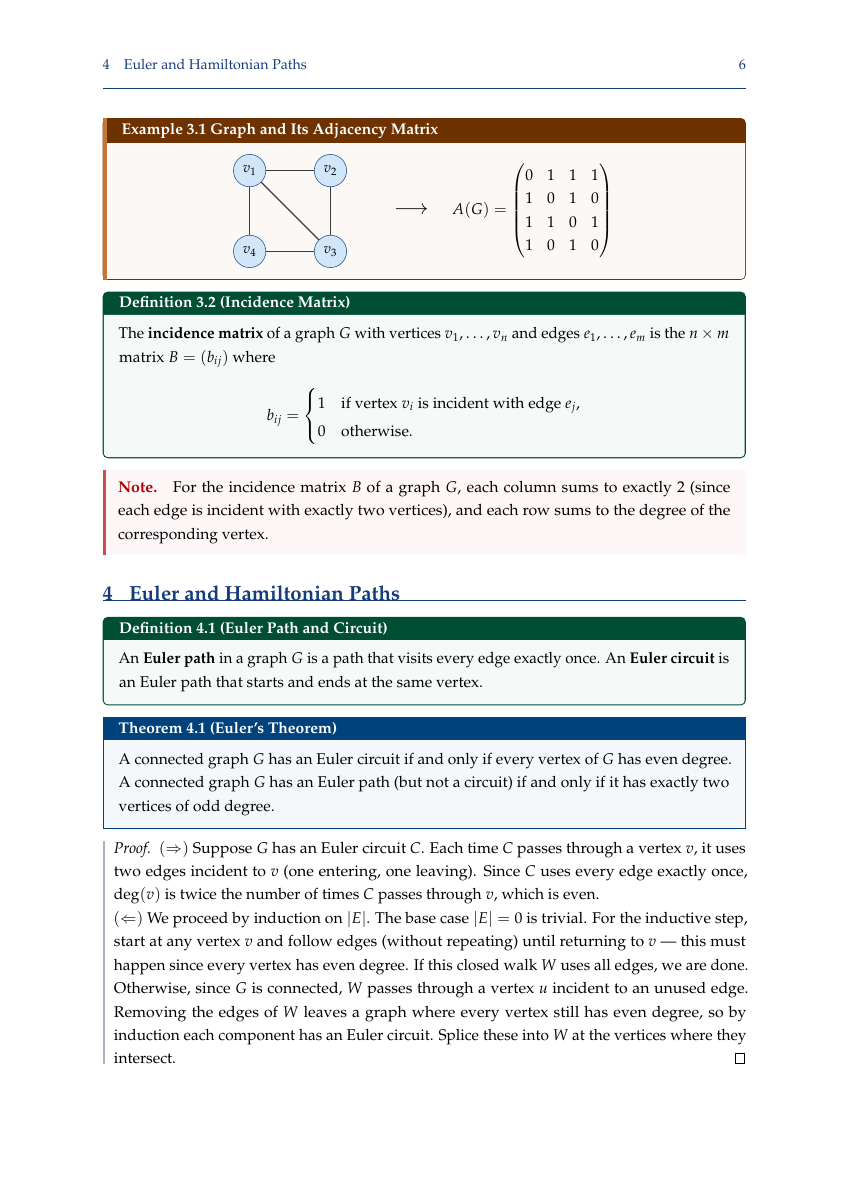 | 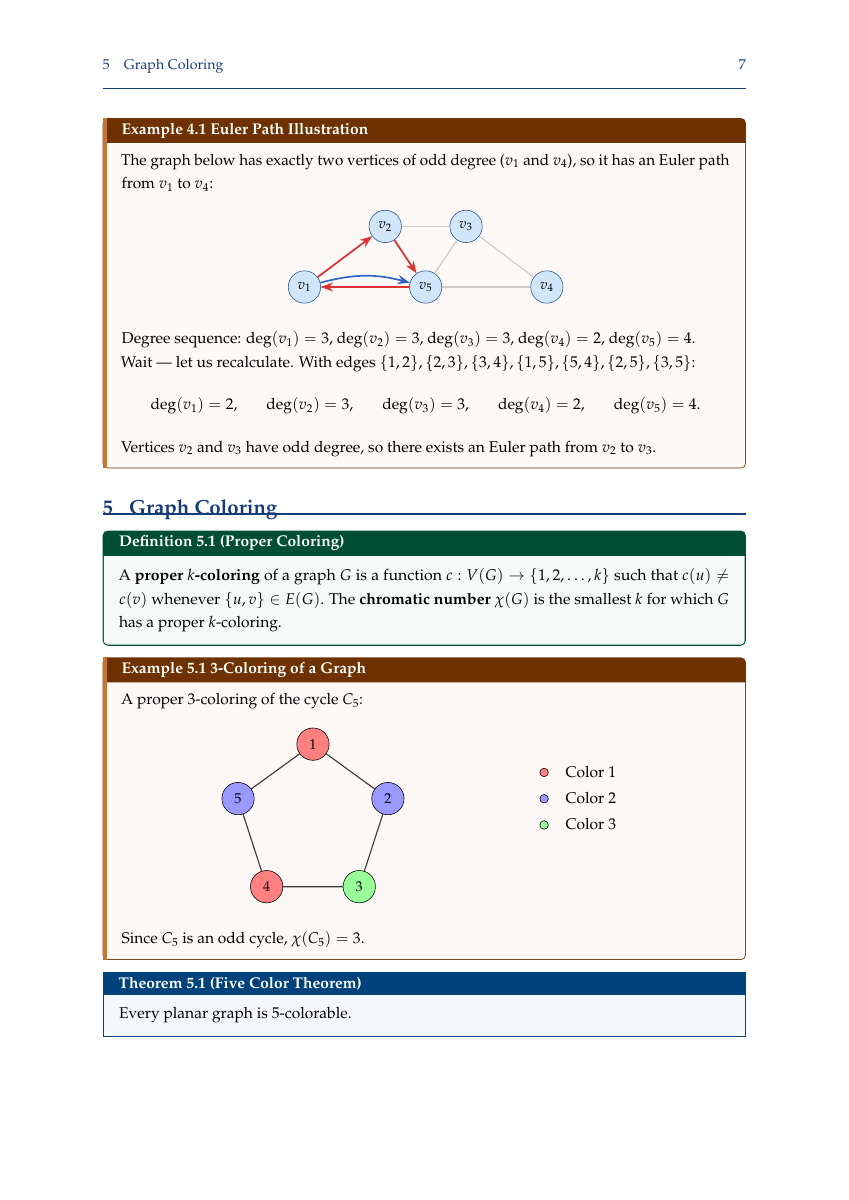 | 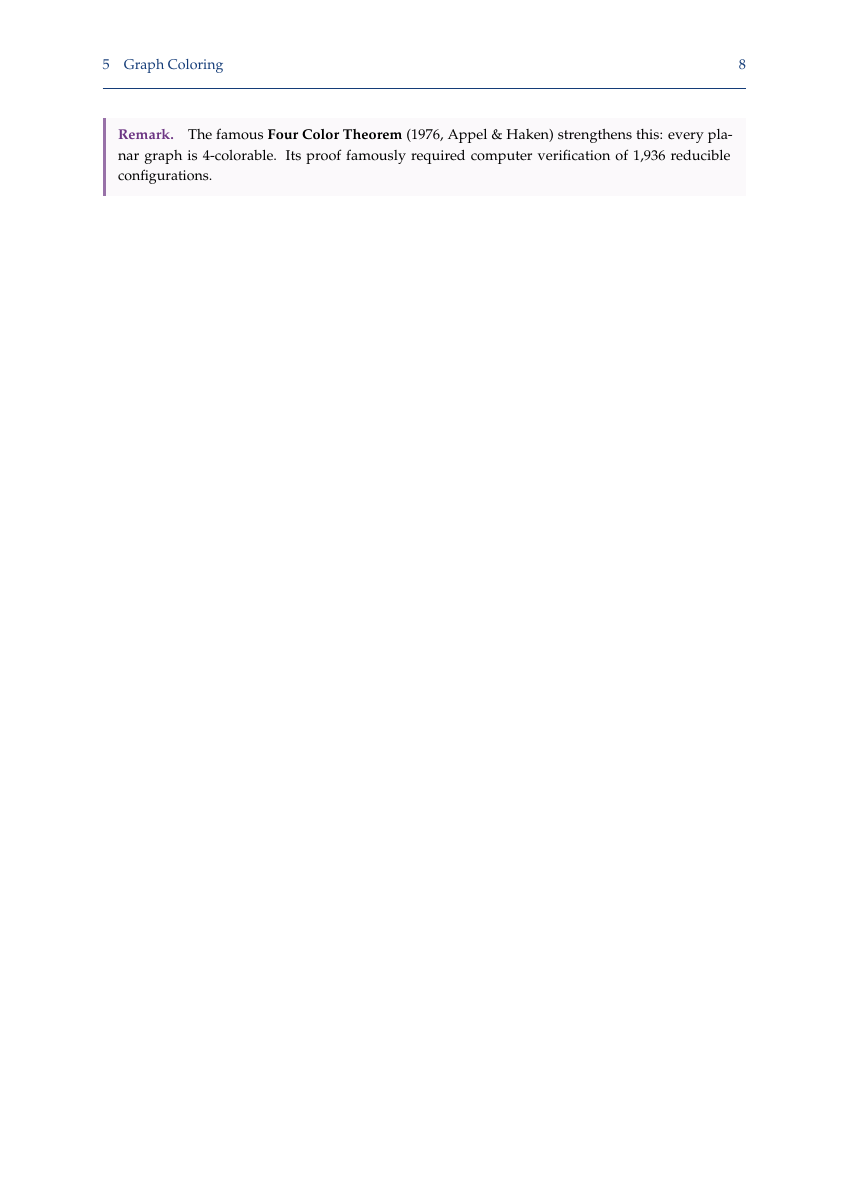 |
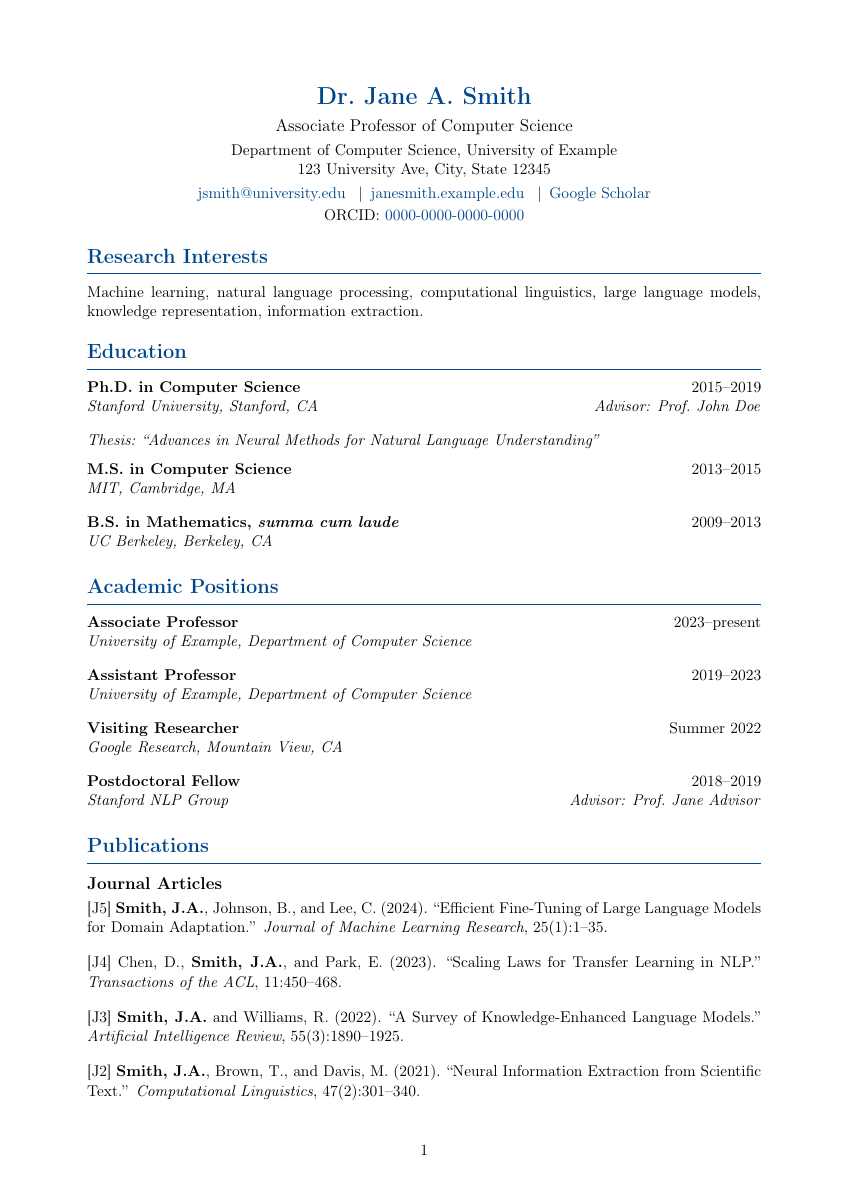
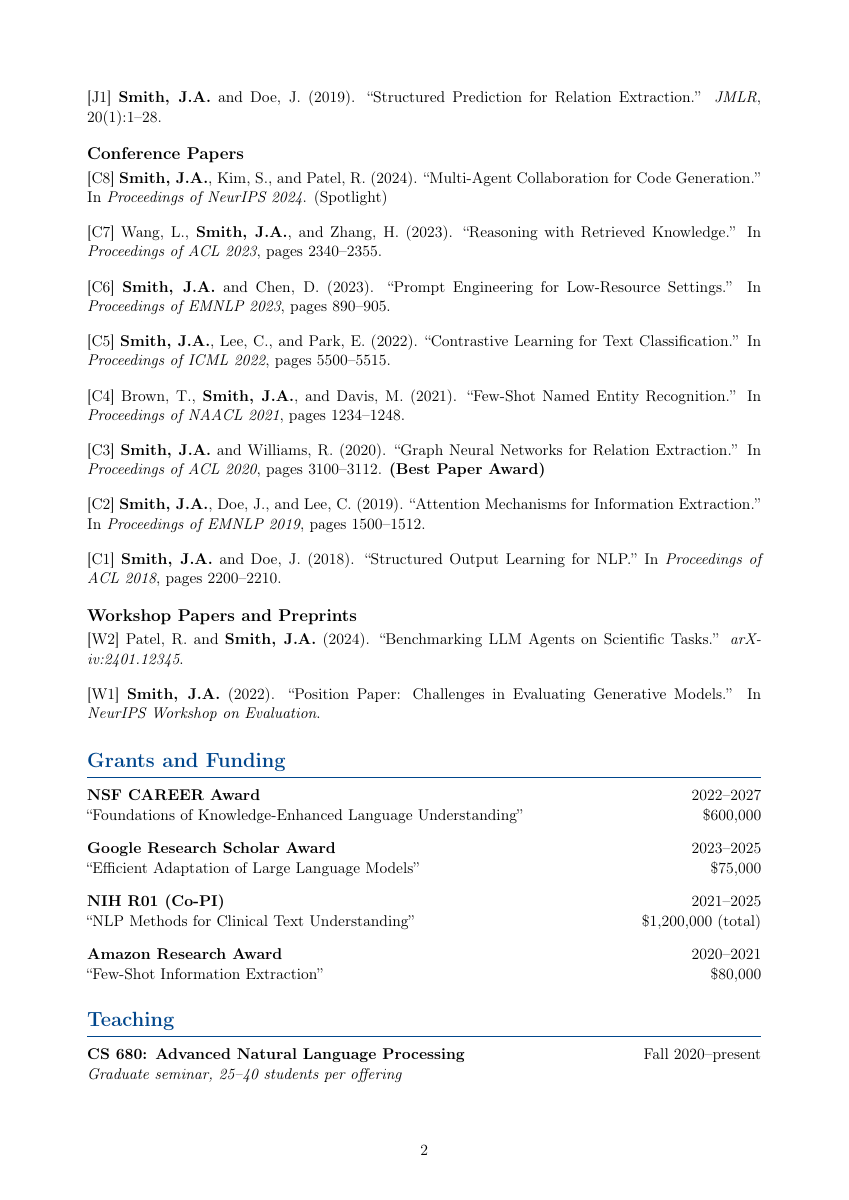
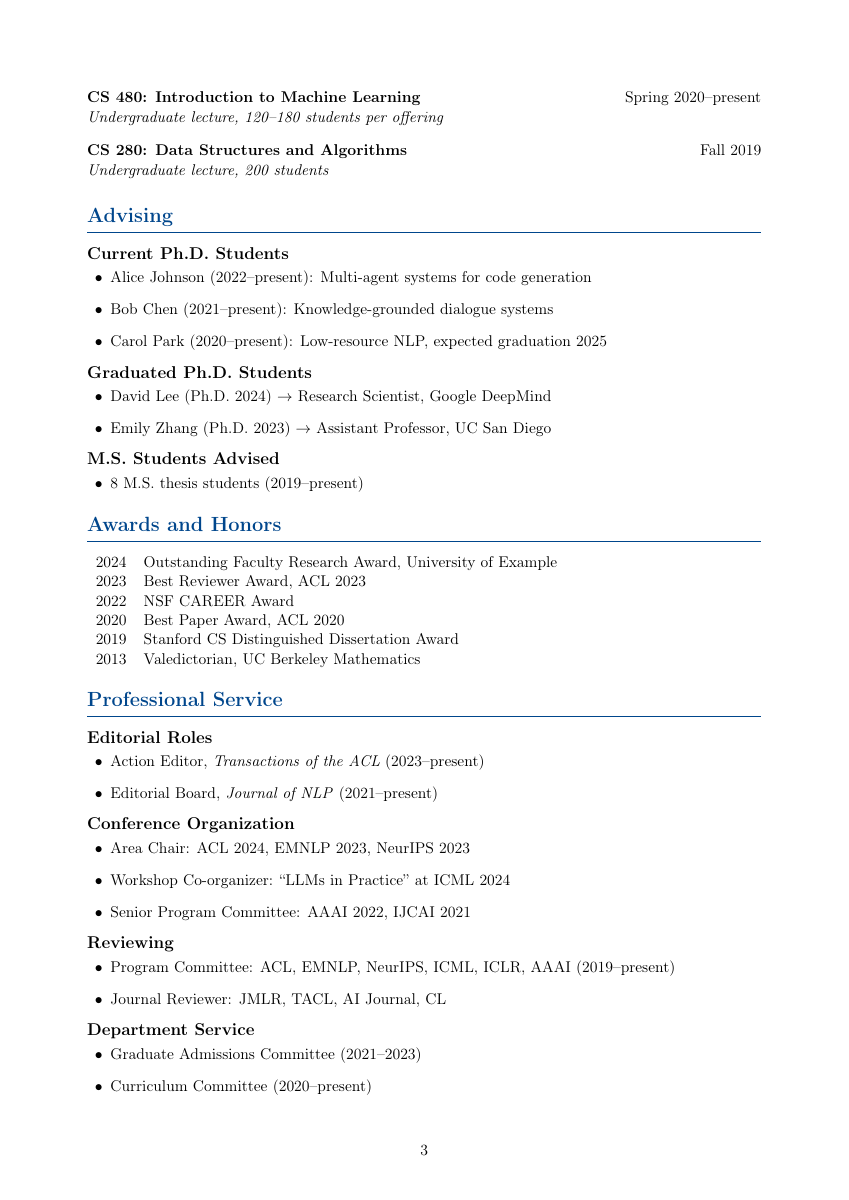
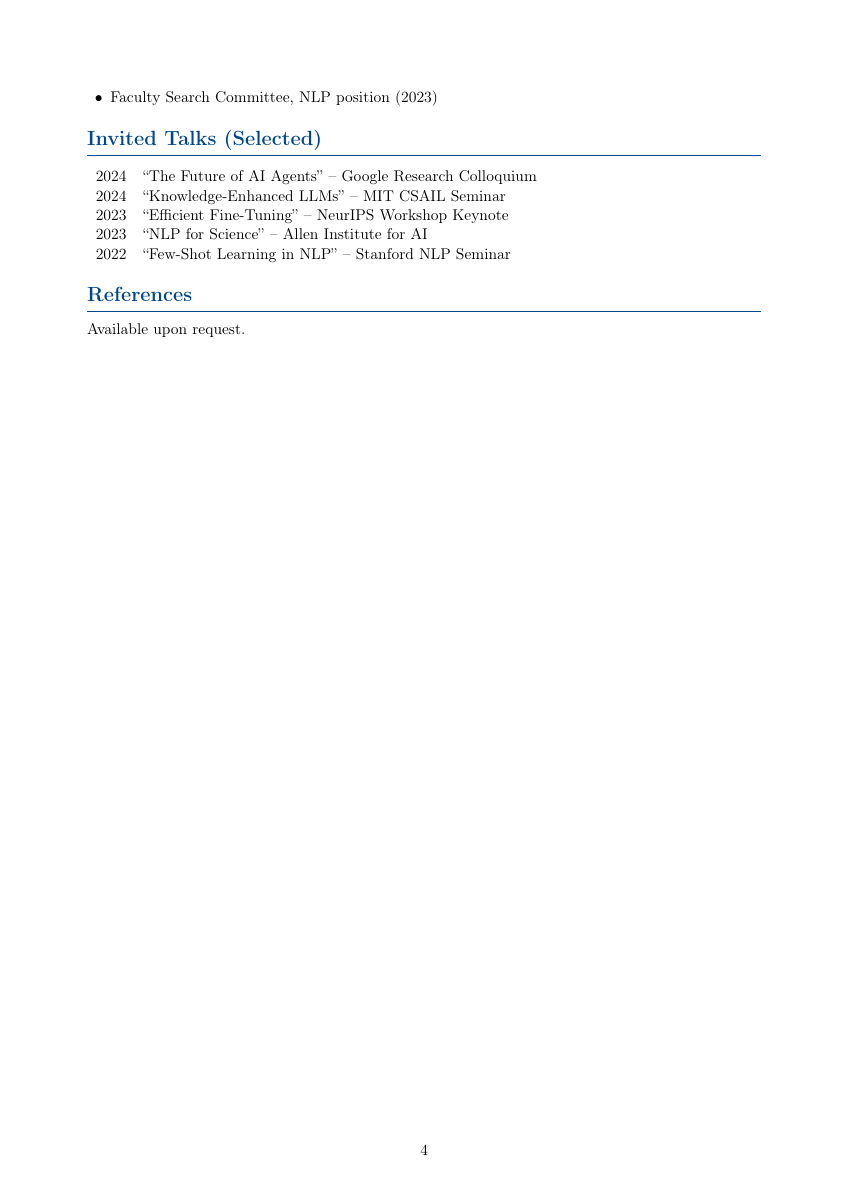
Academic CV -- Multi-page with publications, grants, teaching
Numbered publications ([J1], [C1], [W1]), grants with dollar amounts, student advising (current + graduated), professional service, invited talks. ORCID and Google Scholar links.
 |  |  |  |
Homework / Assignment -- Solution toggle
Custom problem/solution environments, code listings (Python, Java, C++, Matlab), honor code section. Toggle solutions globally with \showsolutionstrue/\showsolutionsfalse.
Lab Report -- STEM lab writeups
siunitx for uncertainties and SI units, pgfplots for data with error bars, structured sections: abstract -> theory -> procedure -> data -> analysis -> discussion -> conclusion.
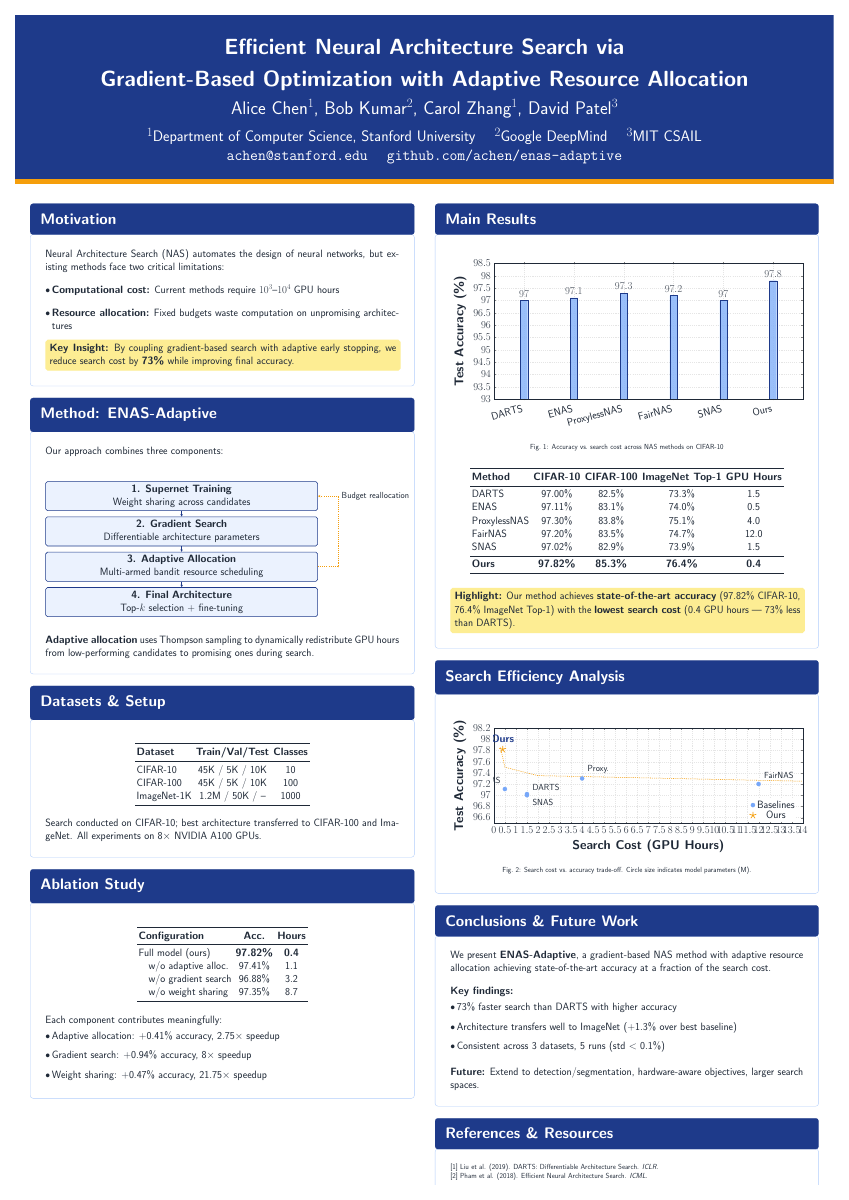
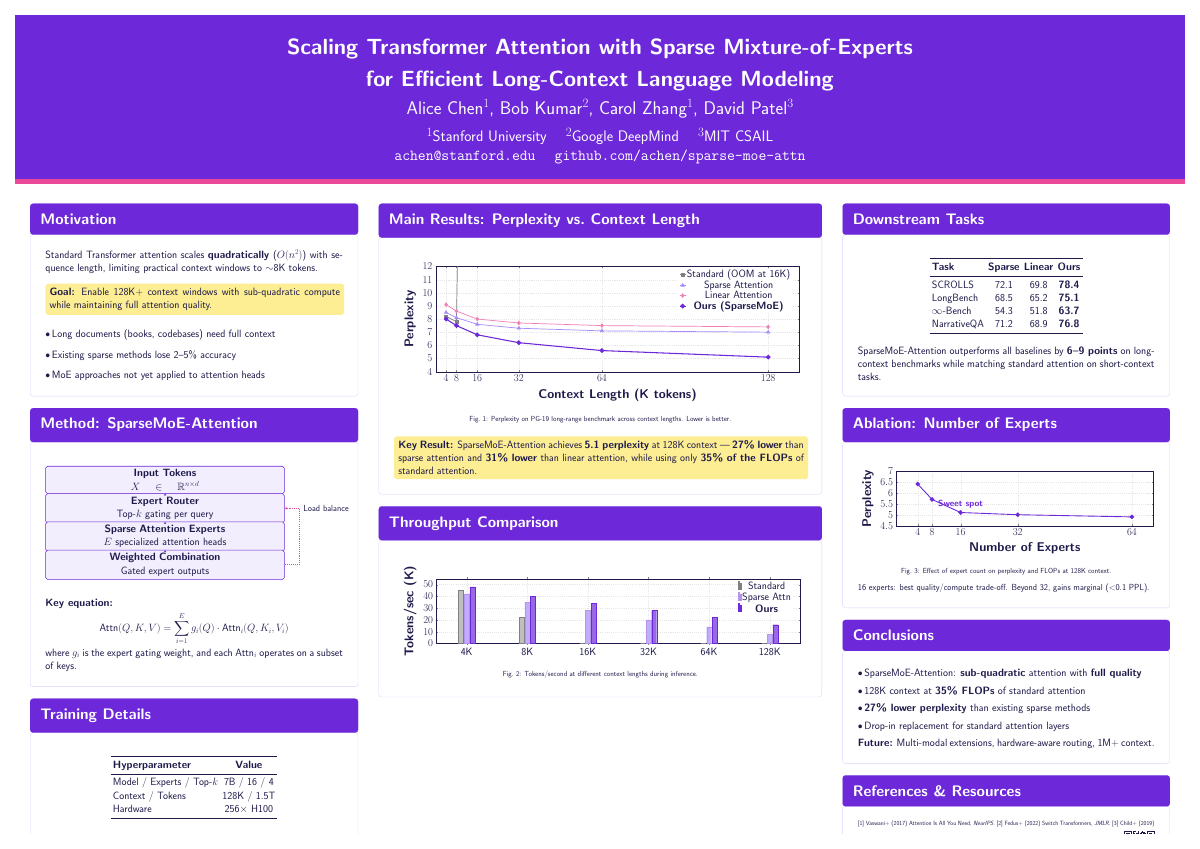
Scientific Posters -- tikzposter class
Interactive workflow asks: conference -> orientation -> layout -> color scheme.
| Layout | Usage | Description |
|---|---|---|
| Traditional Column | ~70% of posters | 2-column (portrait) or 3-column (landscape) |
| #BetterPoster | ~10% (growing) | Central billboard with ONE key finding at 60-80pt |
| Visual-Heavy | ~15% | Large central figure consuming 40-50% of space |
Conference presets: NeurIPS, ICML, CVPR, ICLR (main + workshop sizes).
| Portrait A0 | Landscape A0 |
|---|---|
 |  |
Book -- Full-Length Publishing Template
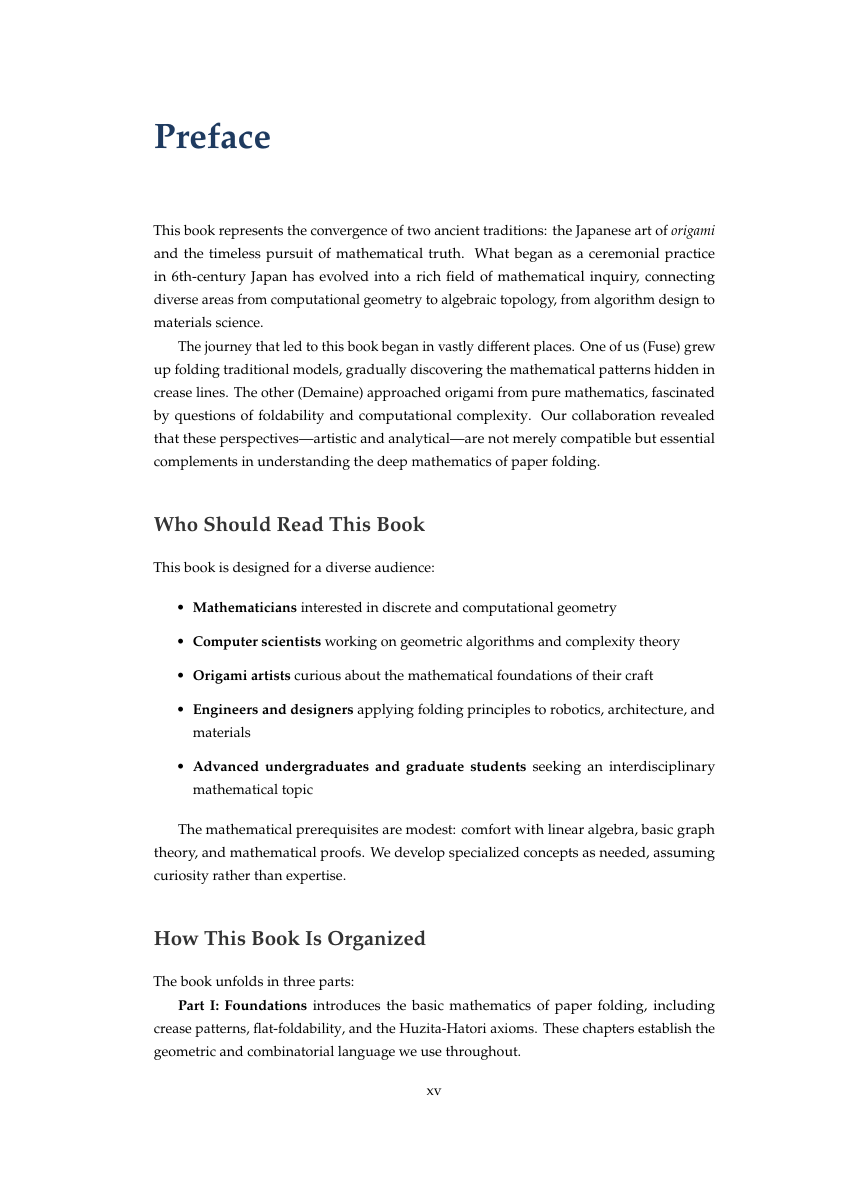
book class, 37+ pages. Palatino fonts, lettrine drop caps, imakeidx for indexing. Structure: half-title -> full title -> copyright page (ISBN slot) -> dedication -> preface -> acknowledgments -> TOC -> parts -> chapters with epigraphs -> appendices -> bibliography -> index -> colophon.
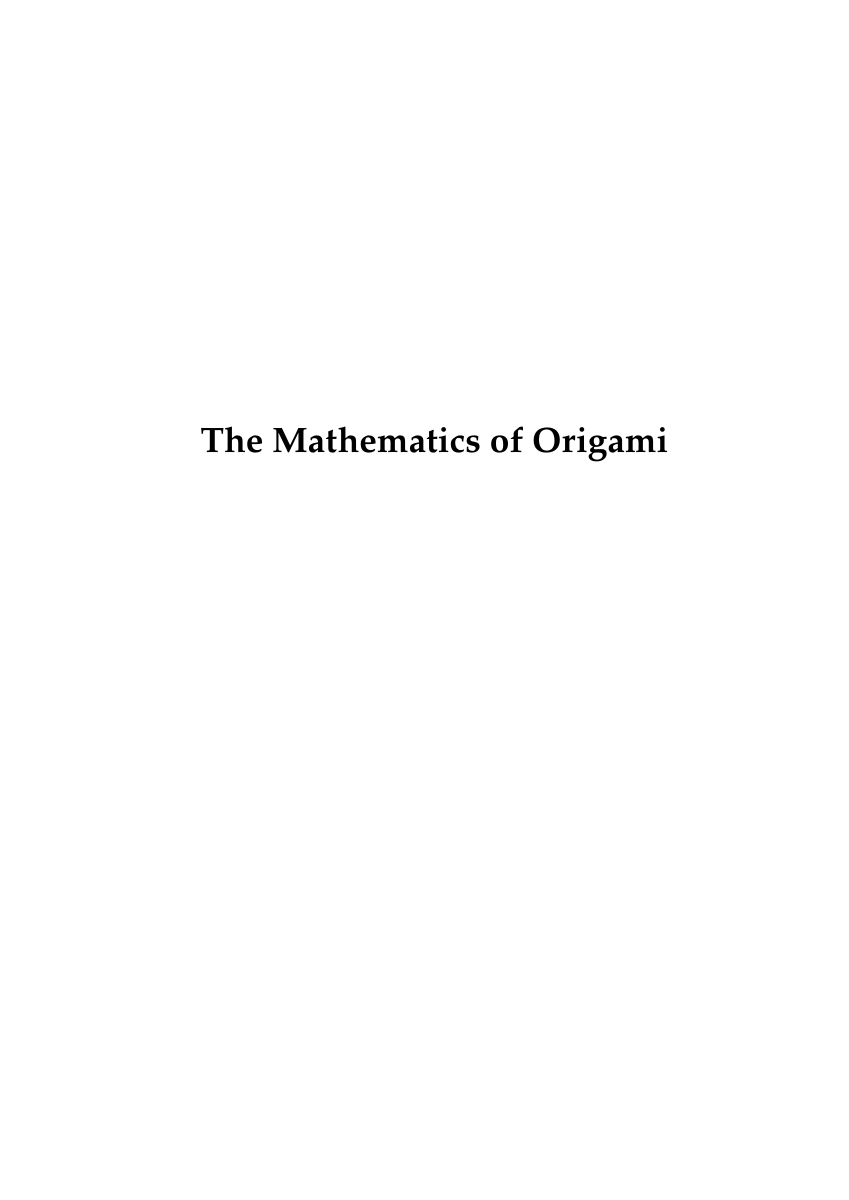 | 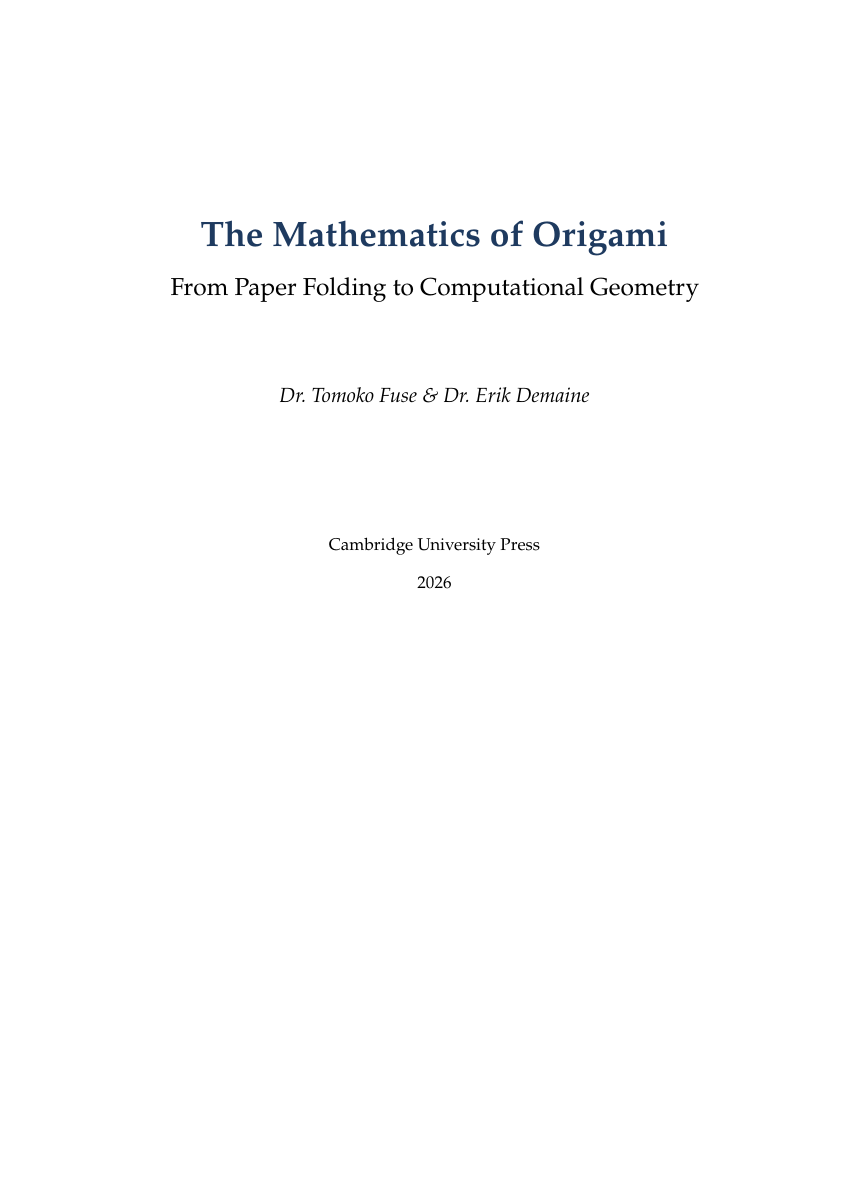 | 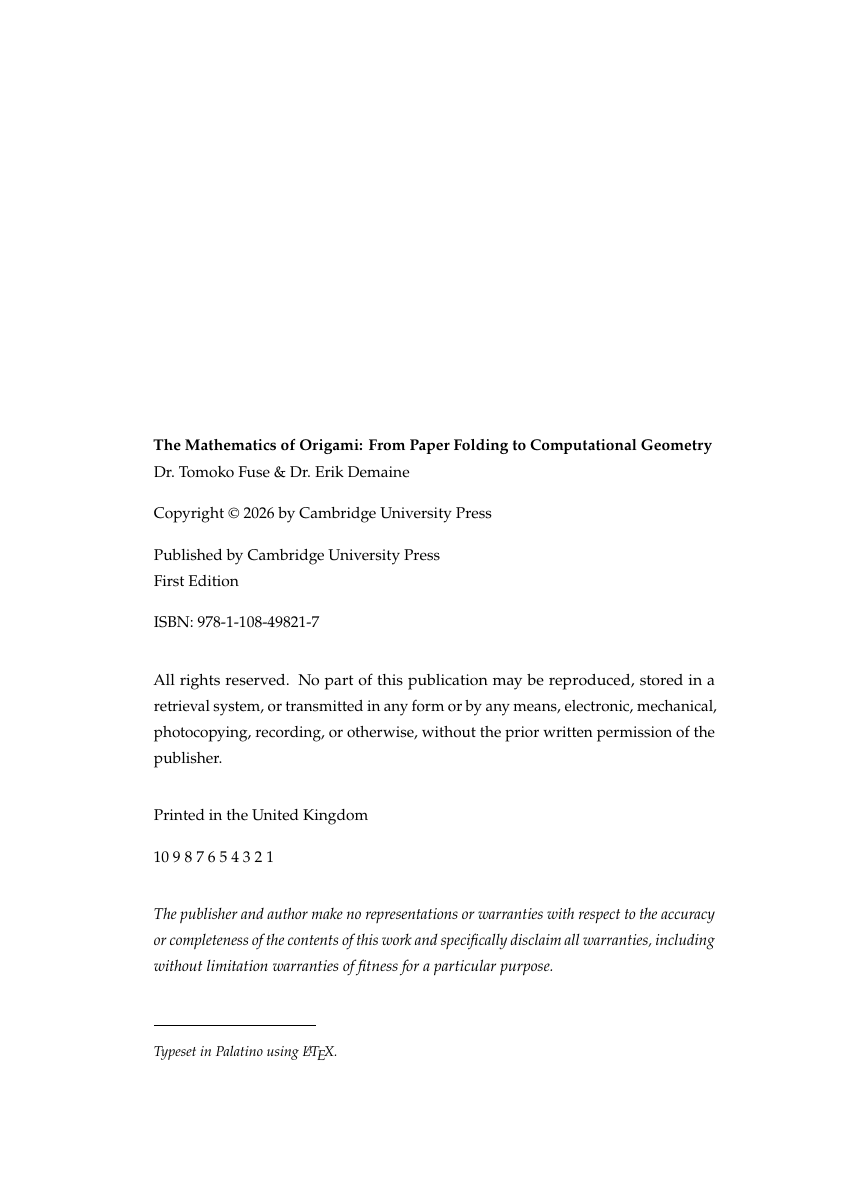 | 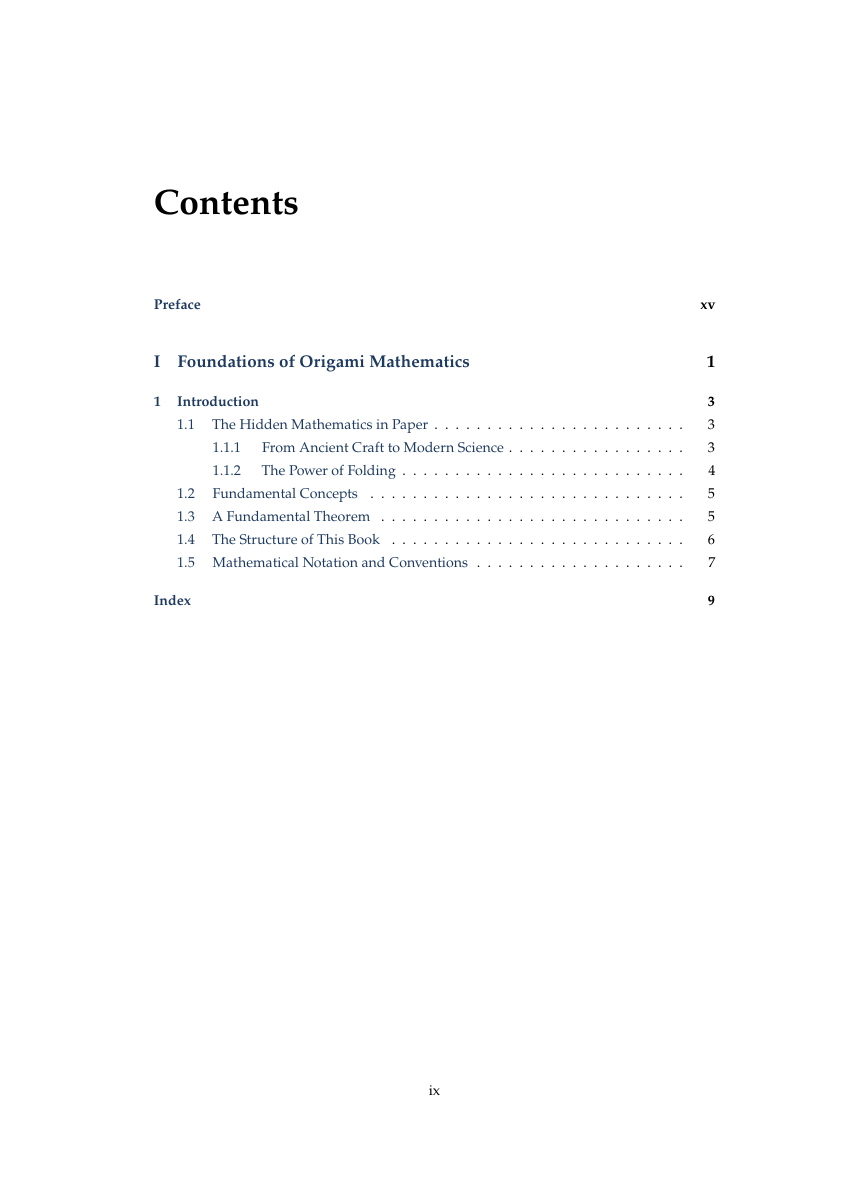 |  |
| Half Title | Full Title | Copyright | TOC | Preface |
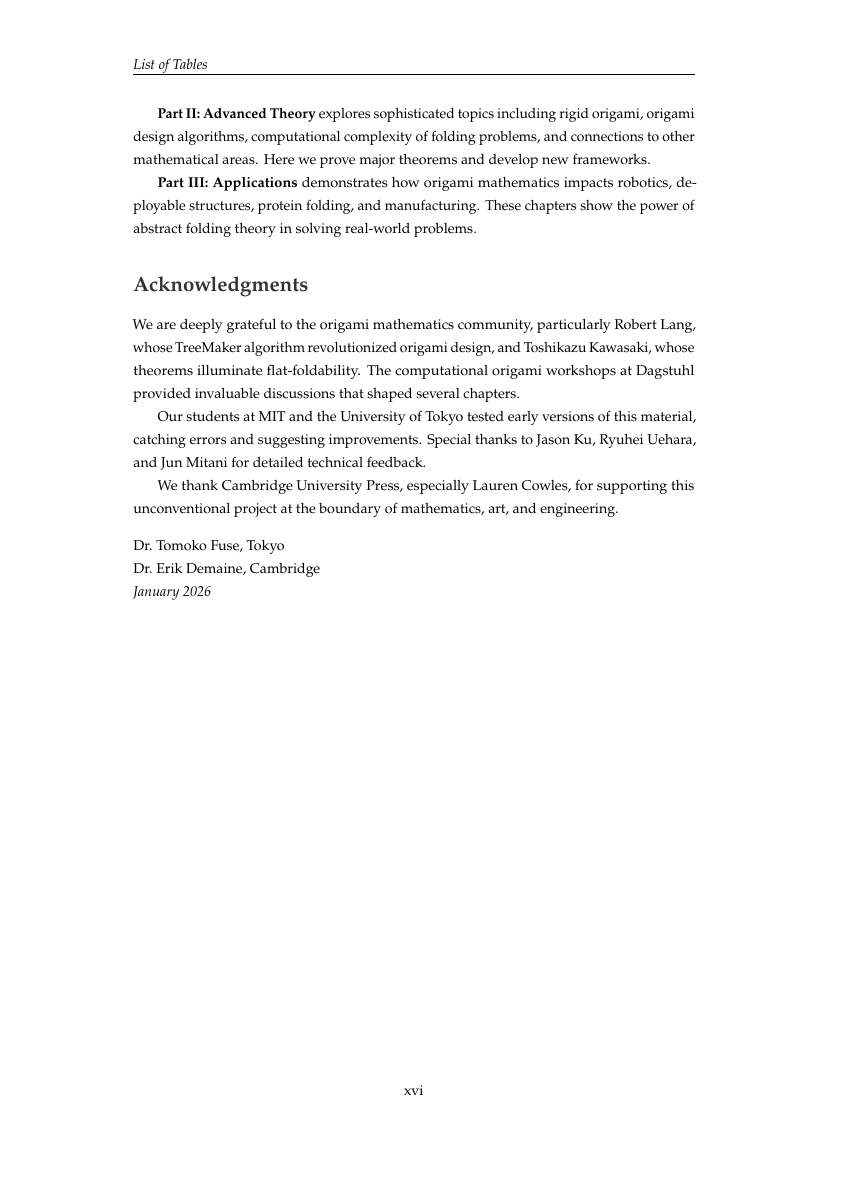 | 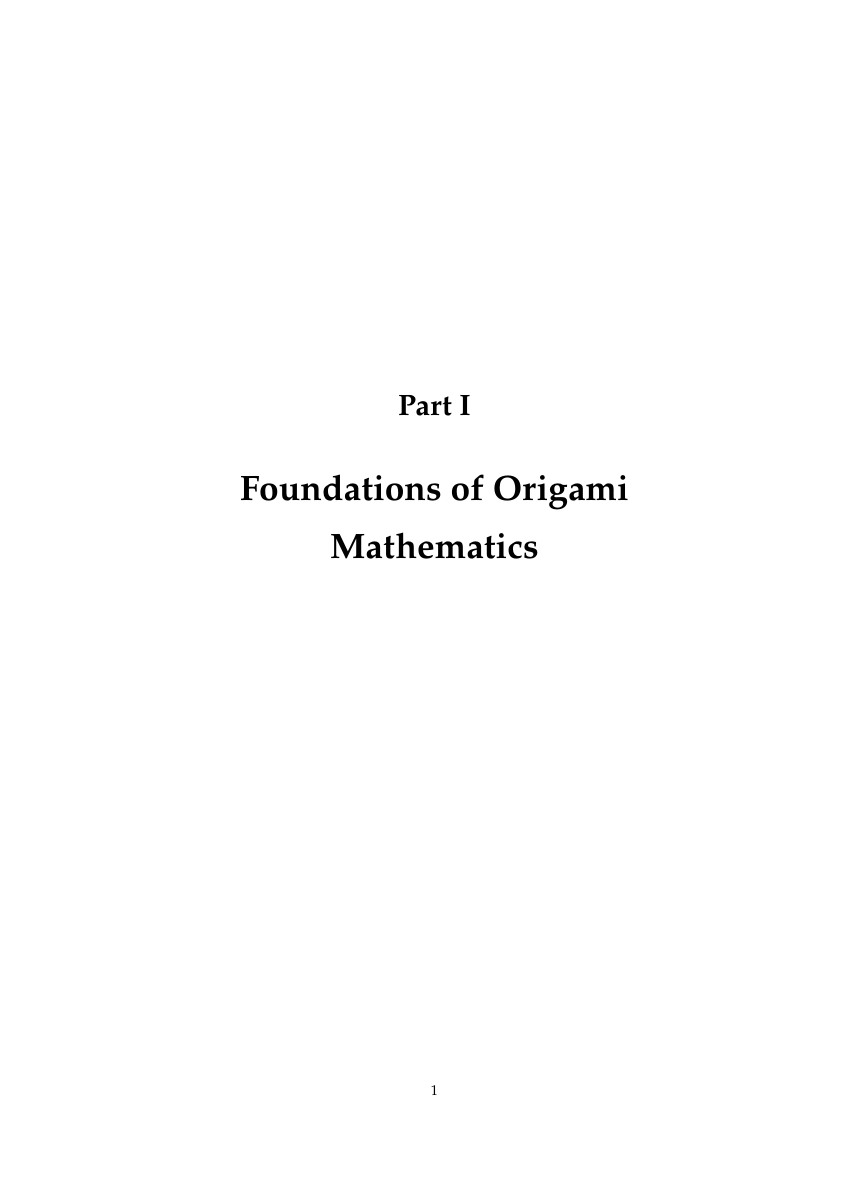 | 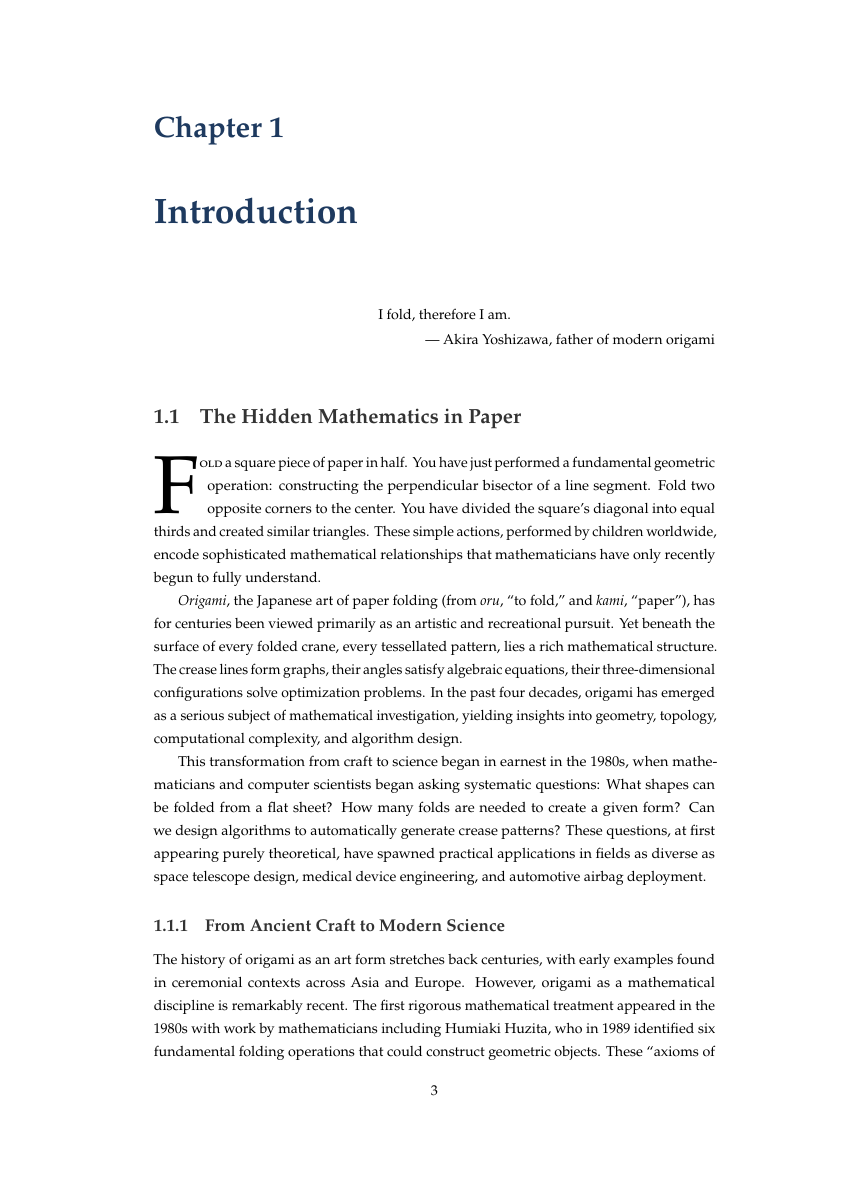 | 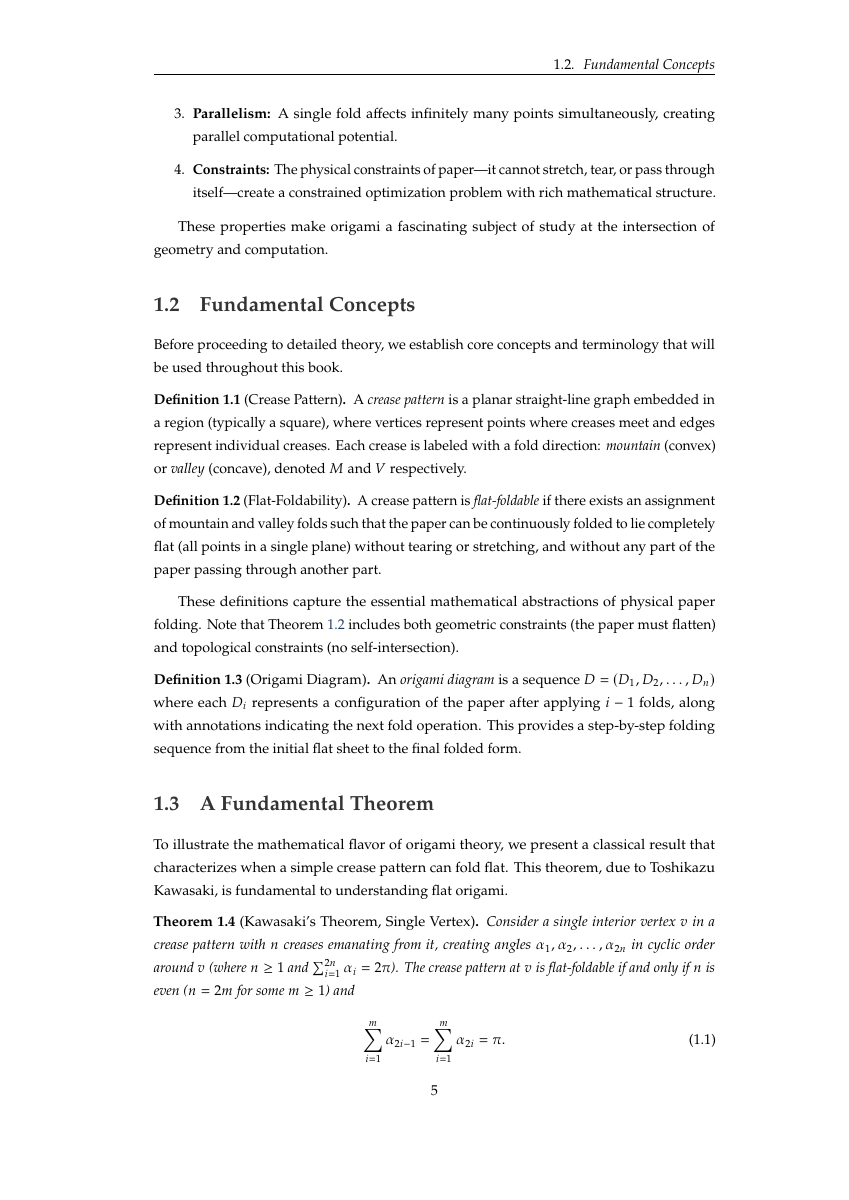 | 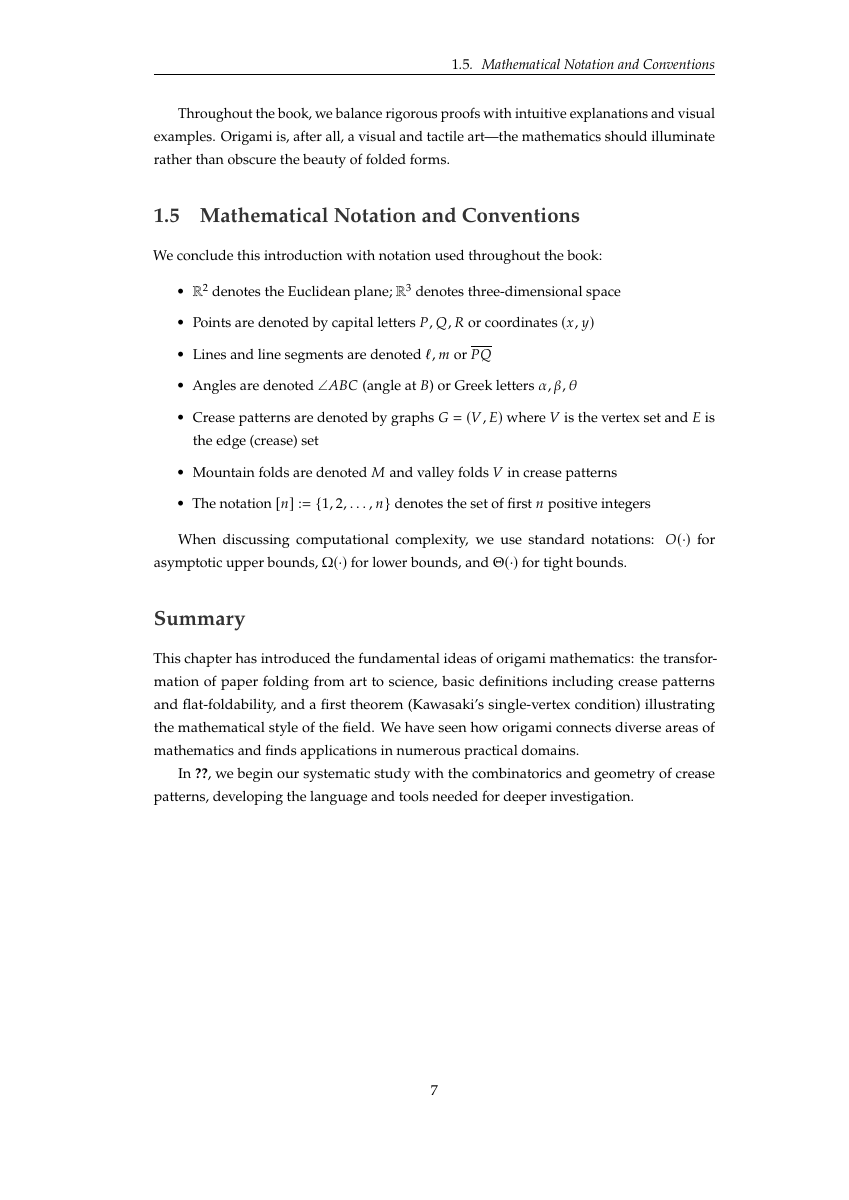 |
| Acknowledgments | Part I | Ch 1: Drop Caps | Definitions & Theorems | Notation & Summary |
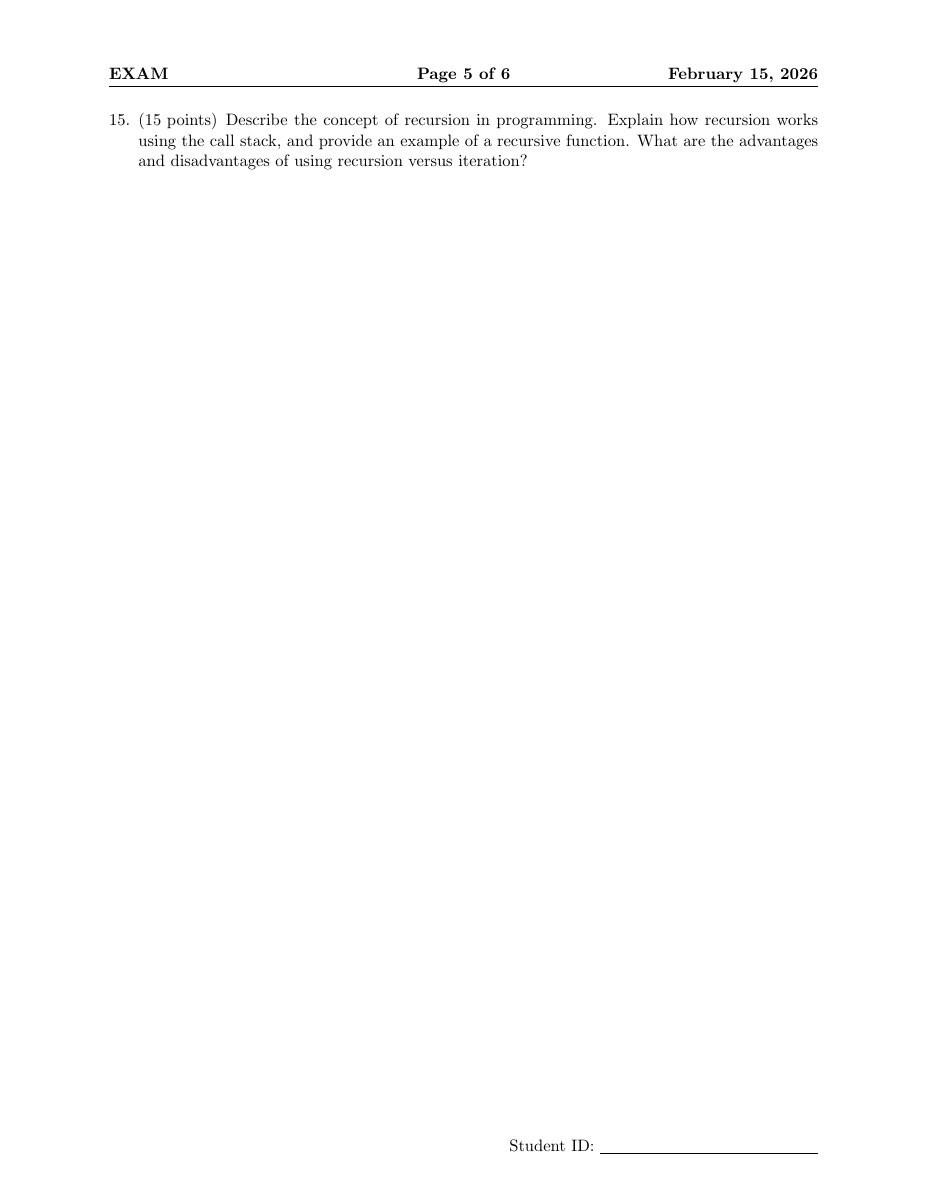
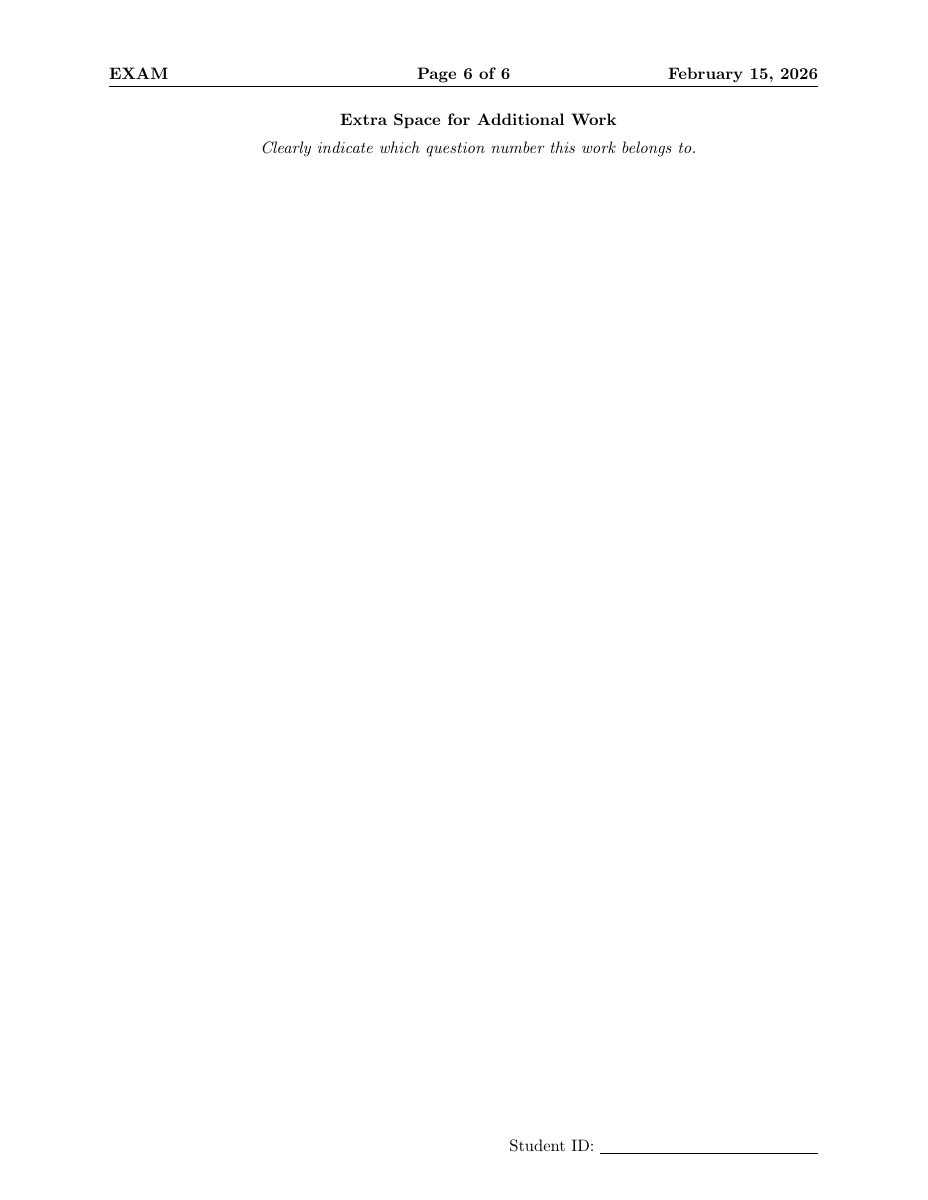
Exam / Quiz -- exam class
6 question types (multiple choice, true/false, fill-in-blank, matching, short answer, essay). Point values per question, \gradetable[h][questions] for grading grid. \printanswers / \noprintanswers toggles solution visibility.
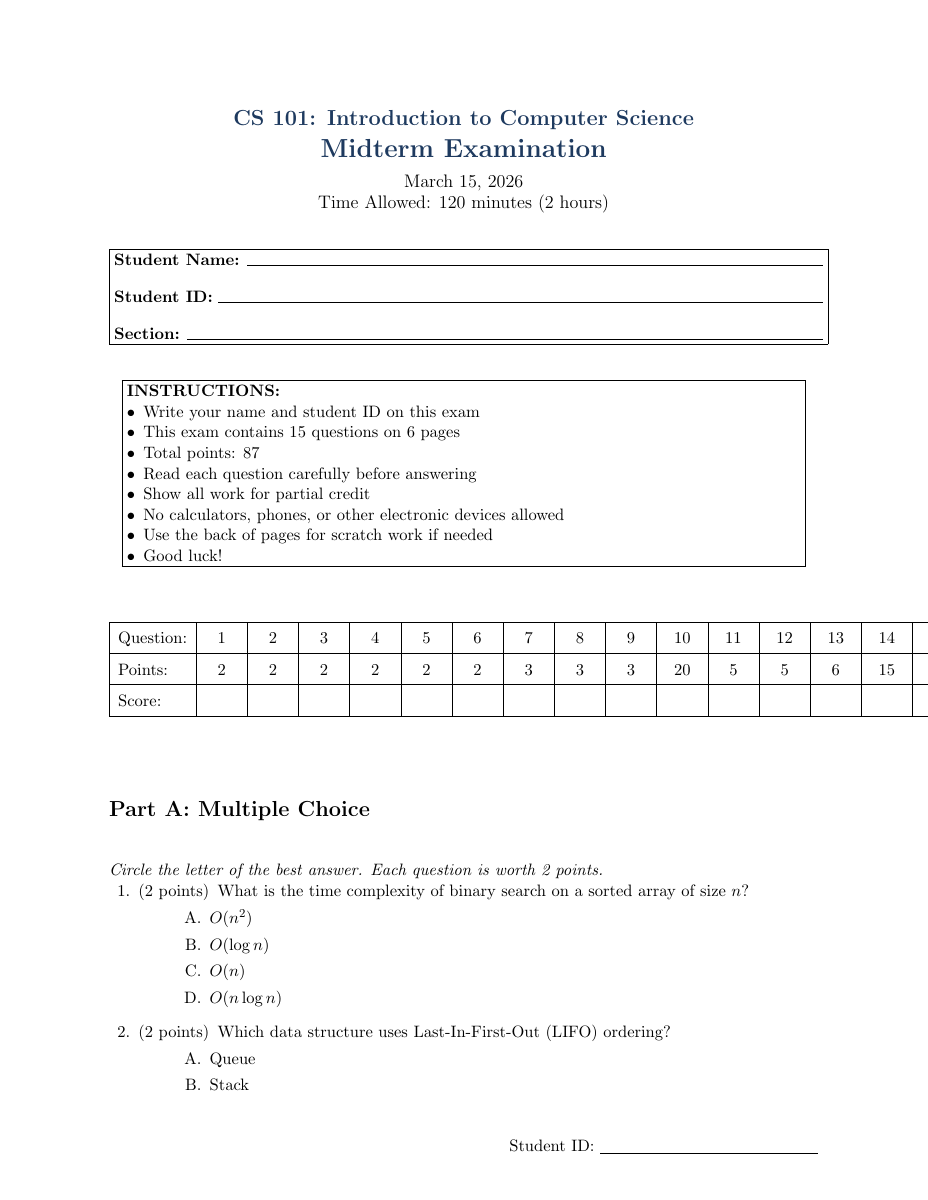 | 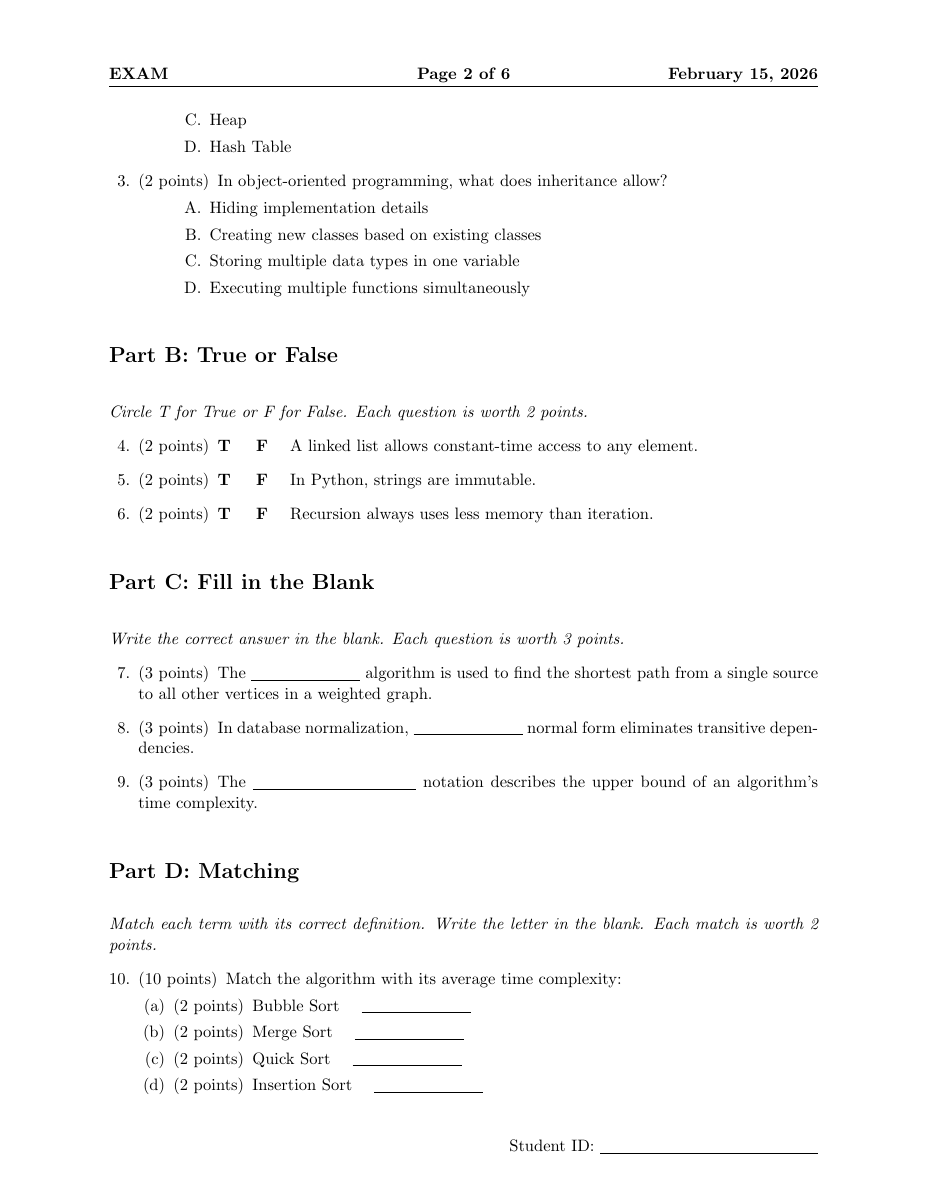 | 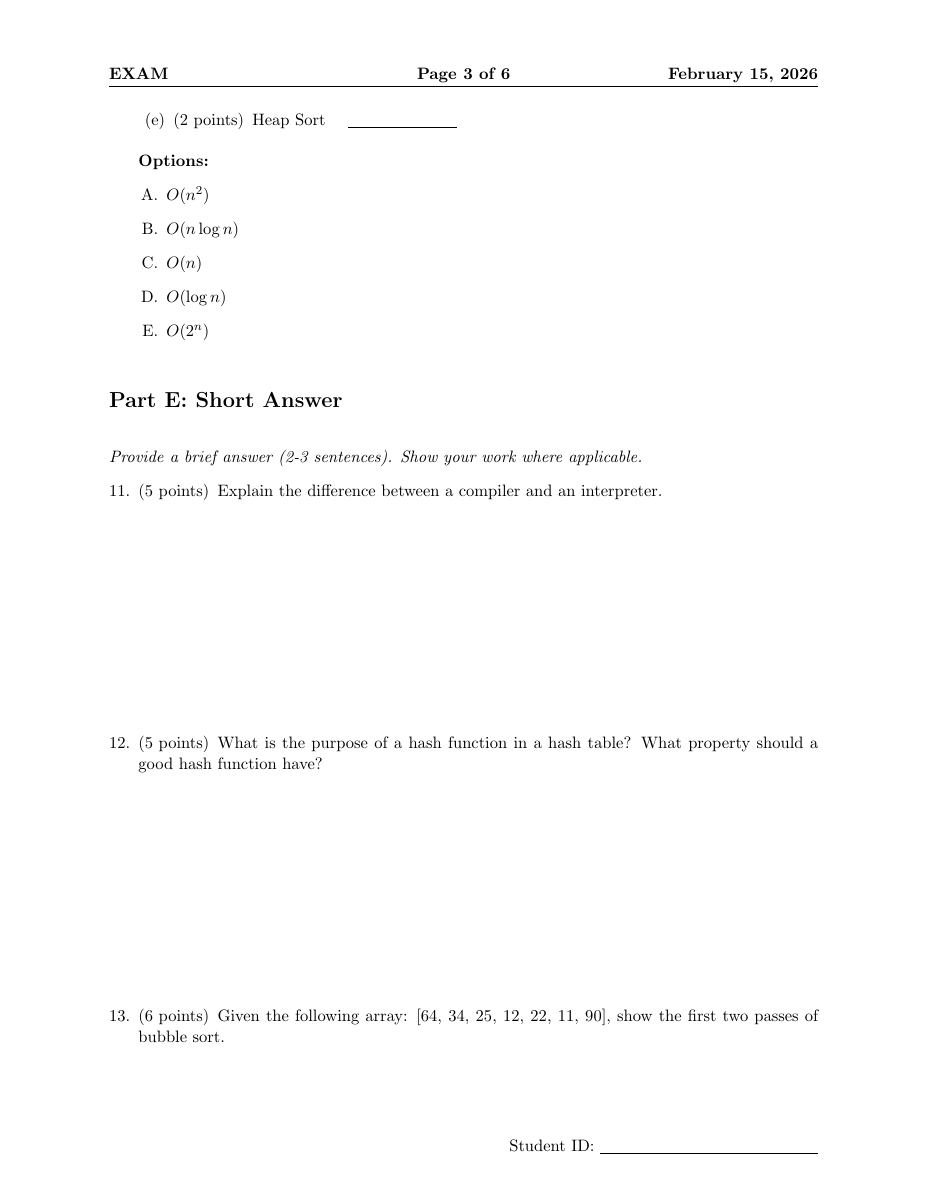 | 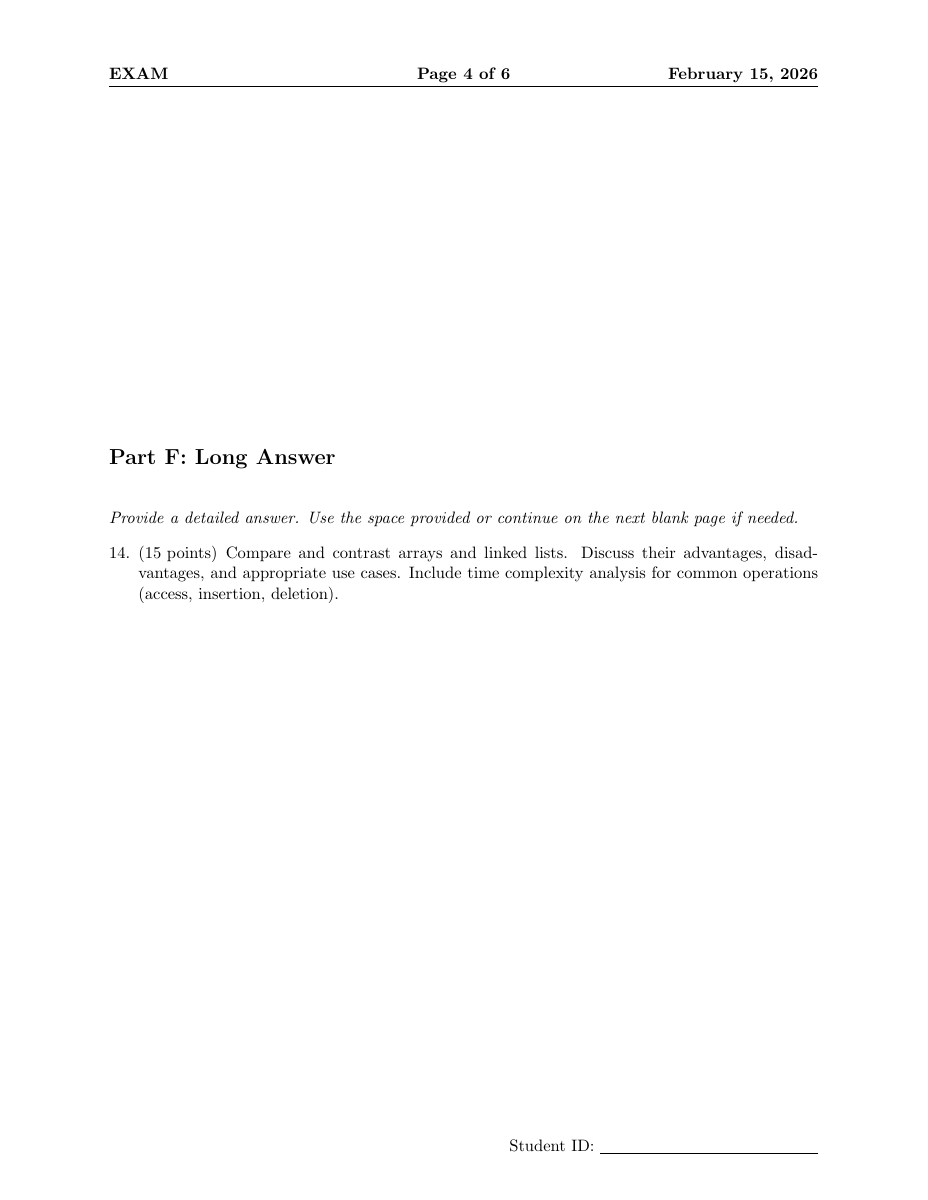 |  |  |
Cheat Sheets -- 3 Variants
| Template | Columns | Font | Orientation |
|---|---|---|---|
cheatsheet.tex | 3 | 7pt | Landscape |
cheatsheet-exam.tex | 2 | 6pt | Portrait |
cheatsheet-code.tex | 4 | 7pt | Landscape |
Example: Algebraic Geometry (162 pages -> 2 pages)
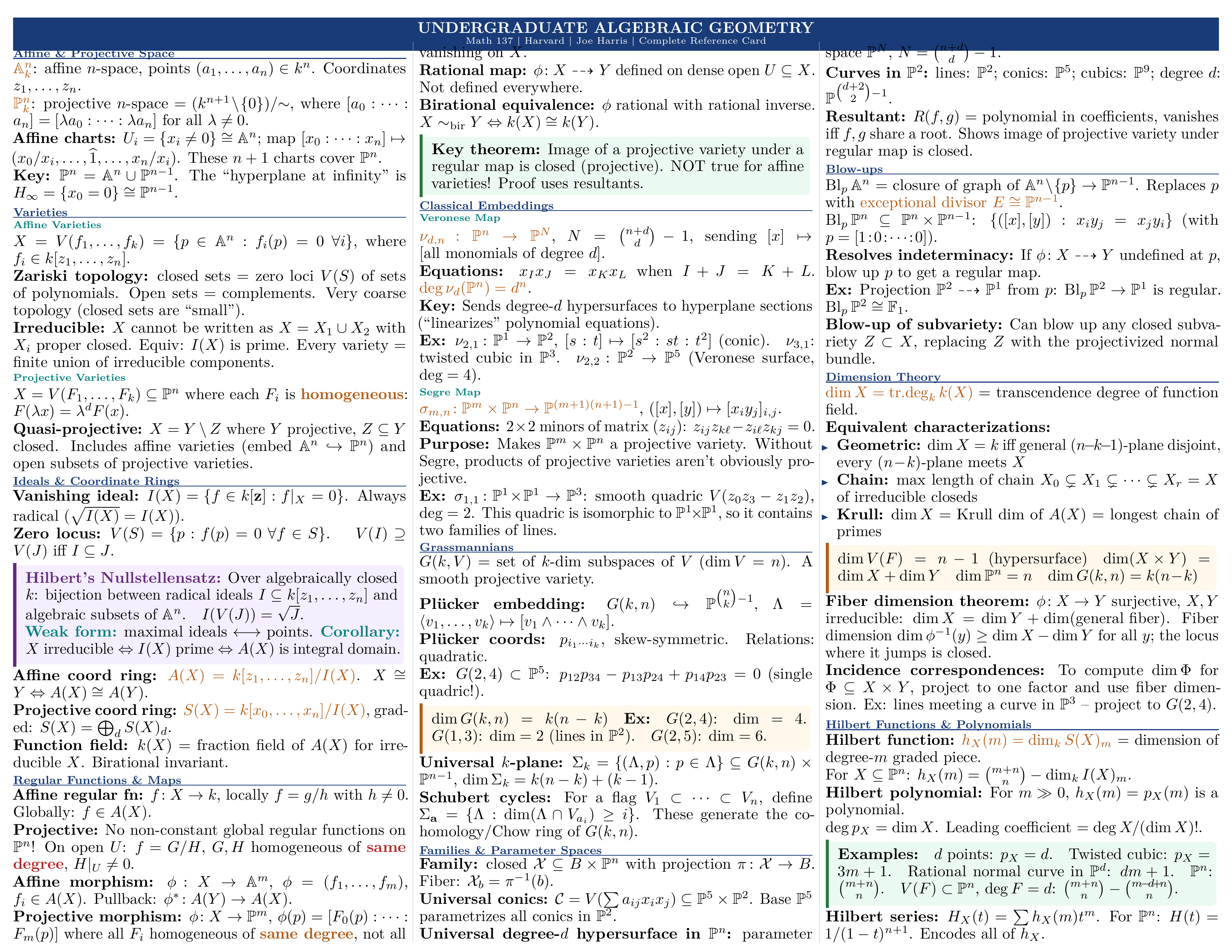 | 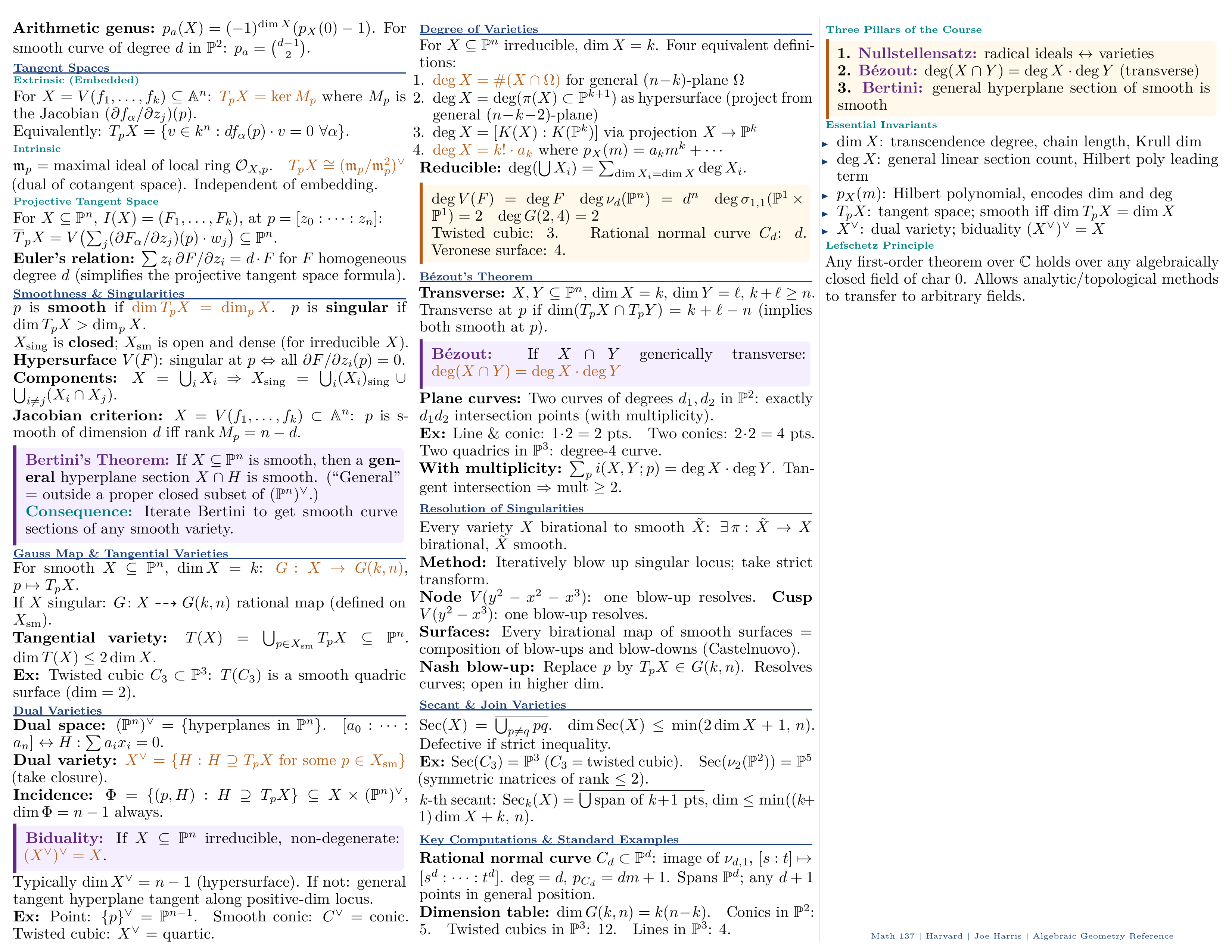 |
| Page 1 -- Affine/Projective Space, Varieties, Morphisms | Page 2 -- Sheaves, Schemes, Cohomology, Key Examples |
Interactive / Dynamic Templates
| Template | What It Does |
|---|---|
fillable-form.tex | PDF form fields: text inputs, checkboxes, radio buttons, dropdowns, push buttons (via hyperref) |
conditional-document.tex | 12 etoolbox toggles (showTOC, isDraft, isConfidential...), 3 visual profiles, CLI-overridable |
mail-merge-letter.tex | Template for mail_merge.py -- {{name}} placeholders |
Business Documents
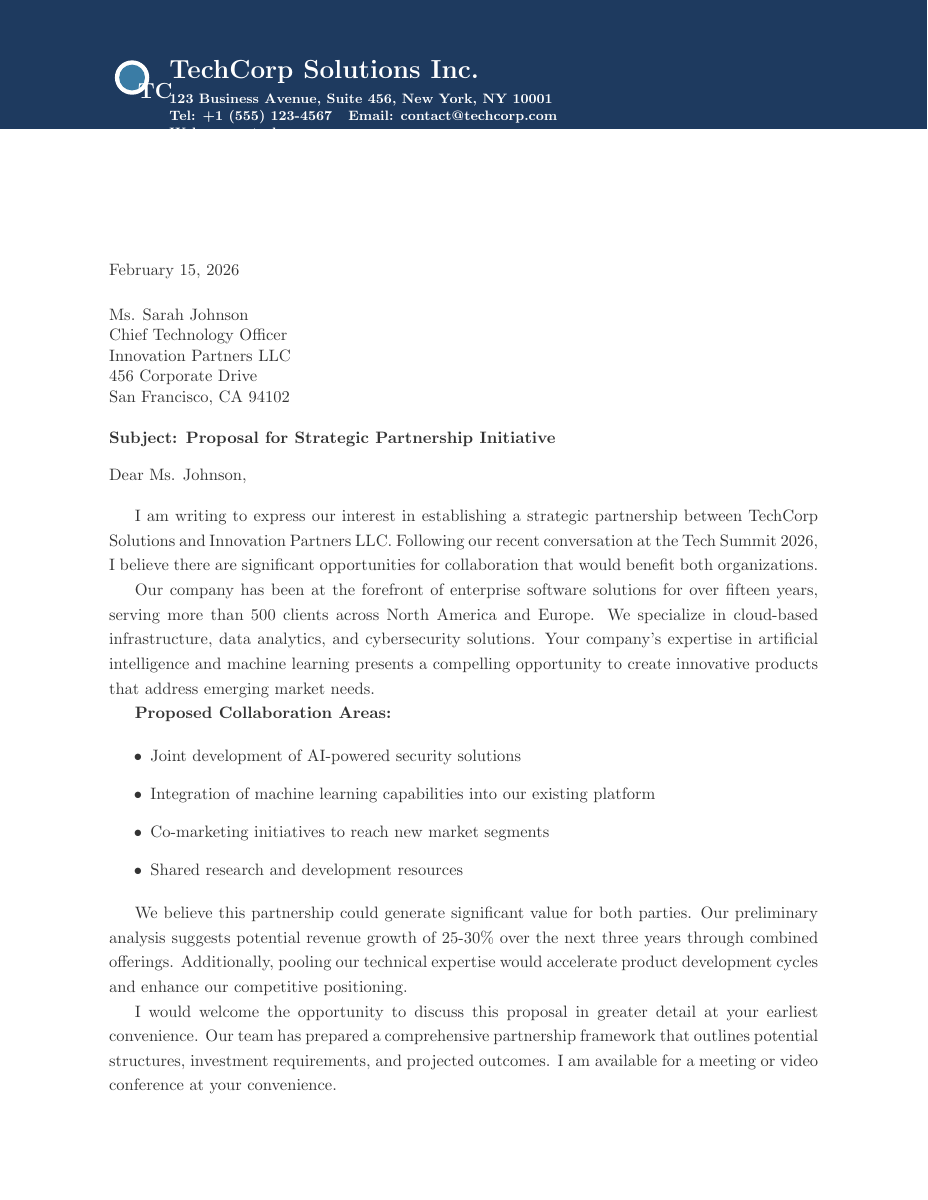 | 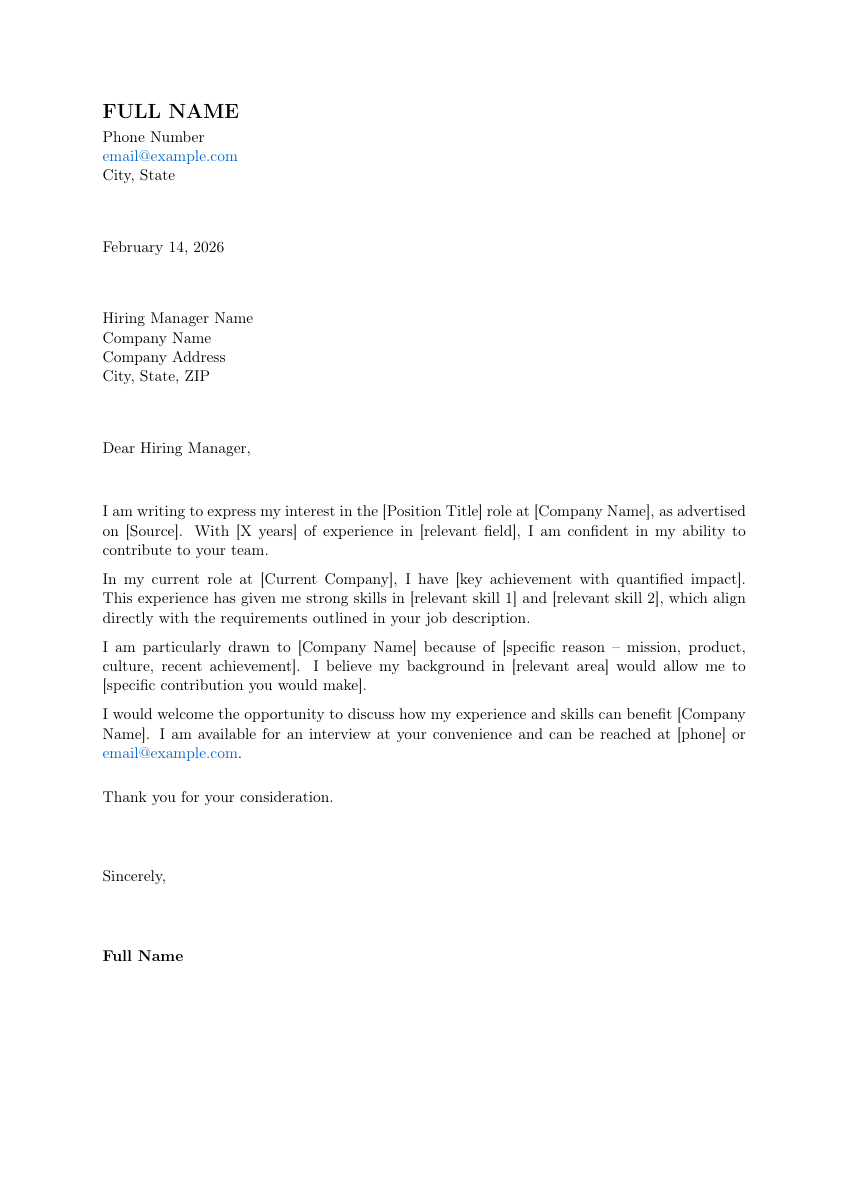 | 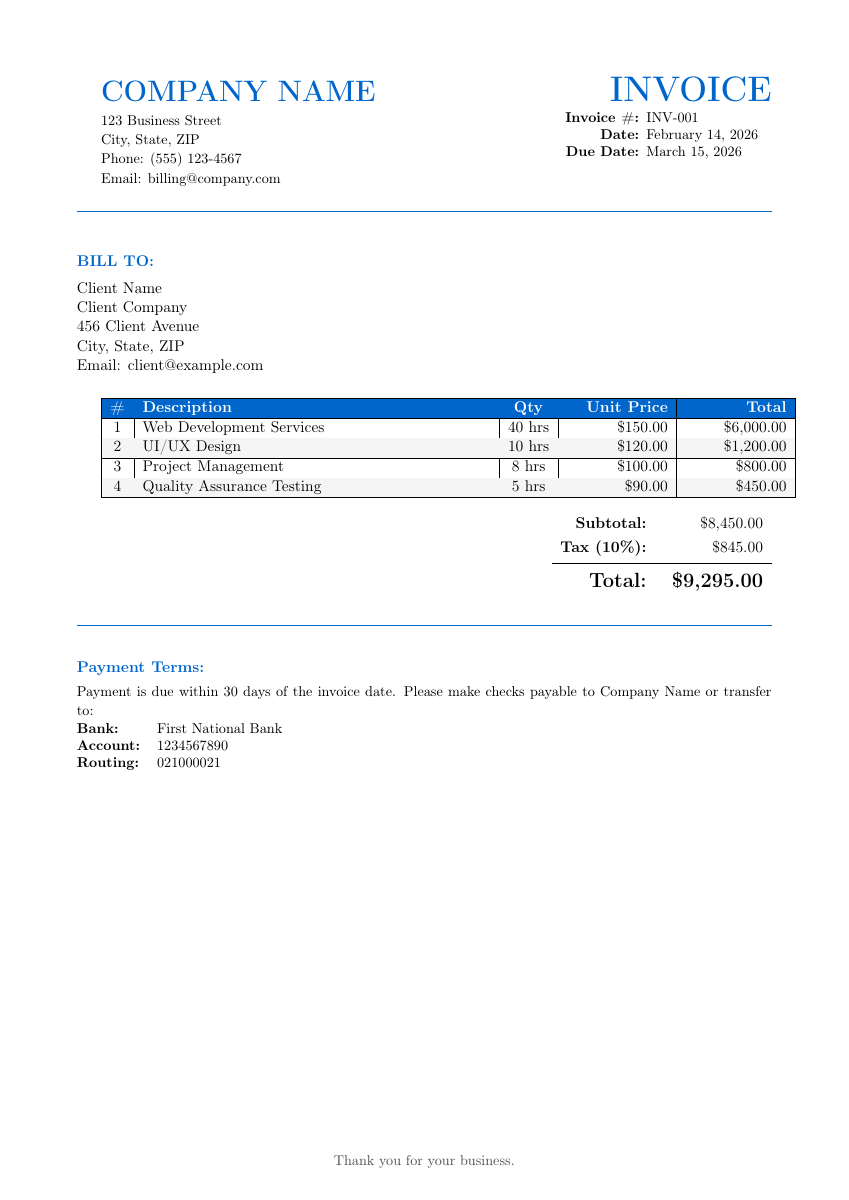 |
letter.tex -- Business letter | cover-letter.tex -- Job application | invoice.tex -- Professional invoice |
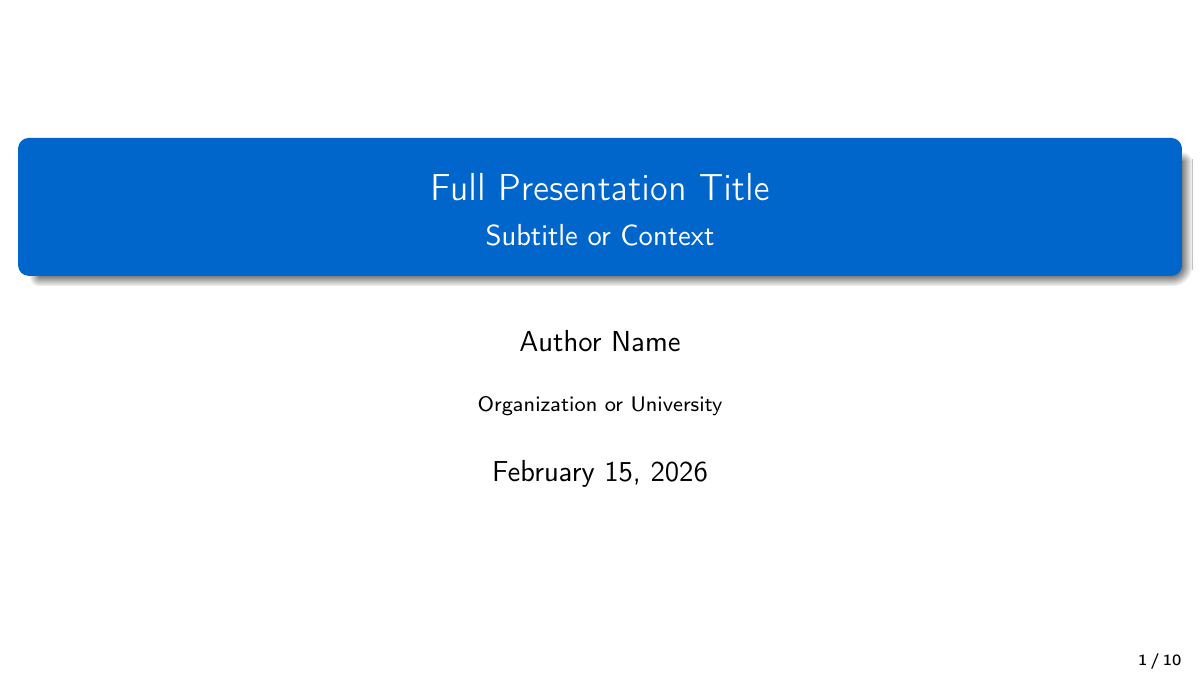
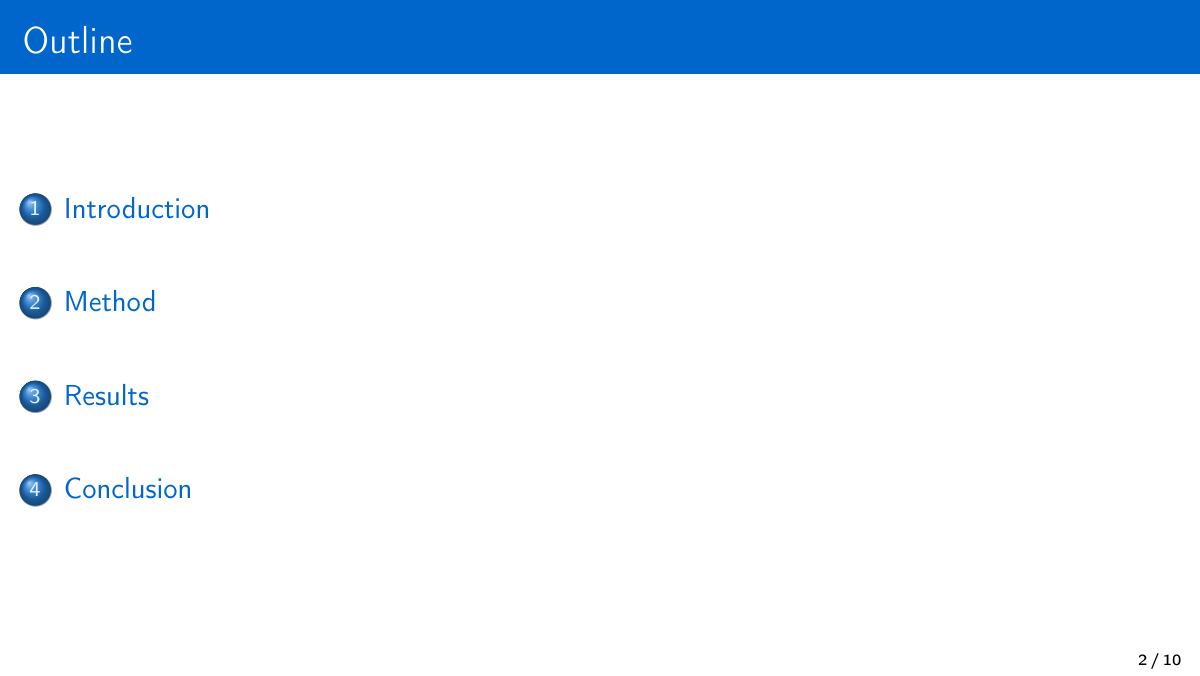
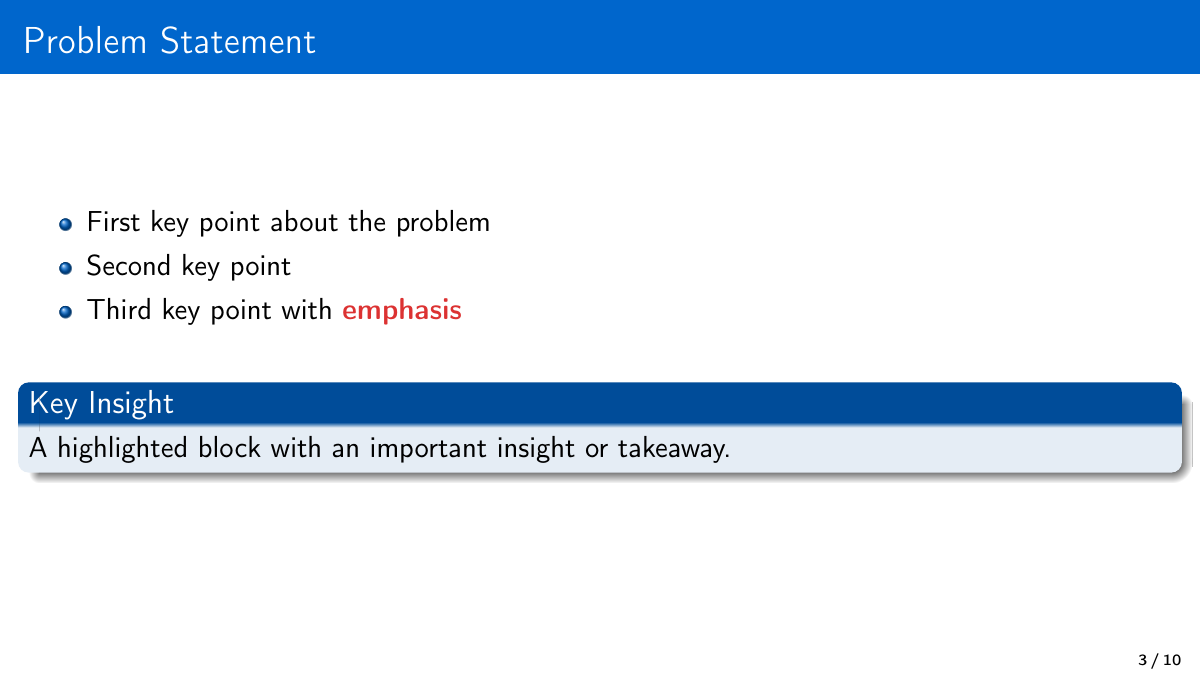
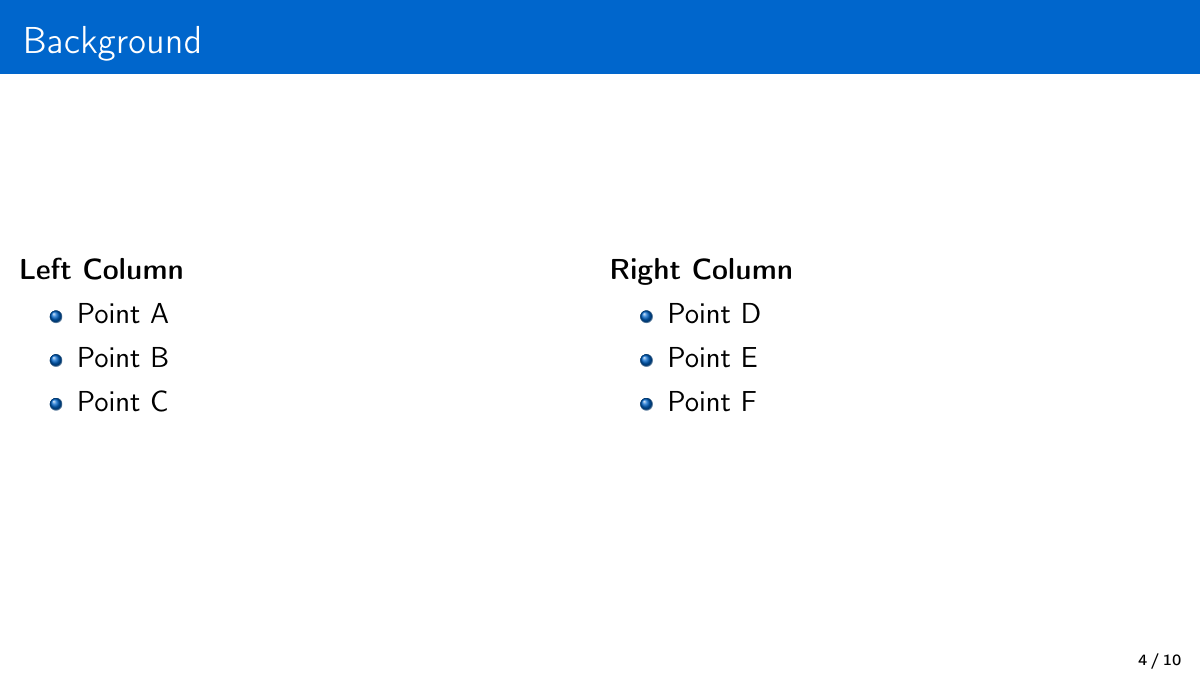
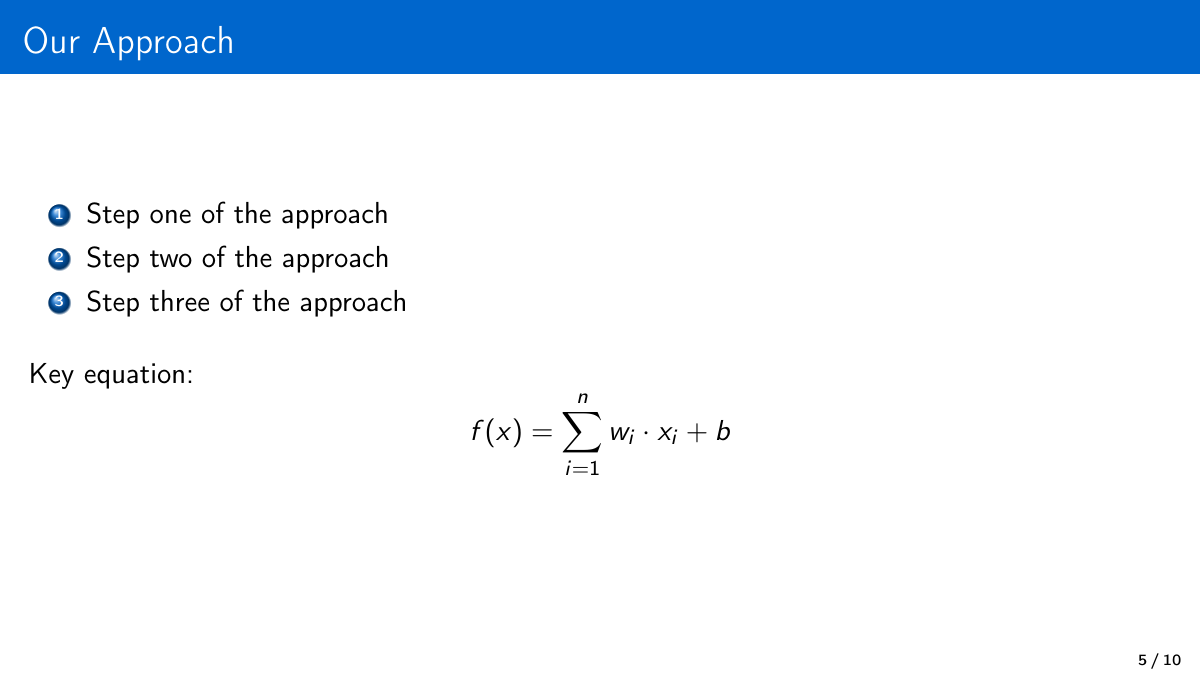
Presentation (presentation.tex) -- Beamer 16:9
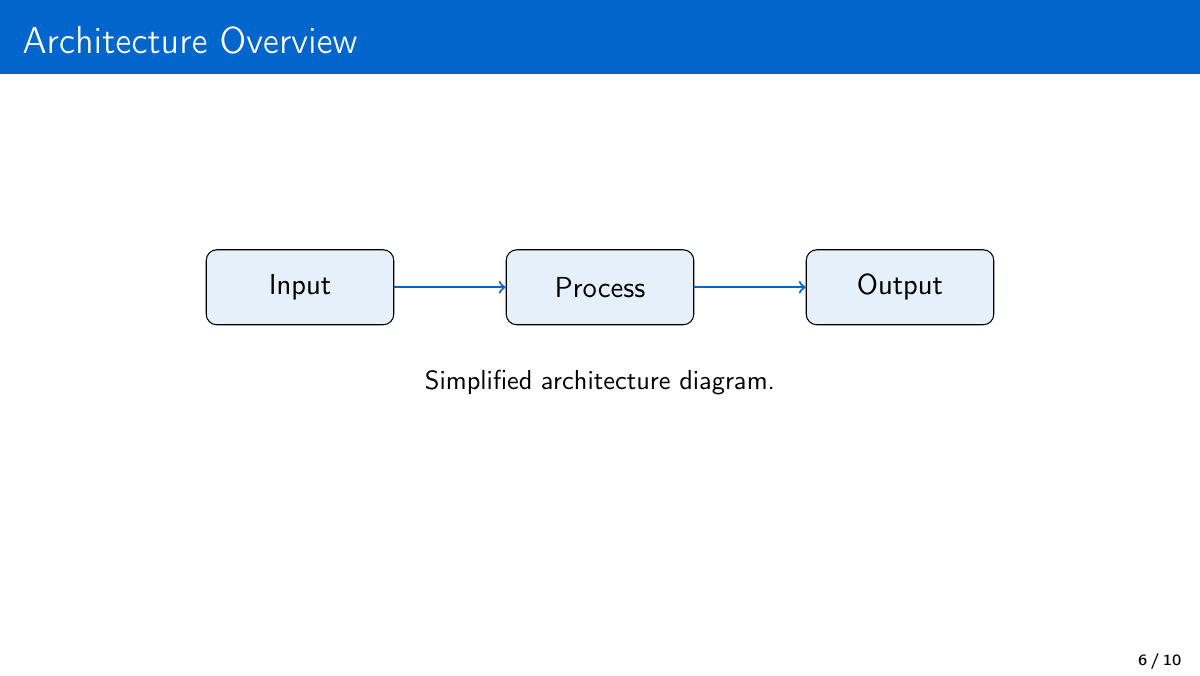
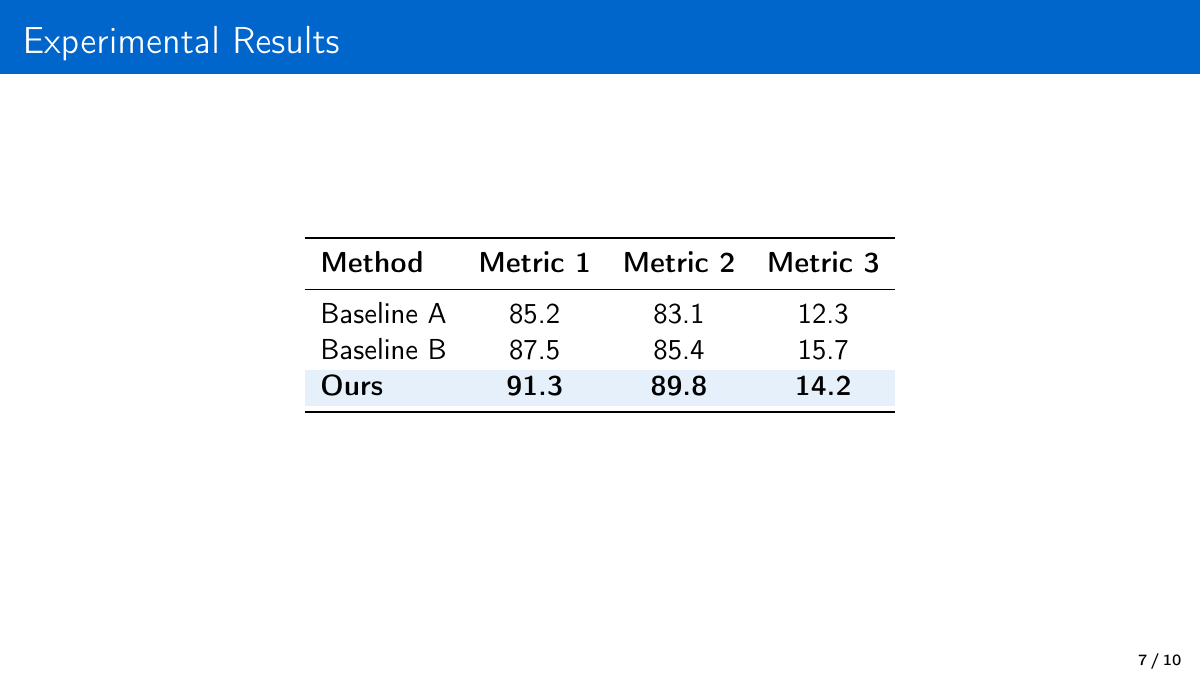
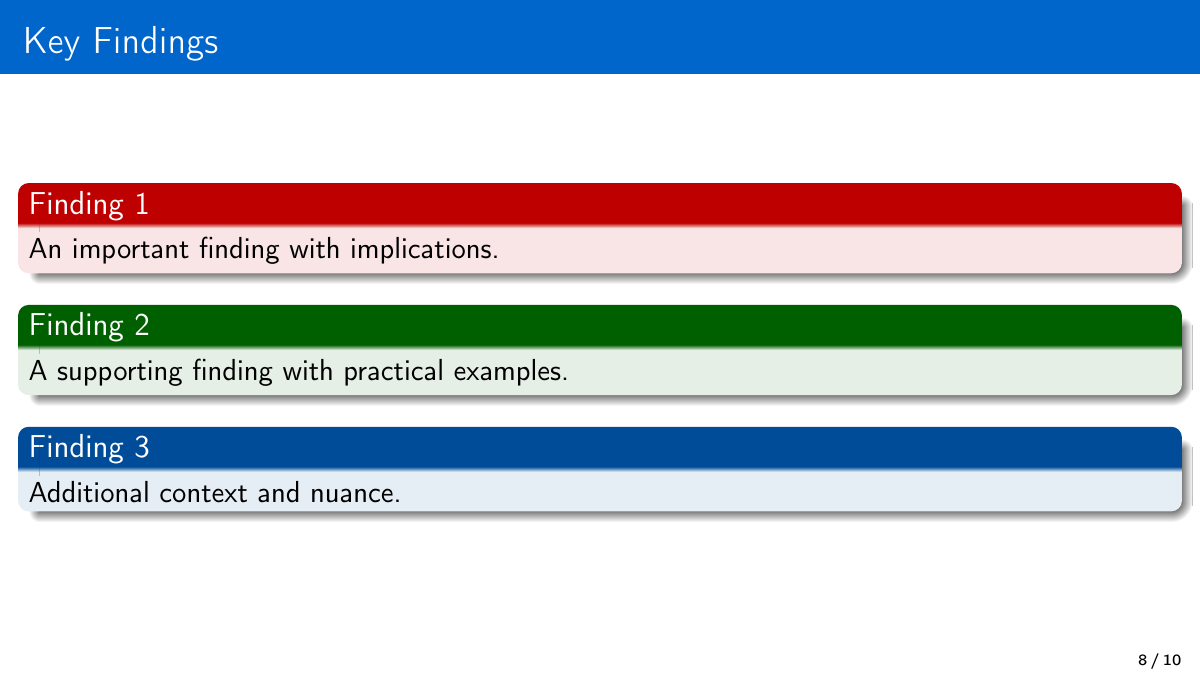
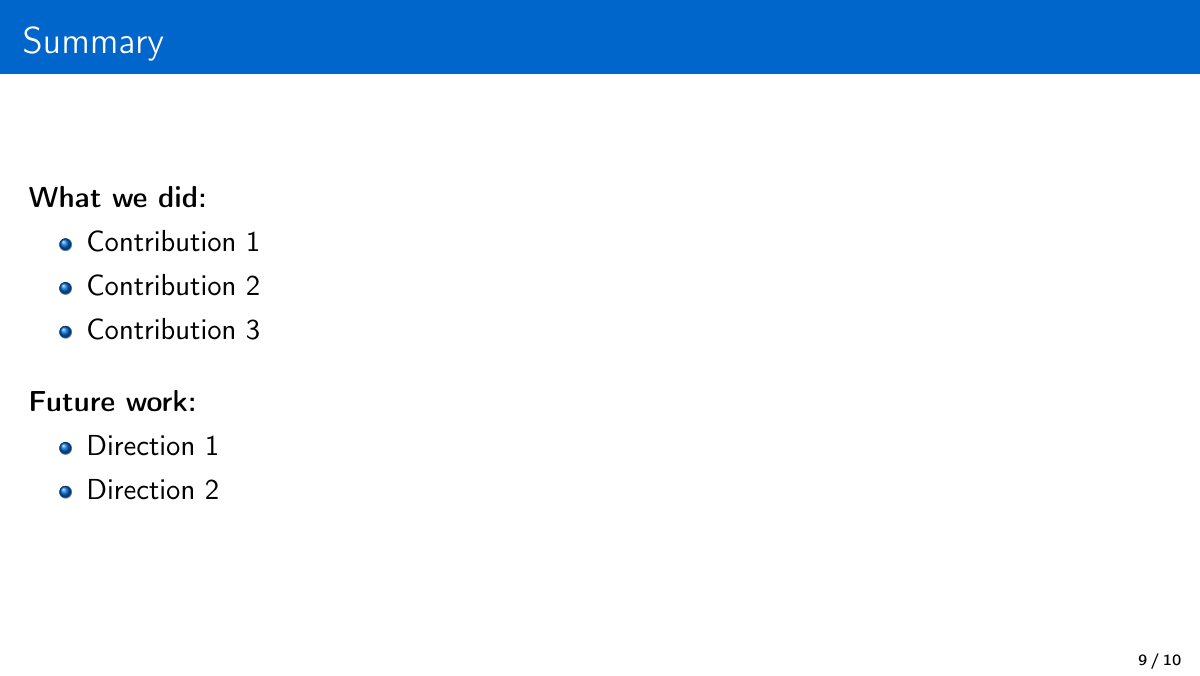
Custom theme, widescreen aspect ratio, title/section/content/two-column/code/image/thank-you frame types.
 |  |  |  |  |
 |  |  |  |  |
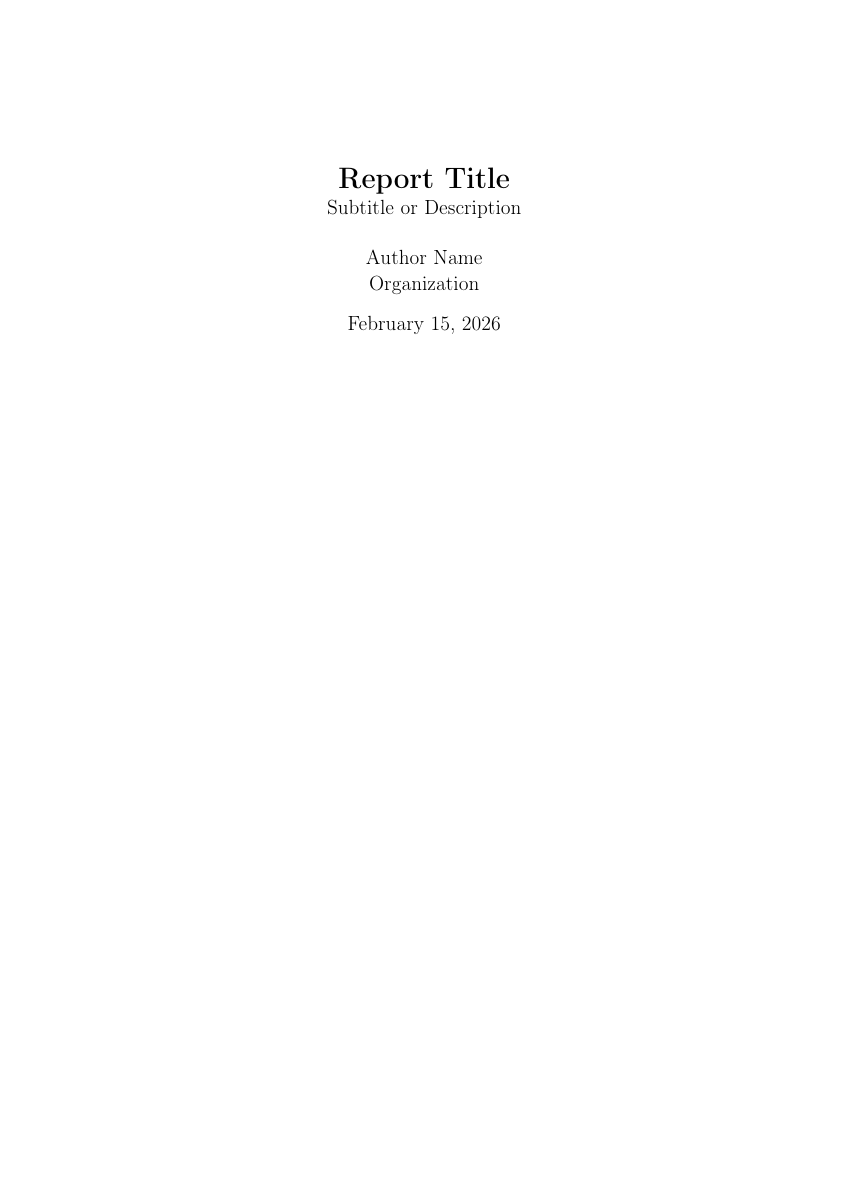
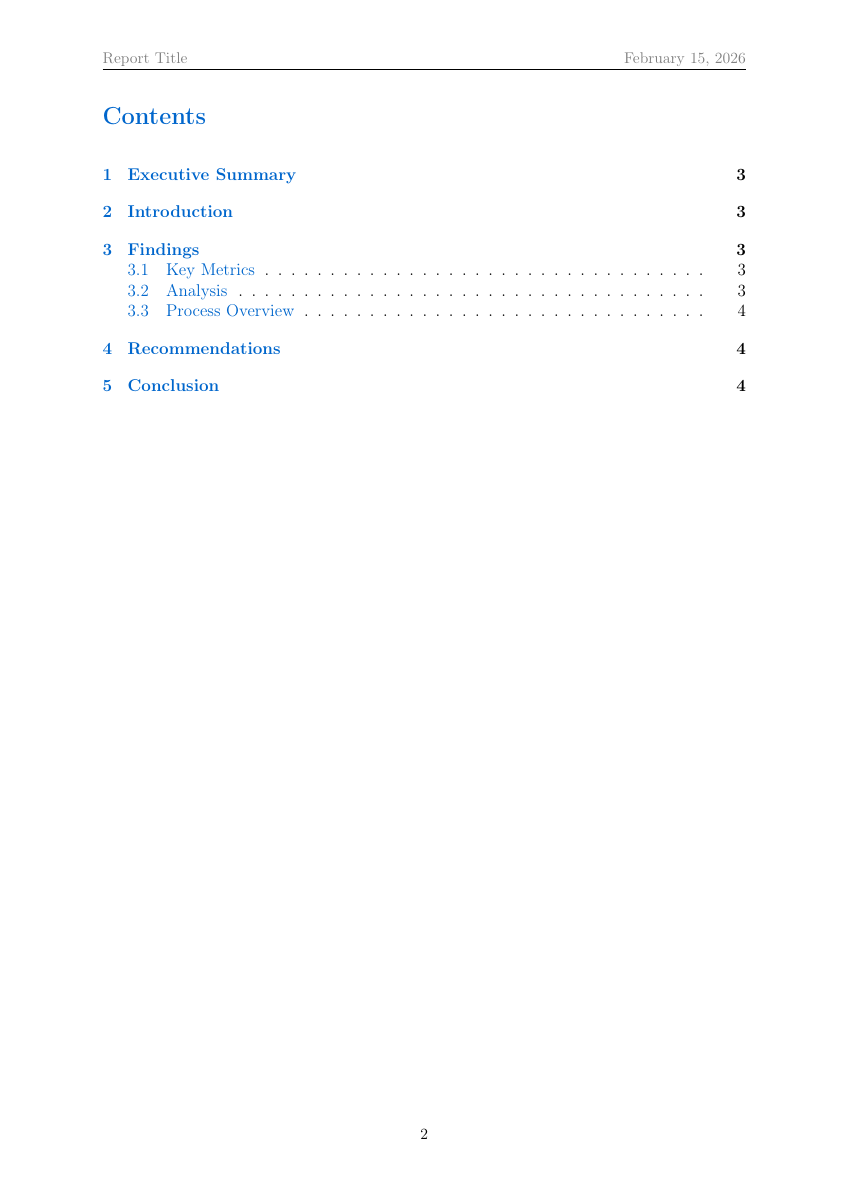
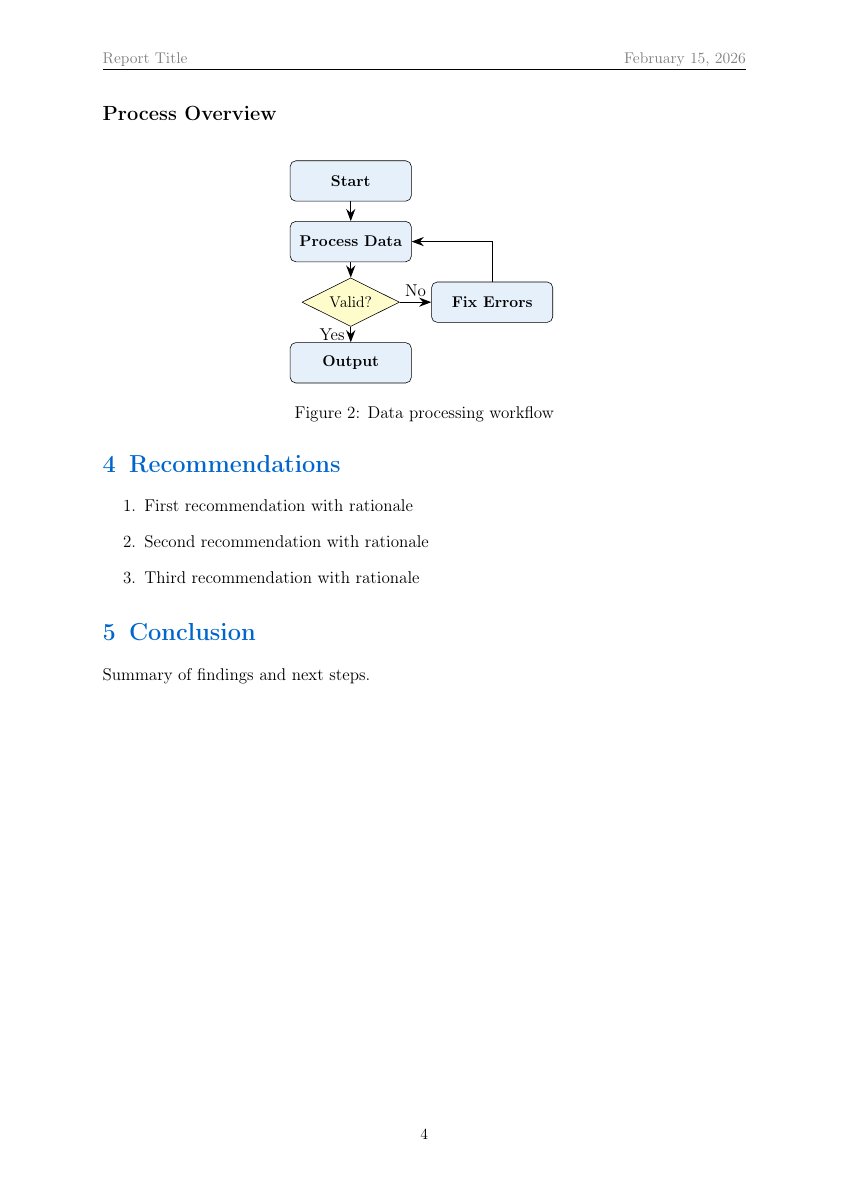
Report (report.tex)
Executive summary, findings, recommendations with TOC, pgfplots bar charts, TikZ flowcharts, colored data tables.
 |  |  |  |
Killer Features
(The things that make this more than "just another template repo.")
1. Smart Compilation Engine (compile_latex.sh -- 525 lines)
Not a wrapper around pdflatex. It is an intelligent build system that reads your document and makes decisions. Think of it as a capybara that learned to read .tex files.
Auto-detection logic:
Document contains \usepackage{fontspec} or \usepackage{xeCJK}  ->  xelatex
Document contains \usepackage{luacode} or \directlua            ->  lualatex
Otherwise                                                        ->  pdflatex

Document contains \bibliography{}                                ->  bibtex
Document contains \addbibresource{}                              ->  biber

Document contains \makeindex                                     ->  runs makeindex
Document contains \makeglossaries                                ->  runs makeglossaries
Multi-pass compilation: Runs the engine up to 3 times, checking for "Rerun to get cross-references right" each pass. Bibtex/biber runs between passes 1 and 2.
Auto-fix mode (--auto-fix):
| What it fixes | How |
|---|---|
Naked \begin{figure} without placement | Injects [htbp] -- the #1 LaTeX beginner complaint |
Naked \begin{table} without placement | Same [htbp] injection |
| Overfull hbox warnings | Adds \usepackage{microtype} to preamble |
Error translation -- parses .log and translates into actionable English:
| Raw LaTeX Error | What the script tells you |
|---|---|
Missing $ inserted | "Math symbol used outside $...$ -- wrap it in dollar signs" |
Undefined control sequence \xyz | "Unknown command \xyz -- check spelling or add the right \usepackage" |
Too many }'s | "Extra closing brace -- count your { and } pairs" |
File 'foo.sty' not found | "Missing package foo -- install with tlmgr install foo" |
Preview generation: After compilation, runs pdftoppm -png -r 200 on the output PDF and resizes to <=2000px.
bash scripts/compile_latex.sh document.tex --preview --auto-fix
2. PDF-to-LaTeX Reconstruction (Vision OCR Pipeline)
Convert any PDF -- scanned textbook, handwritten notes, printed report -- into compilable LaTeX. The capybara reads your handwriting better than your professor does.
Pipeline:
pdf_to_images.shrenders pages at 200 DPI usingpdftoppm, zero-pads filenames, resizes to <=2000px for API limits- Vision model reads each page image
- Generates
.texwith profile-appropriate formatting
Scaling strategy (empirically validated on 115-page handwritten math notes):
| PDF Size | Strategy | Expected Errors |
|---|---|---|
| 1-10 pages | Single agent processes all pages | 0-2 minor errors |
| 11-20 pages | Split into 2 batches of ~10 | Near-zero per batch |
| 21+ pages | Batch-7 pipeline with parallel agents | 0 errors per 7-page batch |
4 conversion profiles (in references/profiles/):
| Profile | Tuned For |
|---|---|
math-notes.md | Equations, theorems, proofs. "Beautiful mode" uses colored tcolorbox environments |
business-document.md | Reports, financials, tables, bullet lists |
legal-document.md | Numbered paragraphs, statutory references, legal citation formatting |
general-notes.md | Handwritten notes, mixed media, letters |
3. PDF-to-Cheat Sheet Pipeline
Condense entire textbooks into 2-page reference cards. Because the night before the exam, you need density, not decoration.
| Template | Layout | Font Size | Columns | Best For |
|---|---|---|---|---|
cheatsheet.tex | Landscape A4 | 7pt | 3 | Course reference, concept summaries |
cheatsheet-exam.tex | Portrait A4 | 6pt | 2 | Exam formula sheets (B&W-safe) |
cheatsheet-code.tex | Landscape A4 | 7pt | 4 | Programming references, CLI commands |
Density techniques:
- Symbol substitution (for all -> "for all", there exists -> "there exists")
- Horizontal formula stacking with
\quadseparators - Telegram-style text (articles and filler words stripped)
- Content prioritization: formulas 60-70% -> procedures 15-20% -> constants 10-15% -> definitions 5-10%
- Compile-and-verify loop to fit exact page budget
4. Mail Merge (mail_merge.py -- 574 lines)
Generate N personalized documents from one template + one data source. HR departments have hired worse interns.
python3 scripts/mail_merge.py template.tex contacts.csv \
    --output-dir ./letters --workers 4 --merge --merge-name all_letters.pdf
Two templating modes:
| Mode | Syntax | Features |
|---|---|---|
| Simple (default) | {{first_name}}, {{company}} | Auto-escapes &, %, $, #, _, {, }, ~, ^, \ for LaTeX safety |
Jinja2 (--jinja2) | << first_name >>, <% if ... %> | Conditionals, loops, filters. ` |
Technical details:
- Data sources: CSV, JSON, JSONL
- Uses
concurrent.futures.ProcessPoolExecutorfor parallel compilation - Each document compiled independently (crash isolation)
- Final merge via
qpdf --pagesorpdfunite - Custom naming:
--name-field last_name --prefix "offer_letter"->offer_letter_Smith.pdf
5. Version Diffing (latex_diff.sh -- 409 lines)
A full-featured latexdiff wrapper with git integration. Track every comma your advisor changed at 2 AM.
# Compare two files directly
bash scripts/latex_diff.sh paper_v1.tex paper_v2.tex --compile --preview

# Compare against a git commit
bash scripts/latex_diff.sh paper.tex --git-rev HEAD~3 --compile

# Compare between two git tags
bash scripts/latex_diff.sh paper.tex --git-rev v1.0 --compile --type CULINECHBAR

# Multi-file document with \input/\include
bash scripts/latex_diff.sh old/main.tex new/main.tex --flatten --compile
8 markup types:
| Type | Visual Effect |
|---|---|
UNDERLINE (default) | Additions underlined in blue, deletions struck through in red |
CTRADITIONAL | Additions in blue text, deletions in red with strikethrough |
CFONT | Additions in sans-serif blue, deletions in tiny red |
CHANGEBAR | Change bars in margin only, no inline markup |
CCHANGEBAR | Change bars + color changes |
CULINECHBAR | Underline + change bars (most comprehensive) |
FONTSTRIKE | Font change + strikethrough |
INVISIBLE | No visible markup (for testing) |
Git integration: Extracts old version via git show <rev>:<path>, diffs against current working copy. Supports HEAD~1, v1.0, branch names.
Custom colors: --color-add "green!70!black" --color-del "red!80!black" injects override commands.
6. BibTeX Auto-Fetch (fetch_bibtex.sh -- 251 lines)
Download BibTeX entries from DOIs or arXiv IDs with zero manual work. No more copy-pasting from Google Scholar like an animal.
# From DOI
bash scripts/fetch_bibtex.sh 10.1038/nature12373

# From arXiv
bash scripts/fetch_bibtex.sh 2301.07041

# Multiple at once, append to existing .bib
bash scripts/fetch_bibtex.sh 10.1145/3290605.3300608 1906.08237 \
    --append --output references.bib
Auto-detects identifier type: 10.xxxx/... -> DOI, YYMM.NNNNN -> arXiv. Strips arXiv: prefix if present.
Visual Elements
Charts & Graphs (generate_chart.py -- 459 lines)
9 chart types from JSON or CSV data, output as PNG or PDF:
python3 scripts/generate_chart.py bar \
    --data '{"x":["Q1","Q2","Q3","Q4"],"y":[120,150,180,210]}' \
    --output chart.png --title "Revenue" --style ggplot --figsize 10 6
| Chart Type | Multi-Series | Notes |
|---|---|---|
bar | Yes (grouped) | Horizontal with --horizontal |
line | Yes | Markers, grid |
scatter | Yes | |
pie | No | Autopct, explode slices |
heatmap | No | Annotated cells, custom colormap |
box | Yes | Statistical distribution |
histogram | Yes | Custom bins |
area | Yes | Stacked with alpha |
radar | Yes | Spider/star chart |
Inline charts can also be created directly in LaTeX using pgfplots.
Tables (csv_to_latex.py -- 364 lines)
python3 scripts/csv_to_latex.py data.csv --style booktabs --alternating-rows \
    --caption "Experimental Results" --label tab:results --max-rows 50
| Style | Look |
|---|---|
booktabs | Professional -- \toprule, \midrule, \bottomrule |
grid | Full borders on all cells |
simple | Horizontal rules only |
plain | No rules at all |
Auto-detects column alignment (right-aligns numeric columns). Handles LaTeX special character escaping.
Diagrams -- 4 Rendering Pipelines
| Tool | Script | Input | Output | Batch Mode |
|---|---|---|---|---|
| TikZ | (compiled inline) | .tex | -- | |
| Mermaid | mermaid_to_image.sh | .mmd | PNG/PDF | No |
| Graphviz | graphviz_to_pdf.sh | .dot | PDF/PNG | Yes (whole directory) |
| PlantUML | plantuml_to_pdf.sh | .puml | PDF/PNG/SVG | Yes (whole directory) |
Graphviz supports 6 layout engines: dot (hierarchical), neato (spring model), circo (circular), fdp (force-directed), twopi (radial), sfdp (scalable force-directed).
Mermaid uses npx @mermaid-js/mermaid-cli with Puppeteer. Themes: default, dark, forest, neutral.
PlantUML auto-downloads plantuml.jar if not installed. Requires Java.
Format Conversion (convert_document.sh -- 316 lines)
Pandoc wrapper with auto-detection of input/output formats from file extensions:
Markdown <-> LaTeX <-> DOCX <-> HTML <-> PDF
# Markdown to LaTeX
bash scripts/convert_document.sh notes.md notes.tex --standalone --toc

# DOCX to LaTeX with bibliography
bash scripts/convert_document.sh manuscript.docx manuscript.tex --bibliography refs.bib --csl ieee.csl

# LaTeX to PDF (uses lualatex if available for Unicode)
bash scripts/convert_document.sh paper.tex paper.pdf
PDF Utilities
All 4 scripts use qpdf (auto-installed if missing):
| Script | What It Does | Key Flags |
|---|---|---|
pdf_encrypt.sh | AES-256 password protection | --restrict-print, --restrict-copy, --restrict-modify, --owner-password |
pdf_merge.sh | Combine 2+ PDFs into one | --output combined.pdf |
pdf_optimize.sh | Compress + linearize for web | --linearize, --compress-streams=y, --recompress-flate |
pdf_extract_pages.sh | Extract page ranges | --pages 1-10, --pages odd, --pages even, --pages last:3 |
# Encrypt with restrictions
bash scripts/pdf_encrypt.sh report.pdf --user-password secret --restrict-print --restrict-modify

# Merge chapters into book
bash scripts/pdf_merge.sh ch1.pdf ch2.pdf ch3.pdf --output book.pdf

# Compress for email (shows % reduction)
bash scripts/pdf_optimize.sh large.pdf --output small.pdf

# Extract appendix
bash scripts/pdf_extract_pages.sh thesis.pdf --pages last:3 --output appendix.pdf
LaTeX Quality & Analysis Tools
| Script | Lines | What It Does |
|---|---|---|
latex_lint.sh | 173 | Run chktex with colored output. --strict treats warnings as errors |
latex_wordcount.sh | 149 | Word count via detex. --detailed adds figures/tables/equations count |
latex_analyze.sh | 216 | Missing labels, unreferenced \label{}, TODO/FIXME detection, double spaces |
latex_package_check.sh | 265 | Pre-flight \usepackage verification via kpsewhich. --install auto-installs |
latex_citation_extract.sh | 342 | Citation analysis, cross-refs against .bib, --format json for programmatic use |
fetch_bibtex.sh | 251 | DOI/arXiv -> BibTeX entries, --append mode |
validate_latex.py | 426 | 6-check syntax validator for batch files |
Multi-Language Support
| Language Family | Package | Auto-Selected Engine |
|---|---|---|
| European (French, German, Spanish...) | babel | pdfLaTeX |
| CJK (Chinese, Japanese, Korean) | xeCJK | XeLaTeX |
| RTL (Arabic, Hebrew, Farsi) | polyglossia | XeLaTeX |
| Cyrillic (Russian, Ukrainian) | babel or polyglossia | pdfLaTeX or XeLaTeX |
Behind every great PDF is a capybara who figured out the correct number of pdflatex passes.
Installation
# Install as a Claude Code skill
cp -r latex-document ~/.claude/skills/

# Or run full dependency setup
bash setup.sh            # Installs: TeX Live, Poppler, ImageMagick, Pandoc, Python deps
bash setup.sh --check    # Verify everything is installed
System dependencies (auto-installed by setup.sh on Debian/macOS/Fedora/Alpine/Arch):
- TeX Live -- pdflatex, xelatex, lualatex, biber, makeindex, makeglossaries
- Poppler --
pdftoppmfor PNG previews,pdfinfofor page counts - ImageMagick --
mogrifyfor image resizing,identifyfor dimensions - Pandoc -- format conversion engine
- Python 3 +
matplotlib,numpy,pandas - qpdf -- PDF encryption, merging, optimization, page extraction
Optional:
- Node.js 18+ -- for Mermaid diagram conversion
- Java -- for PlantUML rendering
- Graphviz -- for
.dotdiagram rendering - chktex -- for LaTeX linting
- latexdiff -- for version diffing
Reference Documentation
25 reference guides in references/:
Full index (click to expand)
| Guide | Covers |
|---|---|
resume-ats-guide.md | ATS parsing rules, keyword optimization, formatting do's and don'ts |
poster-design-guide.md | Conference presets, #BetterPoster layout, typography at poster scale |
bibliography-guide.md | BibTeX vs biblatex, \cite variants, CSL styles |
advanced-features.md | Watermarks, landscape sections, multi-language, algorithms, siunitx |
charts-and-graphs.md | pgfplots patterns (line, bar, scatter, pie, 3D) |
python-charts.md | matplotlib via generate_chart.py -- all 9 types, CSV input |
mermaid-diagrams.md | Flowcharts, sequence, class, ER, Gantt, pie, mindmap |
format-conversion.md | Pandoc pipeline, custom templates, bibliography integration |
pdf-conversion.md | Full PDF-to-LaTeX pipeline, batch processing, profiles |
tables-and-images.md | Colored rows, multi-row/column, booktabs, subfigures |
interactive-features.md | Forms, conditional content, mail merge, diffing |
packages.md | Common LaTeX package reference |
visual-packages.md | 24 TikZ/visualization packages with examples |
graphviz-plantuml.md | Graphviz & PlantUML workflows and examples |
pdf-extraction-prompts.md | LLM prompts for PDF-to-cheatsheet conversion |
cheatsheet-guide.md | Density optimization, compression techniques |
debugging-guide.md | 20 common errors explained, .log file reading |
accessibility-guide.md | PDF/A, PDF/UA, tagged PDFs, WCAG compliance |
beamer-guide.md | Themes, overlays, code slides, handout mode |
font-guide.md | Font families, fontspec, fontawesome5 icons |
collaboration-guide.md | Git workflows, GitHub Actions, Docker, CI/CD for LaTeX |
long-form-best-practices.md | 9 anti-patterns for 5+ page documents, quality checklist |
code-patterns.md | 16 ready-to-use LaTeX snippets |
pdf-operations.md | Advanced PDF ops: form filling, text extraction, OCR, watermark |
script-tools.md | PDF utilities, quality tools, compilation helpers |
profiles/ | 4 OCR conversion profiles (math, business, legal, general) |
Testing
217 tests covering all 27 scripts, 0 failures:
# Run all tests
bash tests/run_all_tests.sh

# Run individual suites
python -m pytest tests/test_python_scripts.py -v    # 83 tests
python -m pytest tests/test_pdf_forms.py -v          # 18 tests
bash tests/test_compile_latex.sh                     # 36 tests
bash tests/test_pdf_utils.sh                         # 33 tests
bash tests/test_analysis_tools.sh                    # 47 tests
bash tests/test_templates.sh                         # All 27 templates compiled
Tests found and fixed 2 real bugs in compile_latex.sh:
- Engine detection matched
%\usepackage{fontspec}in comments -- now filters commented lines - Float auto-fix regex failed when
\begin{figure}was at end of line -- now uses two-pass approach
Project Structure
latex-document/
├── SKILL.md                              # Skill definition (329 lines)
├── README.md                             # You are here
├── setup.sh                              # One-click installer
├── requirements.txt                      # Python: matplotlib, numpy, pandas
│
├── assets/
│   ├── capy-professor.png                # The professor capybara (you saw him up top)
│   ├── capy-wizard.png                   # The wizard capybara (OCR sorcery)
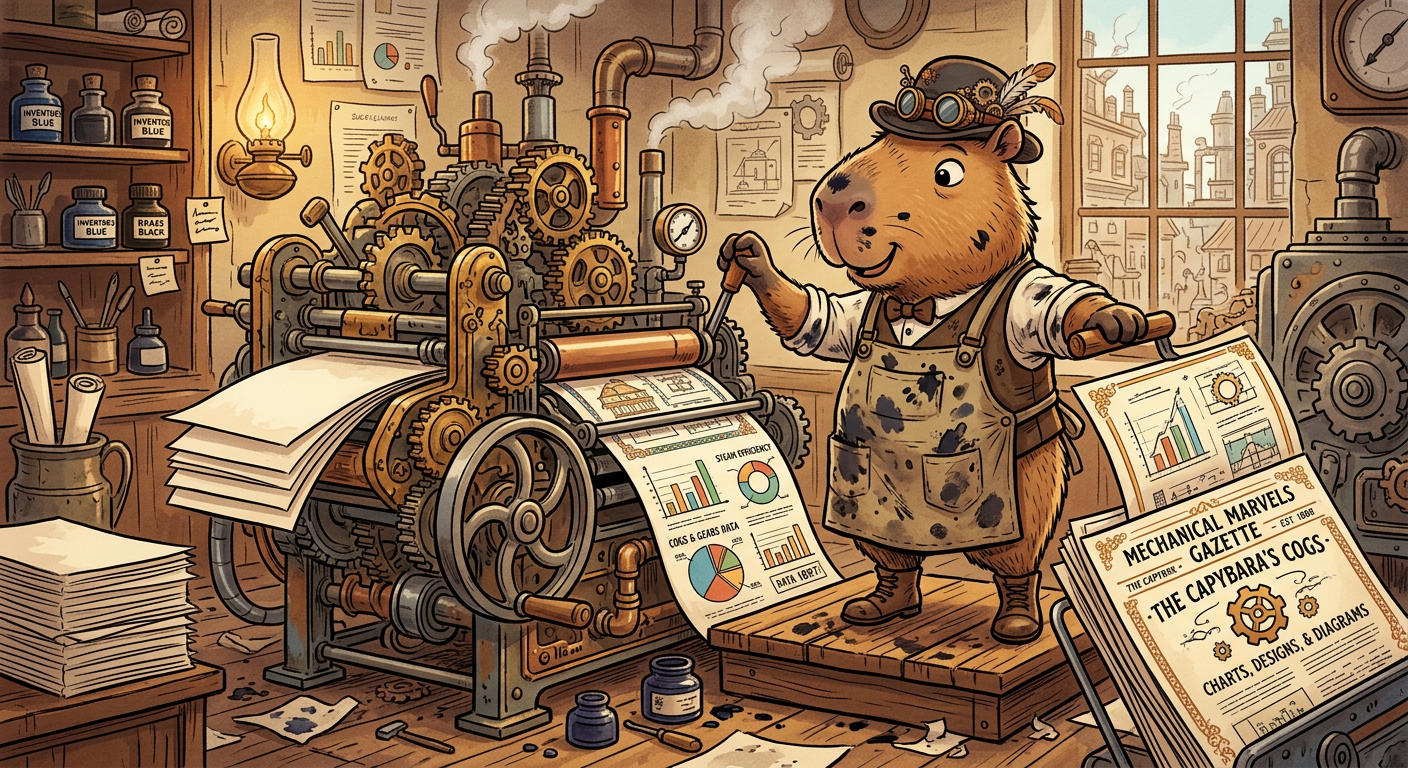
│   ├── capy-printer.png                  # The printer capybara (steampunk vibes)
│   └── templates/                        # 27 production-tested .tex templates
│       ├── resume-*.tex (x6)
│       ├── thesis.tex, academic-paper.tex, academic-cv.tex
│       ├── lecture-notes.tex, homework.tex, lab-report.tex
│       ├── book.tex, poster.tex, poster-landscape.tex
│       ├── exam.tex, cheatsheet*.tex (x3)
│       ├── fillable-form.tex, conditional-document.tex, mail-merge-letter.tex
│       ├── letter.tex, cover-letter.tex, invoice.tex
│       ├── report.tex, presentation.tex
│       └── references.bib
│
├── scripts/                              # 27 automation scripts (8,700+ lines)
│   ├── compile_latex.sh          (525)   # .tex -> PDF + PNG
│   ├── mail_merge.py             (574)   # Template + data -> N PDFs
│   ├── generate_chart.py         (459)   # 9 chart types (matplotlib)
│   ├── validate_latex.py         (426)   # 6-check syntax validator
│   ├── latex_diff.sh             (409)   # latexdiff + git integration
│   ├── csv_to_latex.py           (364)   # CSV -> LaTeX tables
│   ├── plantuml_to_pdf.sh        (362)   # .puml -> PDF/PNG/SVG
│   ├── latex_citation_extract.sh (342)   # Citation analysis
│   ├── convert_document.sh       (316)   # Pandoc format conversion
│   ├── latex_package_check.sh    (265)   # Pre-flight package checker
│   ├── fetch_bibtex.sh           (251)   # DOI/arXiv -> BibTeX
│   ├── graphviz_to_pdf.sh        (250)   # .dot -> PDF/PNG
│   ├── pdf_extract_pages.sh      (247)   # Page extraction
│   ├── install_deps.sh           (237)   # Cross-platform deps
│   ├── pdf_validate_boxes.py     (235)   # Bounding box validation
│   ├── pdf_extract_fields.py     (228)   # Form field metadata
│   ├── pdf_fill_form.py          (223)   # Fill fillable forms
│   ├── latex_analyze.sh          (216)   # Document statistics
│   ├── pdf_encrypt.sh            (215)   # AES-256 encryption
│   ├── pdf_fill_annotations.py   (214)   # Fill non-fillable forms
│   ├── mermaid_to_image.sh       (178)   # .mmd -> PNG/PDF
│   ├── latex_lint.sh             (173)   # chktex wrapper
│   ├── pdf_optimize.sh           (157)   # Compress + linearize
│   ├── latex_wordcount.sh        (149)   # Word count
│   ├── pdf_to_images.sh          (144)   # PDF -> page images
│   ├── pdf_merge.sh              (136)   # Merge PDFs
│   └── pdf_check_form.py         (106)   # Detect form fields
│
├── references/                           # 26 deep-dive guides
│   ├── *.md (x26)
│   └── profiles/ (x4)                   # OCR profiles
│
├── tests/                                # 217 tests, 0 failures
│   ├── test_python_scripts.py   (1224)
│   ├── test_compile_latex.sh     (844)
│   ├── test_analysis_tools.sh   (1093)
│   ├── test_pdf_utils.sh         (834)
│   ├── test_pdf_forms.py         (300)
│   ├── test_templates.sh         (276)
│   ├── run_all_tests.sh          (191)
│   └── fixtures/
│
└── examples/                             # 78 PNG previews
Star History
Sponsor

This project is proudly sponsored by HappyCapy
HappyCapy provided free access to their platform, full Claude Code API credits, and Anthropic Claude Opus 4.6 -- the model that built every template, wrote every script, and generated every capybara image in this repository.
Without HappyCapy, this skill would still be a half-baked idea on a sticky note. Instead, it's 27 templates, 27 scripts, 217 passing tests, and three capybara mascots with better fashion sense than most academics.
What is HappyCapy? The agent-native computer for developers. No local setup, no security risks, no "works on my machine" excuses. Launch Claude Code in your browser and start building. It's the platform where capybaras and code live in harmony.
License
MIT
Keywords
For the search engines, the LLMs, and the curious humans who find things by typing random words into the void
LaTeX template, LaTeX automation, AI document generation, Claude Code skill, PDF creation tool, LaTeX PDF generator, academic document template, professional document automation, resume LaTeX template ATS, thesis template LaTeX, invoice generator LaTeX, report generator LaTeX, OCR to LaTeX, handwritten notes to PDF, PDF to LaTeX converter, cheat sheet generator, mail merge LaTeX, BibTeX auto fetch, LaTeX diff tool, version control LaTeX, arXiv paper template, NeurIPS poster template, conference poster LaTeX, exam template LaTeX, lecture notes LaTeX, book template LaTeX, Beamer presentation template, LaTeX compilation script, LaTeX error fixer, smart LaTeX compiler, chart generator matplotlib, CSV to LaTeX table, Mermaid diagram LaTeX, Graphviz LaTeX, PlantUML LaTeX, PDF encryption tool, PDF merge tool, PDF compression, fillable PDF form, LaTeX linting, LaTeX word count, document format conversion, Pandoc LaTeX, multi-language LaTeX, CJK LaTeX, RTL LaTeX, capybara LaTeX, AI typesetting, automated document creation, universal document skill, Claude Code plugin, AI coding assistant skill, LLM document generation, generative AI documents, GPT LaTeX alternative, AI-powered typesetting, best LaTeX skill, free LaTeX templates, open source LaTeX automation